Is 2 Gig Internet Worth It? 1 Gig vs 2 Gig for Real Households
By RSINC editorial team | Updated
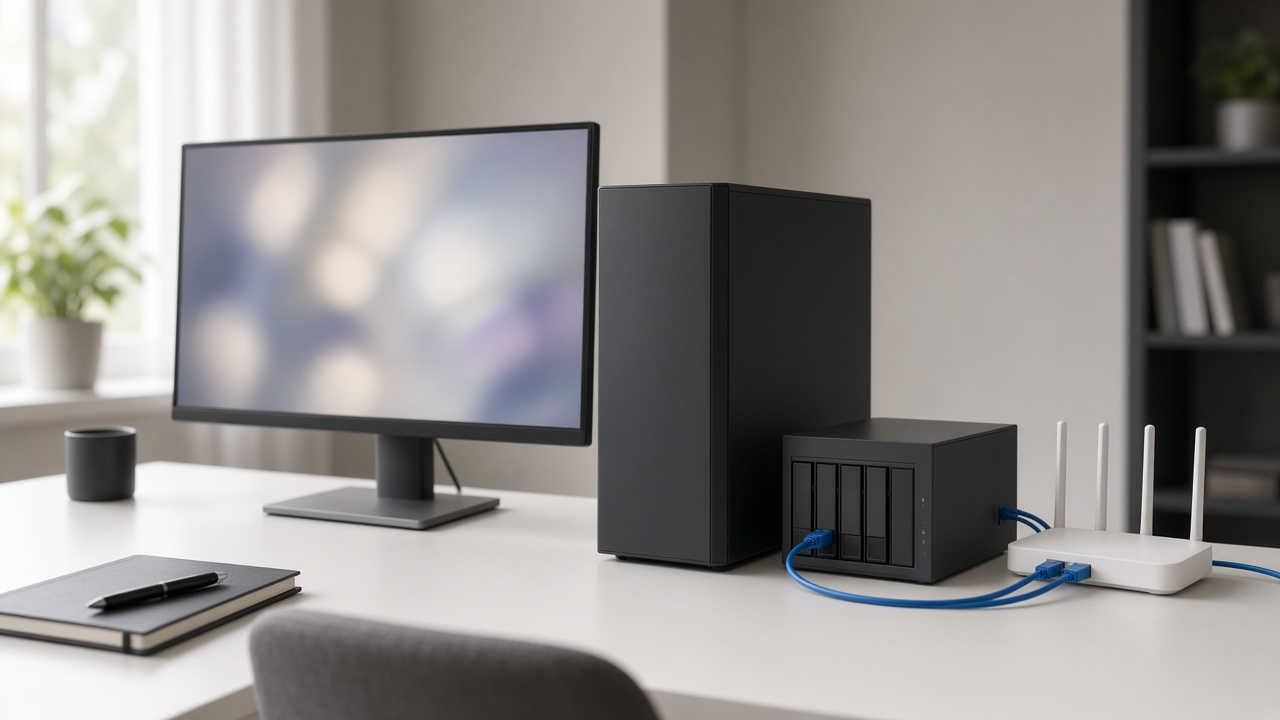
For most homes, 2 Gig internet isn't worth it yet. A 1 Gig plan already covers several 4K streams, video calls and big downloads at the same time. A 2 Gig plan only pays off if you have devices that can actually go faster than about 1 Gbps, for example wired computers with 2.5 Gbps (or faster) Ethernet ports or a compatible multi-gig Wi-Fi setup, and you regularly move very large files. If that's you, the upgrade costs $10 to $20 a month more at the providers we checked on October 27, 2026.
The catch is hardware. Most laptops, TVs, game consoles and older routers top out at gigabit Ethernet, which delivers about 940 Mbps in practice. On those devices a 2 Gig plan feels exactly like 1 Gig. The extra speed only shows up when several fast devices are busy at once, or on one device that's built for multi-gig.
1 Gig vs 2 Gig prices at major providers (October 27, 2026)
| Provider | 1 Gig price | 2 Gig price | Monthly difference | Notes |
|---|---|---|---|---|
| Verizon Fios | $90/mo | $100/mo | $10 | With Auto Pay. Fios 2 Gig averages 1.5 to 2.3 Gbps wired, both directions. Router and Whole-Home Wi-Fi included. |
| Frontier Fiber | $64.99/mo | $79.99/mo | $15 | With Auto Pay and paperless billing. 2,000/2,000 Mbps max wired. Frontier says 2 Gig needs 2 Gbps-capable devices and wiring. |
| Spectrum | $60/mo for year 1 | $80/mo for year 1 | $20 | 2 Gig in select areas only. Spectrum lists $70 and $90 as the crossed-out prices. 2 Gig includes Invincible WiFi. |
| Google Fiber (gFiber) | $70/mo | No 2 Gig tier | Next step is 3 Gig at $100 ($30 more) | Wi-Fi 7 router included with 3 Gig. |
| AT&T Fiber | Check address-specific offer | Not in the announced new-customer lineup | Next step is 5 GIG | AT&T cut its lineup to 300 Mbps, 500 Mbps, 1 GIG and 5 GIG on June 7, 2026. |
These advertised examples were reviewed October 27 and vary by address and eligibility. Sources: Verizon Fios, Frontier, Spectrum, gFiber and AT&T’s June plan announcement. Taxes, equipment and promotions can change your bill, so check the exact price at your home before you upgrade.
What 2 Gig actually changes
- Several heavy users at once. On 1 Gig, a big game download, a cloud backup and a few 4K streams can take turns slowing each other down. On 2 Gig there's more room before anyone notices.
- Faster uploads on fiber. Fiber 2 Gig plans are usually symmetrical, so a 100 GB video project or photo library goes up to the cloud roughly twice as fast as on symmetrical 1 Gig. Cable plans usually have much slower uploads, so check the upload speed before you pay for the bigger tier.
- One fast wired device. A desktop or home server with a 2.5 Gbps port, plugged into a router with a matching port, can pull more than 1 Gbps on its own.
What doesn't change: streaming quality, video call quality and web browsing. A 4K stream uses about 25 Mbps, so even 1 Gig has room for dozens of them. For online gaming, latency, packet loss and congestion usually matter more than a higher headline speed. A higher tier does not guarantee lower latency.
Which speeds can you get at home?
Multi-gig plans are only sold in some neighborhoods. See what's available at your address.
The hardware you need for more than 1 Gbps
- A router with a multi-gig WAN port. The router has to take in more than 1 Gbps from the modem or fiber box. Most providers include a suitable router with their 2 Gig plans. Frontier, for example, includes an eero router with Wi-Fi 7. See which ISPs include a Wi-Fi 7 router.
- 2.5 Gbps or faster ports on your devices. Many newer desktops and some laptops have 2.5 Gbps Ethernet. Most others need a USB or PCIe 2.5 Gbps adapter. Read why gigabit Ethernet is no longer enough for more.
- Decent cabling. Cat5e usually handles 2.5 Gbps over normal in-home runs. Cat6 or better is the safer choice for new runs, especially if you might go to 5 Gbps or 10 Gbps later.
- Compatible Wi-Fi equipment. Wi-Fi 7 can help, but it is not required to exceed 1 Gbps. Capable Wi-Fi 6 or 6E devices can also do so under suitable conditions. Router and client radios, channel width, distance and interference all matter; a newer Wi-Fi label alone does not guarantee multi-gig speed. Compare options in our guide to dual-band Wi-Fi 7 routers.
If your multi-gig setup tests slower than plain gigabit, the cause is usually a cable, adapter or switch port. Our guide to why 2.5GbE can be slower than gigabit walks through the fixes.
You need 2 Gig if...
- You regularly upload or download files of 50 GB or more, such as video projects, game libraries or full-computer backups.
- You run a home server, NAS or Plex server that people use from outside the house.
- Three or more people in the house do heavy work at the same time, like large uploads, streaming to an audience or cloud gaming.
- You already own, or plan to buy, a router and computers with 2.5 Gbps ports or Wi-Fi 7.
- The price gap at your address is small, usually $10 to $15, and the 2 Gig plan includes a better router you'd otherwise buy.
If none of those fit, stay on 1 Gig. If even 1 Gig seems like more than you use, see how many devices 1 Gig can support and 400 Mbps vs 1 Gig.
What about cable 2 Gig plans?
Cable companies are adding multi-gig tiers as they upgrade their networks, and Spectrum is rolling out faster symmetrical speeds in some markets. Read what the cable 10G platform is and Spectrum's 2026 multi-gig rollout. Before you upgrade a cable plan, compare the upload speed with fiber at your address. Upload speed is where fiber's 2 Gig plans pull furthest ahead.
Compare 1 Gig and 2 Gig plans near you
Check fiber and cable speeds and prices by ZIP.