3 Foolproof Methods to Extend Your WiFi Outdoors 2026
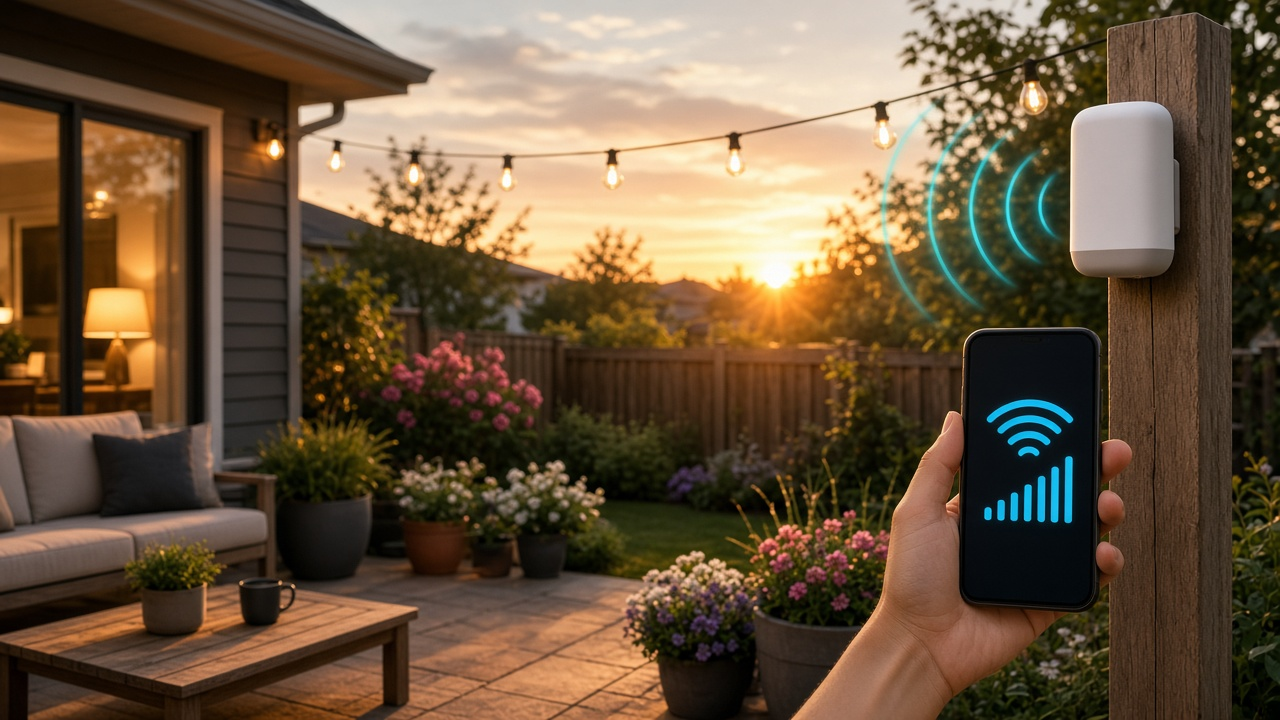
Reliable outdoor WiFi transforms patios, gardens, and backyards into productive and connected spaces. One of the most effective ways to achieve seamless coverage outside is by using a dedicated outdoor wireless access point (WAP). This device connects to your main router—either directly or through a switch—and projects a strong WiFi signal across open areas.
Placement plays a defining role in its performance. For optimal results, mount the WAP on an exterior wall or a sturdy pole facing the main activity zones like decks, pools, or garden seating areas. Make sure the unit is rated for outdoor use, protected from rain and debris, and positioned high enough to reduce physical obstructions.
To avoid running new electrical lines, power the device through PoE (Power over Ethernet). This allows a single Ethernet cable to deliver both internet connectivity and electricity. It's a clean and efficient setup, especially in outdoor environments.
Top models worth comparing include the Ubiquiti UniFi AC Mesh and the TP-Link EAP225-Outdoor. The UniFi system offers seamless integration for mesh networks, while the TP-Link provides solid performance and an intuitive interface. Both require a compatible router and perform best with a clear line-of-sight to connected devices.
Method 2 — Set Up a Mesh WiFi System with Outdoor Nodes
Mesh WiFi systems offer seamless wireless coverage by using multiple nodes that communicate with each other to create a single, expansive network. Unlike traditional routers, which push a signal out from one fixed point, mesh networks distribute the signal from node to node, eliminating dead zones—even out in the yard.
How Mesh Systems Bring WiFi Outdoors
Each node in a mesh network acts as a relay point, ensuring uninterrupted signal throughout a property. Add an outdoor-rated node near a patio, garden studio, or detached garage, and the system automatically balances traffic to maintain maximum throughput. This setup supports smooth handoffs between nodes—so walking from a video call on your couch to the back fence won’t trigger buffering or dropped connections.
Users often see the largest improvements during activities that demand real-time communication. Streaming video calls on Google Meet, Zoom, or FaceTime remain fluid even when moving between indoors and outdoors, avoiding the hiccups that plague single-router networks.
Smart Router Placement Within Your Mesh Network
Placement determines system efficiency. The main router node must be centrally located inside the home—not stranded in a far corner or behind a media cabinet. Secondary nodes should follow a line-of-sight configuration wherever possible, spaced no more than 30–50 feet apart, and positioned to avoid thick concrete or metal obstructions.
- Position indoor nodes on elevated surfaces to reduce signal degradation.
- Keep at least one indoor node near the wall facing your outdoor area.
- Place outdoor nodes under eaves or in waterproof enclosures to protect them from rain and direct sunlight.
Dual-Band vs. Tri-Band Mesh Systems
Dual-band systems use two frequency bands (2.4GHz and 5GHz). These systems can offer decent performance, but data travels on the same band used by devices, which can create bottlenecks.
Tri-band systems introduce a dedicated 5GHz backhaul band that handles inter-node communication. This design minimizes congestion and preserves bandwidth for connected devices. For larger properties or households with heavy streaming, tri-band systems like the Netgear Orbi AX6000 provide a clear performance advantage.
Mesh Systems Built to Perform Outdoors
- Netgear Orbi Outdoor Satellite: Offers tri-band support, weather resistance (IP66 rated), and dedicated backhaul. It pairs with any Orbi router and extends high-speed signal 2,500 square feet farther.
- Google Nest Wifi: Compatible with some third-party outdoor enclosures. While not IP-rated out of the box, its strong indoor nodes placed strategically near outdoor walls deliver consistent performance in adjacent outdoor zones.
Security Features to Safeguard Outdoor Connectivity
Expanding a network beyond the walls increases its exposure. Top mesh systems include WPA3 encryption, device access controls, auto-updates, and guest networks. Creating separate access for outdoor IoT devices—from security cameras to smart lighting—reduces risk and isolates potential threats from core devices inside the home.
Before installing an outdoor node, scan nearby wireless networks. Choose a channel with minimal overlap to reduce interference from neighbors. This single step improves both speed and security across an extended mesh.
Method 3 — Install a WiFi Signal Booster or Range Extender
When a full mesh system or professionally installed access point feels like overkill, a WiFi signal booster offers a budget-friendly workaround to stretch your wireless coverage outdoors. Repeaters, also known as range extenders, work by capturing your existing signal and re-broadcasting it into low-coverage areas like patios, tool sheds, or garden offices.
How WiFi Boosters Work
Signal repeaters don’t generate new bandwidth. They recycle what’s already there, duplicating your main router’s output across a secondary range. This allows mobile devices to maintain connection even at the edge of a property. The result? Fewer dropped video calls when you're pacing around the backyard, and smoother streaming during those long evenings on the terrace.
- Simple setup: Plug directly into an outdoor-rated power outlet or use a weatherproof enclosure.
- Placement: Identify the midpoint between the router and your target outdoor area. A free WiFi analyzer app can pinpoint signal strength in real time.
- Reliability: Signal stability improves substantially, particularly for email, browsing, and voice calls.
Dual-Band Repeaters: Why They Matter
Single-band extenders often suffer from congestion and poor speeds due to sharing one frequency for inbound and outbound communication. Dual-band models address this by dedicating separate bands—commonly 2.4 GHz and 5 GHz—improving transfer efficiency. In a 2023 performance comparison by SmallNetBuilder, dual-band repeaters achieved up to 45% higher throughput at 40 feet compared to single-band alternatives.
Booster vs Mesh vs WAP
Room-to-Yard Distance Guidelines
Booster placement determines its effectiveness. For example:
- 20–30 feet: Place repeater near a window or external wall facing the yard.
- 30–50 feet: Position booster in an indoor room adjacent to the open space.
- 50–75 feet or more: Opt for an outdoor-rated extender or use a weatherproof box.
Understand the Trade-Offs
Boosters create an extra subnet and may introduce latency due to signal repetition. This leads to reduced speed, particularly on the extended network. Performance can also degrade if the power source is unreliable or the antenna faces interference from nearby electronic devices.
Bonus Tips: Optimizing Router Placement & Configuration
- Shift your router to a centralized position to widen symmetrical coverage.
- Avoid obstructions—stone walls, steel supports, and appliances like microwave ovens absorb signal strength.
- Upgrade antennas to high-gain models or flash your router with latest firmware to unlock performance gains.
- Use mapping tools like NetSpot or OpenSignal to scan room-by-room signal variation—then test repeaters accordingly.
Keep In Mind – Security & Bandwidth Management
Boosting your signal isn't the only step when extending WiFi coverage outdoors—network management remains critical to performance and safety. Once access points reach your backyard, garden, or patio, the threat surface increases, and bandwidth consumption patterns shift. That calls for refined controls across two areas: security and prioritization.
Strengthen Outdoor Network Security
Outdoor access points are exposed—literally and virtually. Without hardened safeguards, they're open invitations to unauthorized access. Start by configuring your network with WPA3 encryption. This latest generation of WiFi security replaces outdated WPA2 protocols and eliminates weaknesses like offline dictionary attacks.
Have you disabled your guest network? If not, do it—especially for outdoor coverage. Public guest access often skips advanced protections, making it an easy entry point for opportunistic snooping. Also, activate firewall protection on your main router, especially if your access points operate on different subnets or VLANs.
- Use WPA3 encryption: Offers individualized data encryption and stronger authentication.
- Disable guest WiFi outdoors: Limits anonymous access and simplifies traffic monitoring.
- Enable hardware and software firewalls: Helps prevent lateral attacks or rogue device scanning.
Bandwidth Management Is Non-Negotiable
When extending networks outdoors, additional devices—from smart irrigation systems to connected speakers—start competing for bandwidth. Without intelligent traffic management, performance plummets in high-use zones. This is where Quality of Service (QoS) settings play an active role. Prioritize live video calls, work-related apps, or media streaming, depending on your needs.
Schedule bandwidth assignments. Assign different throughput priorities to smart home functions versus recreational traffic (e.g., 1080p fire pit YouTube ambiance doesn’t need the same real-time delivery as your 9 AM Zoom meeting).
- Enable QoS rules in router settings: Allocate priority by device, MAC address, or app type.
- Group outdoor smart tech in isolated SSIDs: Prevents background updates from competing with real-time needs.
- Throttling non-essential services after work hours: Keeps latency-sensitive apps responsive during peak periods.
Monitor Devices and Activity Zones
Outdoor signal reach can quietly open doors to unauthorized devices. Any network expansion demands tighter scrutiny. Most routers list connected device names or MAC addresses—check that list regularly. If you spot an unfamiliar smartphone parked at the edge of your lot, your extended coverage might be too generous.
Use device notifications or MAC address whitelists to keep control. Advanced routers and mesh systems include companion apps that flag unknown connections automatically. One unusual login outside expected zones should prompt a location audit or AP power adjustment.
- Audit your active device list daily: Find anomalies before they escalate.
- Create geographic limits via AP signal strength tuning: Reduce overreach without compromising indoor coverage.
- Use router apps with push alerts for new device joins: Get real-time updates on potential intrusions.
Have you balanced smart functionality with secure infrastructure? When done right, extending WiFi outdoors transforms convenience—but never at the cost of performance or privacy.
Which Method is Right for You?
Match the Right Technology to Your Setup
Not every outdoor WiFi challenge needs the same solution. Your choice depends on how far you need coverage to reach, how many devices you expect to connect, and whether you're building a long-term infrastructure or looking for a quick win.
- Use Method 1 — Choose a weatherproof Wireless Access Point (WAP) if you're seeking robust, stable coverage across a patio, garden, or detached building. This option performs best when installed with Ethernet backhaul and can handle data-heavy tasks like 4K streaming or remote surveillance feeds with low latency.
- Try Method 2 — Deploy a Mesh WiFi system with outdoor nodes if your home spans multiple floors, covers a sizable backyard, or includes several structures like a pool house or garage. Mesh solutions automatically route traffic via the best available path, which keeps signal drops minimal even as you move outdoors.
- Go with Method 3 — A dedicated WiFi signal booster or range extender suits smaller outdoor needs. Say you just want basic coverage for checking emails on the deck or streaming a playlist while grilling. This plug-and-play approach makes sense for renters or DIYers with limited budgets.
Before Choosing, Run Through This Checklist
- Evaluate your current router: Confirm if it supports mesh or multiple SSIDs. Some older models can’t handle advanced features.
- Ensure hardware is outdoor-rated: For longevity and performance, look for IP65+ certification or weather-sealed enclosures.
- Define your usage pattern: Streaming a movie outdoors requires 15–25 Mbps per stream. Video conferencing and online gaming need low ping and minimal jitter.
- Compare specs and brands: Make sure extenders or nodes are compatible with your existing router’s frequency bands—2.4GHz, 5GHz, or Wi-Fi 6.
- Run speed tests post-installation: Use apps like Speedtest or Fast.com to validate if the new coverage delivers on expectations.
What’s Next?
Looking to upgrade your network? Check out our comparison guide on WiFi extenders vs. mesh systems. Or subscribe for more DIY networking tips delivered monthly—because smooth streaming shouldn’t stop at your doorstep.