eero Mesh vs a Traditional Router: When Mesh Wi-Fi Is Worth It
Updated
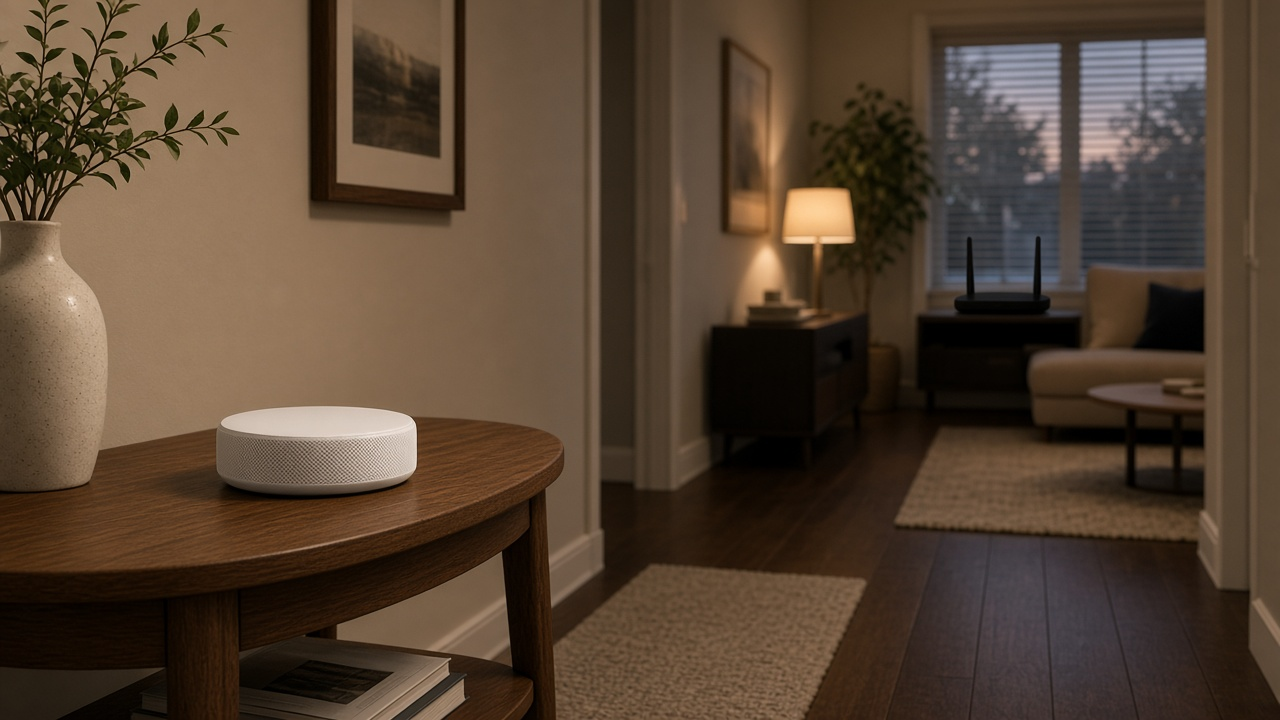
A single traditional router is enough for most apartments and smaller one-level homes, as long as it sits near the middle of the space. Mesh Wi-Fi such as eero is worth it when you have dead zones you can't fix by moving the router: a second floor, a finished basement, a long ranch layout, thick plaster or brick walls, or a home office at the far end of the house. Using eero's own coverage figures, one eero 7 covers up to about 2,000 square feet, so a 3,500-square-foot two-story home is usually a two- or three-unit job.
Cost is the other half of the decision. On October 14, 2026, eero's regular list price for the eero 7 was $169.99 for one unit, $284.99 for two and $399.99 for three; eero was also advertising temporary sale prices below those amounts. Because one eero unit works as a normal router on its own, you can start with a single unit and add nodes later only if a room still struggles. That makes the choice less all-or-nothing than it used to be.
How a traditional router and a mesh system differ
A traditional router broadcasts Wi-Fi from one spot. Signal strength drops with distance and with every wall, floor and appliance in the way, so the rooms farthest from the router get slower speeds or drop out. Range extenders can help, but many create a separate network name or force devices to cling to a weak signal.
A mesh system uses two or more units that work as one network with one name and password. The main unit plugs into your modem or the provider's gateway, and satellite units placed around the house relay the connection. Phones and laptops move between units as you walk around, and the system picks the path to each device. eero calls its version TrueMesh. Our guides on where to place mesh units and what an extender is cover the setup details.
| Question | Single traditional router | Mesh system such as eero |
|---|---|---|
| Coverage | One broadcast point; weakest at the edges of the home | Several points; coverage grows with each unit you add |
| Best home size | Apartments and compact one-level homes | Larger, multi-story or oddly shaped homes |
| Roaming | Devices stay on the one router | Devices hand off between units under one network name |
| Upfront cost | One device | Two or three devices for full coverage |
| Upgrading later | Replace the router or add an extender | Add another unit of the same system |
| Wired ports | Often four or more on one box | Usually two per unit, spread around the house |
eero prices and specs, checked October 14, 2026
These are eero's own list prices and specifications on eero.com. Retail sale prices change often, and an internet provider may supply eero gear as part of a plan instead.
Price note: These are regular list prices checked October 14, 2026. eero was offering temporary discounts at checkout, so compare the current sale price before ordering.
| Model | 1-unit list price | 2-unit list price | 3-unit list price | Coverage per unit | Best for plans up to | Wired ports per unit |
|---|---|---|---|---|---|---|
| eero 6+ (Wi-Fi 6) | $139.99 | $239.99 | $299.99 | 1,500 sq. ft. | 1 Gbps | Two 1 GbE |
| eero 7 (Wi-Fi 7) | $169.99 | $284.99 | $399.99 | 2,000 sq. ft. | 2.5 Gbps | Two 2.5 GbE |
| eero Pro 7 (tri-band Wi-Fi 7) | $299.99 | $549.99 | $799.99 | 2,000 sq. ft. | 5 Gbps | Two 5 GbE |
eero rates the eero 6+ for 75 or more connected devices with wireless speeds up to 940 Mbps, the eero 7 for 120 or more devices and up to 1.8 Gbps, and the eero Pro 7 for 200 or more devices and up to 3.9 Gbps. The optional eero Plus subscription, which adds security, ad blocking and advanced parental controls, was $9.99 a month or $99.99 a year after a free trial on the same date. The hardware works without it.
Match the model to your plan instead of buying the top tier by default. On a 300 Mbps or 500 Mbps plan, the eero 6+ already exceeds what the connection can deliver. On a 2 Gig fiber plan, the eero 7's 2.5 GbE ports avoid the bottleneck that 1 GbE ports create, a problem we explain in why a 2.5GbE connection can still test slower than gigabit.
Pairing a new plan with whole-home Wi-Fi?
Some providers include mesh gear and some charge for it. Check which plans and equipment options reach your address.
When a traditional router is the better buy
- Your home is under roughly 1,500 to 2,000 square feet on one level and the router can sit near the center.
- Most of your heavy use is in the same room as the router, or your TV and computer are wired with Ethernet.
- You want the most wired ports on one box for a desktop, game console and network storage.
- Your provider's gateway already includes good Wi-Fi and you have no dead zones today.
Before buying anything, try moving the router out of a cabinet or corner and away from appliances. That alone often fixes weak rooms; our guide to why your router matters more than your plan walks through the common placement mistakes. Adding a second standalone router usually doesn't help, as we explain in does having two routers increase your speed.
When mesh is worth the extra cost
- A floor, a back bedroom, a basement or a detached office has slow or dropped Wi-Fi even after you move the router.
- The modem or fiber terminal has to stay at one end of the house, which is common with fiber installs.
- You have many devices spread across the home, such as cameras, smart speakers and several people streaming at once.
- You'd rather manage one network name in one app than juggle extenders.
Wired backhaul makes mesh even better. If you have Ethernet runs between rooms, connecting the units by cable frees the Wi-Fi for your devices instead of relaying traffic between units.
How many eero units does your home need?
| Home size and layout | Typical starting point |
|---|---|
| Apartment or condo up to about 1,500 sq. ft. | One router or one eero unit |
| 1,500 to 2,500 sq. ft., one level | One or two units, depending on walls and router position |
| 2,500 to 4,000 sq. ft., two stories | Two or three units, one per floor at minimum |
| Over 4,000 sq. ft. or detached office or garage | Three or more units, or wired backhaul to the far building |
These starting points come from eero's 1,500- and 2,000-square-foot per-unit ratings. Brick, plaster, concrete floors and metal ductwork cut coverage, so start small and add a unit where your phone shows weak signal.
Getting eero through your internet provider
Some providers include or rent eero equipment instead of a standard gateway. Kinetic, the fiber and DSL brand of Windstream, supplies eero Wi-Fi for its fiber customers and sells eero security add-ons, which we cover in our look at Kinetic AlwaysOn Wi-Fi and eero Secure. Other providers rent their own extenders or pods, such as Spectrum, whose pods we explain in how to connect Spectrum Wi-Fi pods. Ask whether the gear is included or a monthly rental, and compare that with buying your own over two years. A growing list of providers that include a Wi-Fi 7 router is also worth checking.
Rural homes on satellite can use mesh too. Starlink, Viasat and Hughesnet each deliver service through their own router or modem, and a mesh system connected behind it spreads that signal through the house; see can you use an eero with Viasat. Good in-home Wi-Fi helps distribute the available satellite connection consistently from room to room; confirm current service performance and equipment terms at your address.
The cost math in one example
Say you live in a 2,800-square-foot two-story home on a 1 Gig fiber plan. A three-pack of eero 6+ had a $299.99 regular list price on October 14, 2026, and covers up to 4,500 square feet by eero's rating, enough headroom for both floors and the garage office. Moving to a 2 Gig plan later would favor the eero 7 three-pack, with a $399.99 regular list price, instead. Spread over four years of use, the difference between those two systems is about $25 a year, which is a reasonable price for not replacing the Wi-Fi when your plan speed goes up.
Compare plans and included Wi-Fi gear by ZIP
Tell us your ZIP and we will show which providers serve your home, their speeds and whether a router or mesh system comes with the plan.
Frequently asked questions
Is mesh Wi-Fi better than a traditional router?
Not always. A single router is enough for most apartments and compact one-level homes. Mesh is better when you have dead zones on another floor or at the far end of the house that moving the router doesn't fix.
How much square footage does one eero cover?
eero rates the eero 6+ at up to 1,500 square feet per unit and the eero 7 and eero Pro 7 at up to 2,000 square feet per unit. Walls, floors and building materials reduce real coverage.
How much does an eero mesh system cost?
On October 14, 2026, eero's regular list prices ranged from $139.99 to $299.99 for eero 6+ packs, $169.99 to $399.99 for eero 7 packs and $299.99 to $799.99 for eero Pro 7 packs. Temporary sale prices were lower.
Can one eero work as a normal router?
Yes. A single eero unit connects to your modem or gateway and works as your router, and you can add more units later to extend coverage.
Do I need eero Plus?
No. The eero hardware works without it. eero Plus adds security, ad blocking and advanced parental controls for $9.99 a month or $99.99 a year after a free trial, as listed October 14, 2026.