Xfinity xFi Gateway vs Your Own Modem and Router
Updated
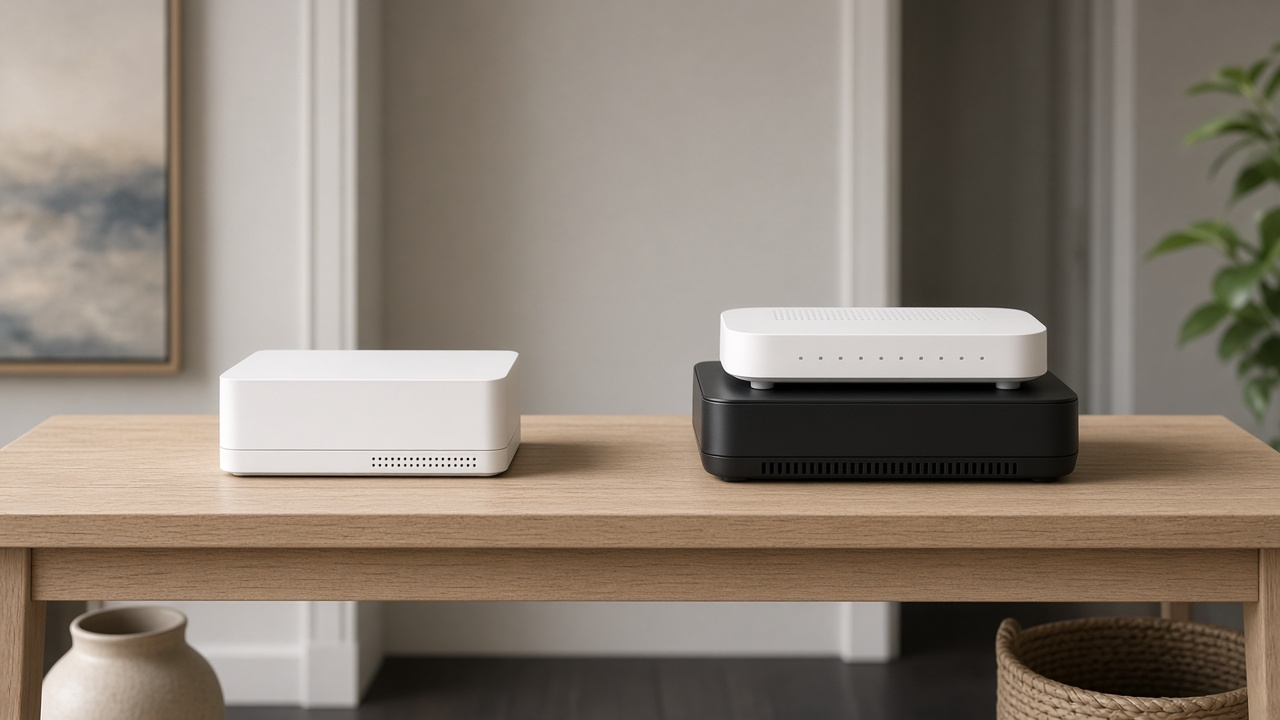
The old Xfinity rent-vs-buy math changed for a lot of new customers. Current 5-year Price Guarantee internet offers advertise Wi-Fi equipment and unlimited data inside the monthly rate. That means buying your own modem and router is no longer an automatic $14–$25/mo win. This page is the decision guide — and it is different from our explainer on what Xfinity gateways are and our xFi Complete review.
Gateway vs own gear at a glance
| Xfinity xFi gateway | Your own modem + router | |
|---|---|---|
| On current 5-year offers | Usually included in the plan price | Optional — mainly for control/features |
| On older bills | May still show rental or xFi Complete fees | Can remove those line items if approved gear is activated |
| App features | Full xFi / WiFi Shield toolset on compatible gateways | Limited; your router's app instead |
| Support | Xfinity can swap/restart the gateway remotely | Xfinity supports the line; your hardware is on you |
| Best for | Simple setup, included equipment promos | Advanced Wi-Fi, multi-gig NICs, custom mesh |
What Xfinity includes right now
As of October 5, 2026, Xfinity's public internet offers lock 300 Mbps at $45, 500 Mbps at $60 and 1 Gig at $70 for five years when you use AutoPay with a stored bank account and paperless billing. Those cards say Wi-Fi equipment and unlimited data are included. The offer shown ends October 25, 2026.
If you are signing up on that promo family, you are not escaping a big rental fee by bringing your own modem — the gateway is already in the price. Own gear becomes a performance and features choice.
Check your Xfinity plan's equipment terms
New 5-year offers often include the gateway. Confirm what your address quote includes.
When buying your own gear still makes sense
- Your bill is a legacy plan that still lists gateway rental or xFi Complete as a separate charge
- You want a specific Wi-Fi 7 mesh the xFi gateway does not match
- You need a multi-gig Ethernet LAN port layout the gateway lacks
- You prefer separating modem and router for troubleshooting (see plan vs Wi-Fi bottlenecks)
What you may lose without an xFi gateway
- Some WiFi Shield and xFi advanced tools that require a compatible Xfinity gateway
- One-tap gateway restarts and easy equipment swaps through Xfinity
- xFi Complete-style perks if that add-on was part of your old stack
Restart and light-troubleshooting steps for rented gateways are covered in how to restart your Xfinity gateway.
If you bring your own modem and router
- Check Xfinity's compatible device list for your speed tier (DOCSIS 3.1 is the practical baseline; multi-gig tiers may need specific 3.1/4.0 hardware).
- Activate the modem in your Xfinity account or app.
- Connect your router to the modem's Ethernet port.
- Return the Xfinity gateway within the required window so any legacy rental can drop.
- Keep the receipt and MAC addresses in case activation needs support.
Which should you choose?
Keep the xFi gateway on current included-equipment plans if you want simple support and xFi features.
Buy your own modem/router if you are on a legacy rental line item or you need Wi-Fi hardware Xfinity does not provide.
Need help with Xfinity equipment choices?
We can help you compare included gateway plans versus bringing your own gear.
Frequently asked questions
Do I still pay to rent an Xfinity gateway?
On many current Xfinity internet offers with the 5-Year Price Guarantee, Wi-Fi equipment and unlimited data are included in the advertised rate. Older plans may still show a separate gateway or xFi Complete charge.
Can I use my own modem with Xfinity?
Yes, if the modem is on Xfinity's compatible list for your speed tier. You activate it in the Xfinity app or account tools and return the gateway if you no longer need it.
What do I lose without the xFi gateway?
You may lose some xFi app features, easy gateway swaps and certain WiFi Shield tools that require a compatible Xfinity gateway.