Will Paying for Faster Internet Improve Your Wi-Fi?
Updated
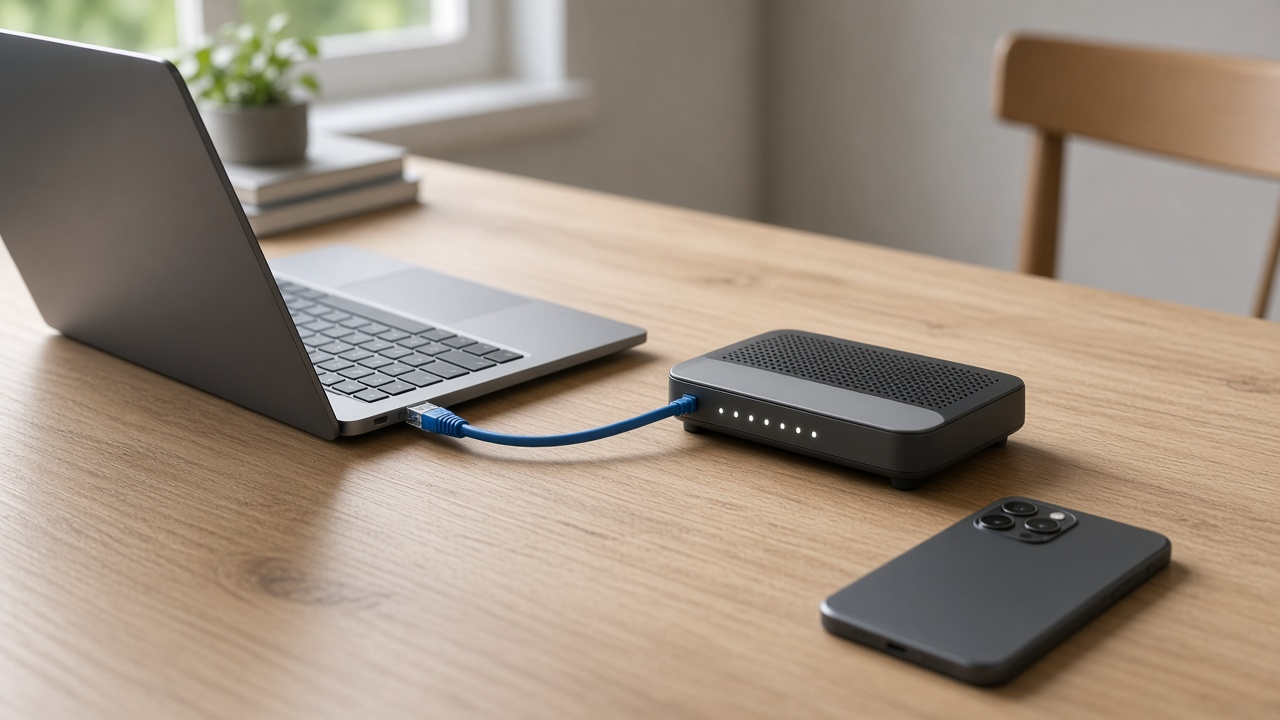
Buying a faster internet plan will not automatically fix weak Wi-Fi. Plenty of homes already pay for enough bandwidth and still buffer in the bedroom because the router, walls or device are the bottleneck. This page is the upgrade-or-not decision: when a bigger plan helps, when it wastes money, and what to try first.
If you are still diagnosing why everything feels slow, start with our companion guide Does your internet connection feel slower than it should be? Then come back here before you change plans.
The 10-minute upgrade test
- Reboot the modem/gateway and wait a full two minutes.
- Run a wired speed test on a laptop plugged into the modem or gateway with Ethernet.
- Run the same test on Wi-Fi from the room where streaming fails, on 5 GHz or 6 GHz if available.
- Compare the three numbers: advertised plan speed, wired result and Wi-Fi result.
| What you see | Likely bottleneck | What to do |
|---|---|---|
| Wired far below plan | ISP line, modem or plan delivery | Call the provider; a plan upgrade may help only after the line is healthy |
| Wired matches plan; Wi-Fi much slower | Router, placement, interference or old device Wi-Fi | Fix Wi-Fi first — do not buy a bigger plan yet |
| Wired and Wi-Fi both fine, but busy nights still hurt | Neighborhood congestion or too many devices | Consider a modest plan bump or mesh before a huge jump |
| Wired fine on laptop; phones still weak | Device radios or band steering | Move devices to 5/6 GHz; replace aging phones/tablets later |
Only upgrade after a wired test
If the wired speed is already fine, shop routers or mesh before a bigger plan. Check what is available at your ZIP.
When a faster plan actually helps
Upgrade the plan when the wired test shows you are already using most of what you buy and the household still needs more headroom. Typical cases:
- Several 4K streams, game downloads and video calls at once
- A home office that uploads large files while others stream
- A wired test that caps near your plan's limit during normal evenings
In those homes, moving from 100–300 Mbps to 500 Mbps or 1 Gig can improve Wi-Fi only after the router can deliver the new speed. Otherwise you are paying for bandwidth the wireless side cannot use. For household targets, see what internet speed you need for streaming.
When a faster plan will not fix Wi-Fi
Skip the upgrade (for now) when Ethernet is already fast and Wi-Fi is the weak link. Common causes:
- Old router hardware — Wi-Fi 5 gear struggles with modern multi-device homes; Wi-Fi 6/6E/7 handles busy airtime better.
- Bad placement — router in a cabinet, basement or far corner.
- Single access point in a large or multi-story home — mesh or wired access points beat a raw plan bump.
- ISP gateway in modem+router mode with weak coverage — many Spectrum and Xfinity customers improve Wi-Fi by adding their own router or mesh while keeping the plan.
That is why our separate guide on why your Wi-Fi router matters more than your plan exists. Equipment changes often return more speed per dollar than the next ISP tier.
Router limits vs plan limits
A gigabit plan cannot outrun a router that tops out at a few hundred Mbps to a single phone. Before you upgrade:
- Check whether your gateway supports Wi-Fi 6 or Wi-Fi 7.
- Look at Spectrum Advanced WiFi ($10/mo, or included with Spectrum 1 Gig) or your provider's included gateway before buying duplicates.
- On current Xfinity 5-year offers, Wi-Fi equipment is often already included in the advertised price — so the decision is features and coverage, not escaping a rental line.
Decision checklist
- Wired test first.
- If Wi-Fi is the gap, fix placement, band and mesh.
- If the router is 4+ years old, replace it before the plan (how often to replace a router).
- If Ethernet itself is short of the plan, troubleshoot with the ISP.
- Only then buy a faster tier — and size it to real device count, not a round number.
Need a second opinion on plan vs equipment?
We can help you compare whether a faster tier or better Wi-Fi gear fixes the bottleneck.
Frequently asked questions
Will a faster internet plan make my Wi-Fi faster?
Only if your plan is the bottleneck. If a wired Ethernet test already matches your plan and Wi-Fi is much slower, upgrade the router, mesh or placement first.
How do I know if I need a faster plan?
Run a speed test over Ethernet to a main computer. If that result is far below what you pay for after a modem reboot, call the ISP. If Ethernet is fine and Wi-Fi is weak, keep the plan.
Can an old router waste a gigabit plan?
Yes. Older Wi-Fi 5 routers, single-band gear and overloaded ISP gateways often cannot deliver a full gigabit wirelessly to every room.