How Often Should You Replace Your Router? Signs It's Time to Upgrade
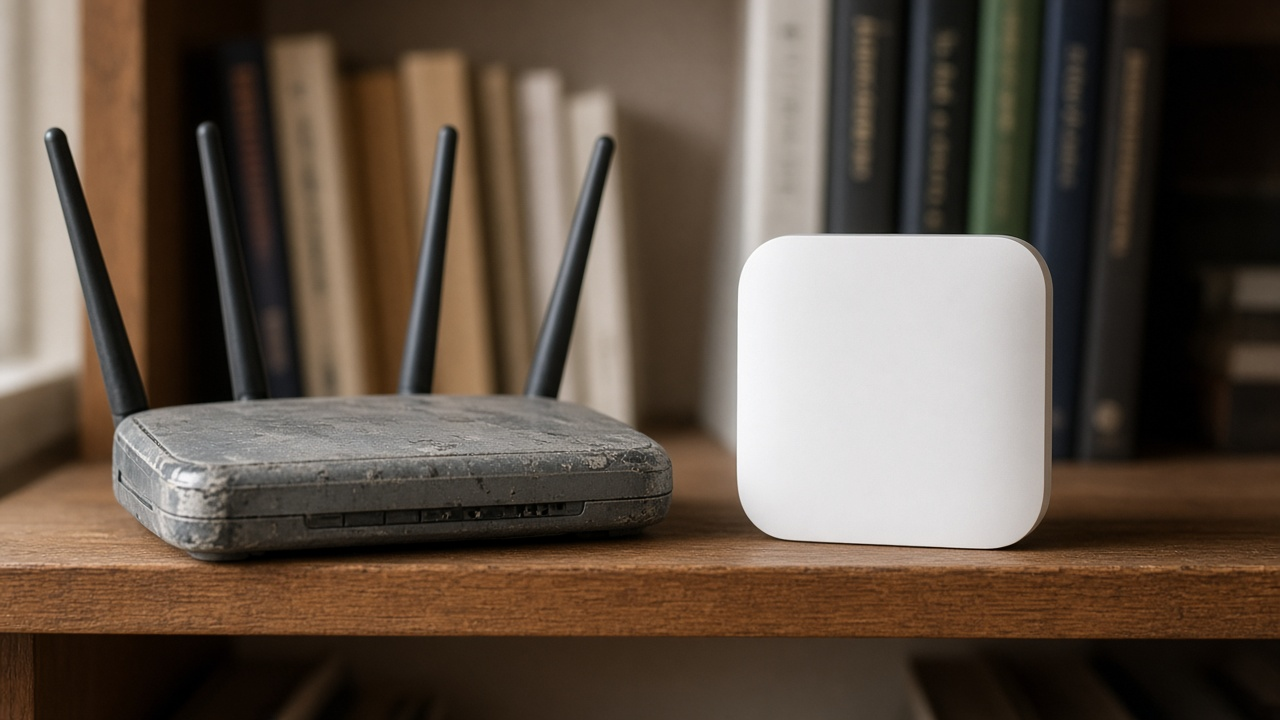
There is no universal expiration date for a home router. A useful annual check is whether its maker still supplies security updates, whether it handles your wired plan speed, and whether coverage and capacity meet your household's needs. Four or five years can be a reminder to review the device, not an automatic replacement deadline.
If WiFi feels unreliable, first separate router trouble from a slow Internet connection, interference, or poor placement. A router that still receives security patches and performs well can remain useful; unsupported firmware is a stronger reason to replace it than its birthday.
Why routers age out before they die
Manufacturers eventually stop shipping security and bug fixes for older models. Radio standards and household device counts also change. Check the support page for your exact model and its last firmware release. Missing WiFi 7 or WPA3 alone does not prove an otherwise supported router is unsafe or too slow for your home.
Clear signs it is time to upgrade
- Devices drop at home but work fine elsewhere — if the same laptop is solid at a café and flaky in your living room, blame the home radio path first.
- Wired speeds are far below your plan — Ethernet through the router well under what you pay for is a hardware or config bottleneck, not “slow Wi-Fi myth.”
- No firmware updates on the support page — one of the clearest replace signals, regardless of calendar age.
- No WPA3 — you are stuck on older protections by default.
- Everyday device counts congest the network — four or five phones, laptops, and smart-home gadgets should not melt a current midrange router; if they do, capacity is the ceiling.
Rule out a slow plan before you buy new Wi-Fi gear
A new router cannot increase the speed delivered by a slower Internet plan. Compare a wired speed test with the provider's stated tier before buying hardware.
A practical 15-minute checklist
Treat four to five years as a review checkpoint, not an automatic trash day:
- Look up the exact model on the manufacturer support site and confirm firmware is still shipping
- Run a wired speed test next to the router and compare it to your plan card
- Count peak concurrent devices (work-from-home + kids + IoT)
- Review security settings and the WiFi features your devices actually use
- If the footprint is large, decide mesh vs a single stronger router — extenders are a different product class
When the real fix is the internet plan
New silicon cannot outrun a throttled or obsolete broadband tier. Before you spend on Wi-Fi 7:
- Confirm your modem / gateway is approved for the speed you buy
- Compare fiber, cable, 5G home, and fixed wireless prices at your address
- Upgrade the plan first if wired tests already max out far below household needs
Only after the WAN side is healthy should you invest in mesh nodes or a Wi-Fi 6E/7 router.
Upgrade path tips for 2026
- Prefer Wi-Fi 6 or newer with WPA3 if you are buying anything now
- Consider Wi-Fi 6E / 7 if you have many 6 GHz–capable phones and dense apartment interference
- Reuse a solid ISP modem in bridge mode with your own router when the lease fee is high
- Change the default admin password and disable remote admin on day one
Need help matching speed + Wi-Fi to your home?
Soft guidance only — compare providers at your ZIP, then pick router or mesh hardware that fits the plan you actually order.
Bottom line
Review your router at least annually. Consider replacement when the maker ends security support, wired throughput cannot match your plan, or capacity and coverage no longer meet your needs. Test the Internet connection and router separately before spending money.