Wi-Fi vs Internet: Are They the Same Thing?
Updated
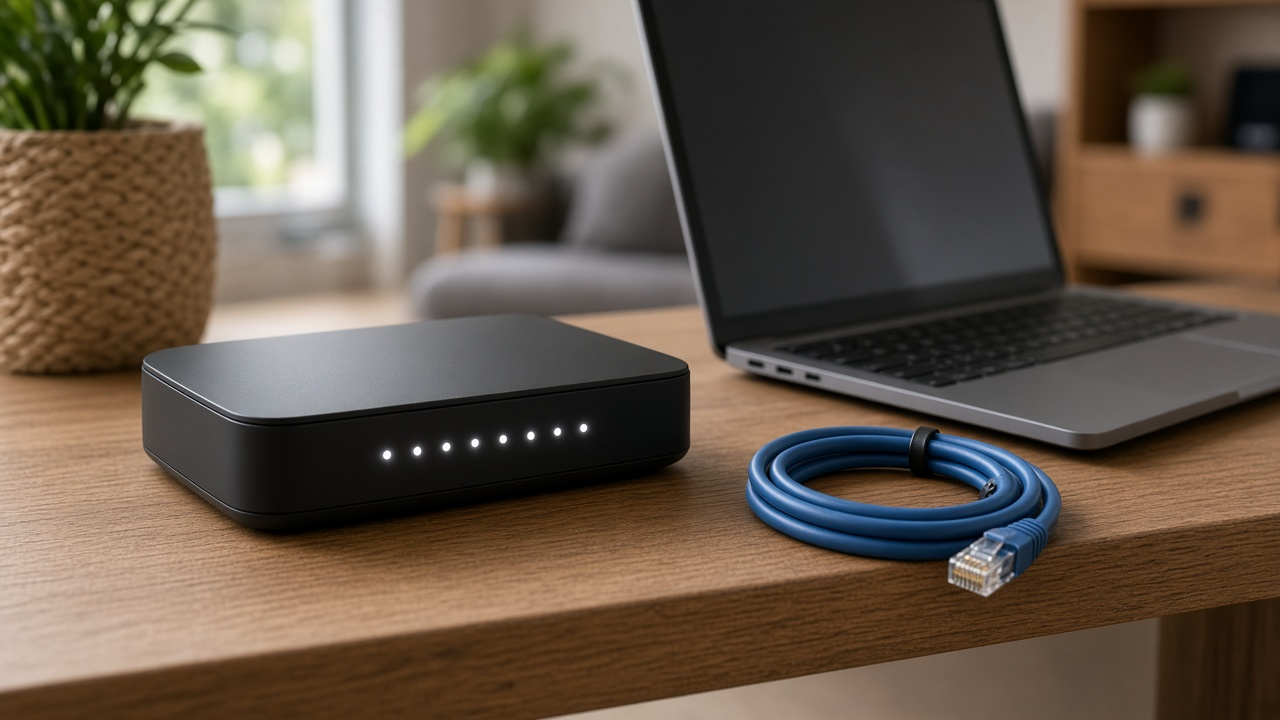
No, Wi-Fi and internet aren't the same thing. Internet is the service your provider brings to your home over a cable, fiber line, cell signal or satellite, ending at your modem or fiber box. Wi-Fi is the wireless network your router creates to share that connection with phones, laptops and TVs around the house. You can have Wi-Fi with no internet, and internet with no Wi-Fi.
The difference at a glance
| Internet | Wi-Fi | |
|---|---|---|
| What it is | Your connection to the outside world | A wireless link inside your home |
| Who provides it | Your internet provider | Your router (yours or rented) |
| Where it ends | Modem, fiber box (ONT) or gateway | About as far as the router's signal reaches |
| What sets its speed | Your plan and the provider's network | The router, distance, walls and interference |
| How to fix slowness | Upgrade your plan or switch providers | Move or upgrade the router, or add mesh |
A quick test to find the problem
- Plug a laptop into the router with an Ethernet cable and run a speed test.
- If the wired test is fast but Wi-Fi is slow, the problem is your Wi-Fi.
- If the wired test is also slow or fails, the problem is your internet service. Restart the modem and check for an outage.
- Check the modem lights; our guide to modem and router lights explains what each one means.
Is it your plan or your Wi-Fi?
If your provider is the bottleneck, compare faster plans at your address.
Why "connected, no internet" happens
That message means your device reached the router's Wi-Fi but the router can't reach the internet. Common causes are a provider outage, a modem that needs a restart, or a loose cable. Our guide to Wi-Fi connected but no internet covers the fixes step by step.
Should you upgrade your router or your plan?
If wired speeds match what you pay for but Wi-Fi is slow in some rooms, fix the Wi-Fi first. Move the router somewhere central, update it, or add a mesh system. If wired speeds are already too slow for your household, a better plan or provider is the answer. Read whether a faster plan improves Wi-Fi and why the router often matters more than the plan.
Keep your Wi-Fi to yourself
Unknown devices can slow your Wi-Fi without touching your internet plan. Learn how to see who is on your Wi-Fi and lock it down with a strong password.
Compare internet plans by ZIP
Enter your ZIP to see every provider and speed where you live.