Why Is Casting to My TV Lagging? How to Fix Stutter, Delay and Drops
By RSinc Staff | Updated
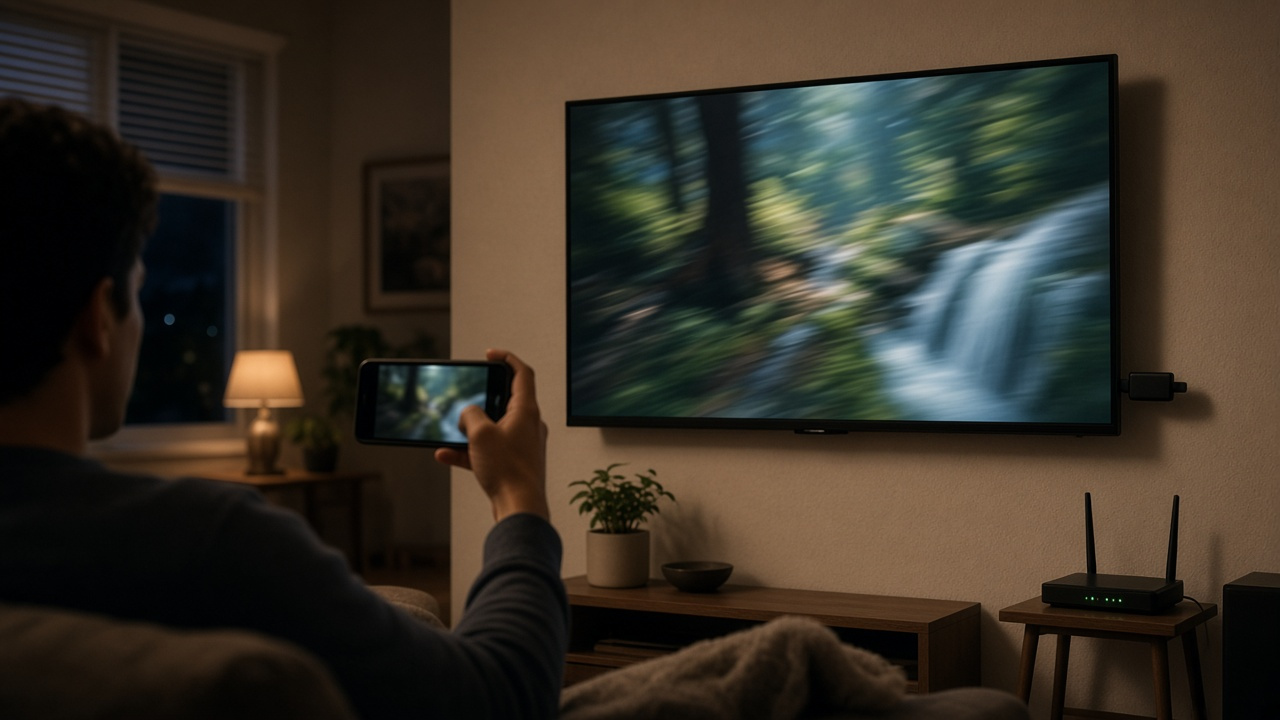
Casting a video from your phone to the TV should be simple, but stutter, audio delay and dropped connections are common. The good news is that most casting lag comes from inside your home, not from your internet provider, and a few changes usually fix it.
Casting and screen mirroring work differently
When you cast a video from an app such as YouTube or Netflix, your phone usually just tells the TV or streaming device which video to play. The TV then streams it straight from the internet, so your phone's Wi-Fi matters less. Screen mirroring is different. Your phone sends everything on its screen to the TV in real time over your Wi-Fi, which is much more demanding and more prone to lag. If mirroring stutters but casting from an app works, your home Wi-Fi is the likely bottleneck.
Common causes of casting lag
- The phone or TV is connected on the 2.4 GHz band, which is slower and more crowded than 5 GHz.
- The router is far from the TV or blocked by walls, appliances or a TV cabinet.
- Many devices are using the network at once, such as game downloads or video calls.
- The phone and TV are on different networks, such as a guest network or a mesh node that isolates devices.
- You are mirroring 4K or high-frame-rate content, which needs far more Wi-Fi capacity than 1080p.
Fixes to try, in order
- Restart the phone, the TV or streaming device, and the router.
- Connect both devices to the 5 GHz band of the same network. Our guide to 2.4 GHz vs 5 GHz Wi-Fi explains the difference.
- Move the router or a mesh node closer to the TV, or raise it off the floor. See router placement tips.
- Cast from the app instead of mirroring the whole screen whenever the app supports it.
- Lower the video quality while mirroring, or turn off battery saver on the phone.
- Plug the streaming device or TV into the router with an Ethernet cable if possible, which frees up Wi-Fi for the phone.
- Update the TV, streaming device and router firmware.
When the problem is your internet service
If videos also buffer when you stream directly on the TV without casting, the issue may be your internet speed or latency. Run a speed test on a device near the TV. A 4K stream generally needs a steady 25 Mbps or more per TV, and slowdowns at the same time every evening can point to a busy network. Our guides to fast internet but slow TV buffering and fixing Netflix buffering walk through those checks.
When to upgrade your equipment
Older routers and streaming sticks can struggle with modern video. If your router is several years old or does not support Wi-Fi 6, a newer router or a mesh system can make a big difference in larger homes. Read about mesh vs traditional routers before you buy.
Need faster or steadier internet for streaming?
Compare internet providers and speeds available at your address.
Frequently asked questions
Why does screen mirroring lag more than casting?
Casting from an app usually lets the TV stream the video directly from the internet. Screen mirroring sends your whole screen over your home Wi-Fi in real time, which is more demanding.
Should my phone and TV use 2.4 GHz or 5 GHz Wi-Fi?
Use 5 GHz on the same network for both when they are reasonably close to the router. It is faster and less crowded than 2.4 GHz.
Can my internet provider cause casting lag?
Sometimes. If videos also buffer when played directly on the TV, your internet speed or network congestion may be the cause. If only mirroring lags, it is usually your home Wi-Fi.
How much speed do I need to cast 4K video?
A 4K stream generally needs a steady 25 Mbps or more per TV, plus headroom for other devices on the network.
Does Ethernet help with casting?
Plugging the TV or streaming device into the router with Ethernet frees up Wi-Fi and steadies the stream, which often reduces lag when casting from apps.