What Is Xfinity Shield? Free WiFi Shield, WiFi Motion and Shield Select
Updated
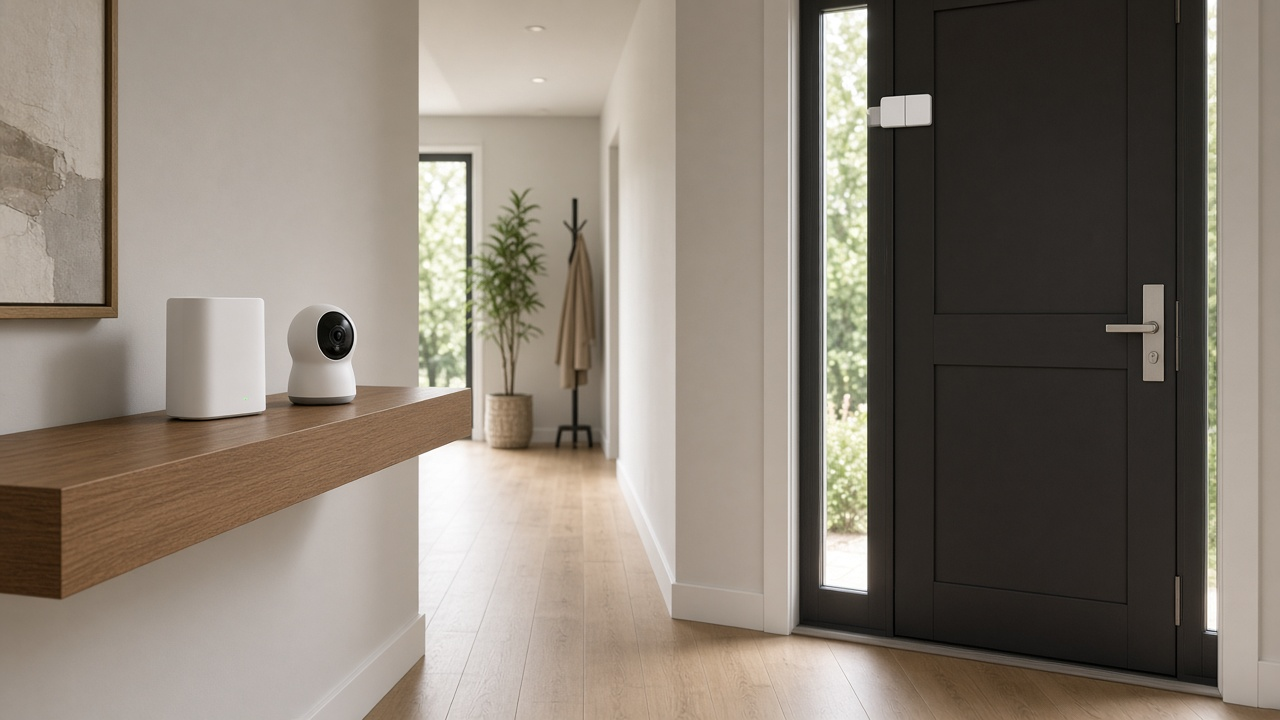
Xfinity Shield is Comcast’s name for the security features built into Xfinity internet. The free part, WiFi Shield, comes with Xfinity Internet when you use an Advanced Xfinity Gateway and includes network protection, parental controls and WiFi Motion, which senses movement in your home using Wi-Fi signals instead of cameras. Shield Select is the paid upgrade at $15 a month in October 2026, adding an indoor camera, a door or window sensor, cloud video and 24/7 urgent response.
What you get free vs with Shield Select
| Feature | WiFi Shield (free) | Shield Select ($15/mo) |
|---|---|---|
| CyberSecure network protection | Yes | Yes |
| Family Settings (pause Wi-Fi, block sites, screen time) | Yes | Yes |
| WiFi Motion (camera-free motion alerts) | Yes, opt-in | Yes, opt-in |
| Dark Watch, Home Watch and Away Watch modes | Yes | Yes |
| Indoor camera with 24/7 recording | No | Yes, 7 days of cloud video |
| Door/window sensor | No | Yes, one included |
| 24/7 urgent response | No | Yes, one tap in the app |
| Professional monitoring and automatic dispatch | No | No |
You need a compatible gateway. WiFi Motion and Dark Watch are not supported on the XB6 or the CommScope XB7, so older equipment may need a swap; our guide to Xfinity gateways explains the models.
How WiFi Motion works
WiFi Motion watches for changes in the Wi-Fi signal between your gateway and your connected devices. When someone walks between them, the pattern changes and the Xfinity app can send an alert. Xfinity says it does not use cameras, capture images or video, record audio or identify people. It keeps motion events, such as when movement started and stopped, for up to seven days so you can see them in the app.
Privacy and how to turn WiFi Motion off
WiFi Motion is opt-in, so it stays off unless you turn it on in the Xfinity app. If you enabled it and change your mind, open the app’s WiFi Motion settings and switch it off. Xfinity notes that, like other technology companies, it may be required to share WiFi Motion data under a valid subpoena, court order or warrant, which is worth knowing before you turn it on.
Not on Xfinity? Compare providers
Many internet providers include free network security. See which ones serve your address.
Is Shield Select worth $15 a month?
Shield Select is a self-monitoring kit, not an alarm system. It suits renters and people who mainly want to check on pets, packages or an empty house from their phone. It is less useful if you want a professional to call police or fire for you, since automatic dispatch is only part of Xfinity’s separate monitored Home Security service.
- The included camera and sensor are paid off over 36 months, and canceling early means paying the remaining balance.
- Extras cost more each month: a video doorbell or outdoor camera was $3.33 a month for 36 months, another indoor camera $1.67, and another door or window sensor $0.55.
- Cameras upload video around the clock, so a steady upload speed matters; see our guide to upload speed for security cameras.
Free alternatives on any provider
Most routers offer parental controls and guest networks, and many providers include basic security filtering. Our guides to securing your home Wi-Fi and router parental controls cover the settings worth changing.
Compare internet plans with security built in
Enter your ZIP to compare listed internet providers, then confirm available equipment and security features at your address.