Using Mesh Wi-Fi With 5G Home Internet: Gateway and Setup Checks
By RSINC editorial team | Updated
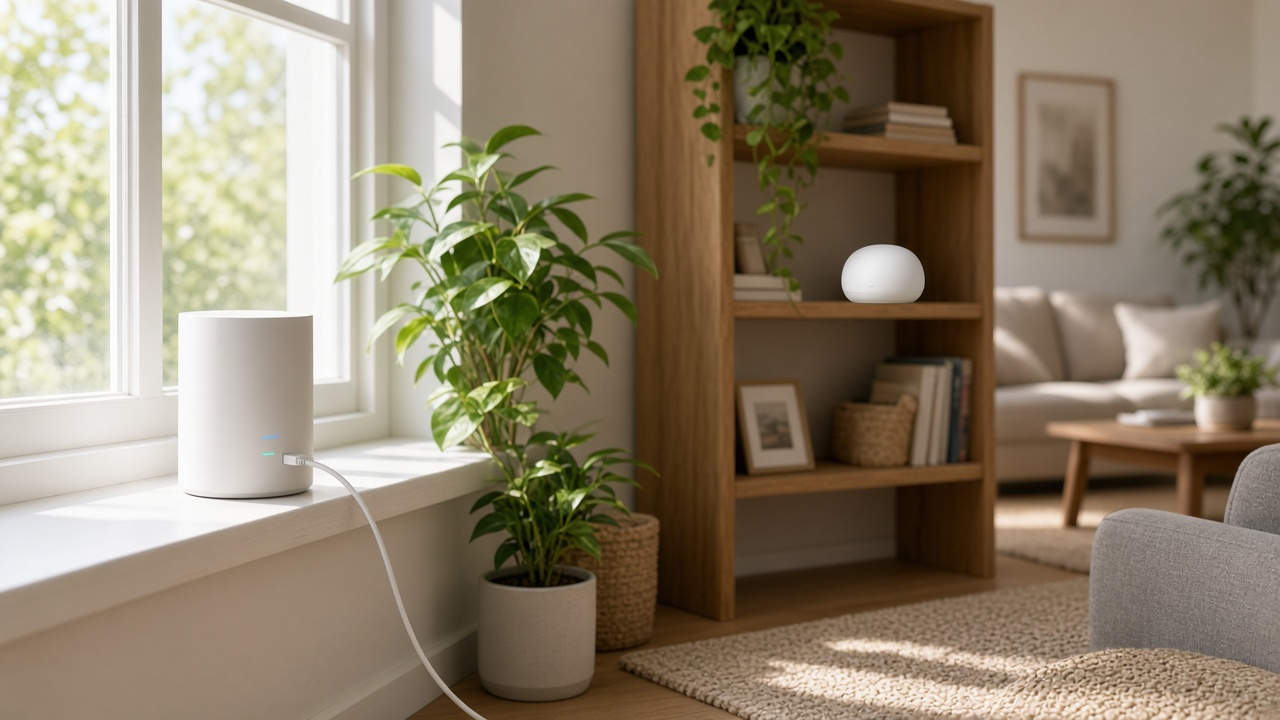
Yes, you can use a mesh Wi-Fi system with 5G home internet from T-Mobile, Verizon or AT&T Internet Air, and it often fixes the biggest weakness of these services. A 5G gateway works best near a window where it catches the strongest cell signal, which is rarely the middle of the house. A mesh system lets you leave the gateway in that spot and spread strong Wi-Fi everywhere else. You connect the main mesh node to the gateway with an Ethernet cable, then decide how to handle the gateway's own router features.
Start with 5G gateway placement and mesh node placement; the two solve different parts of the connection.
Setup time varies with the gateway, mesh model and firmware. Keep the exact model manuals handy before changing router settings. The main decision is how to avoid two devices both performing network address translation, often called double NAT.
Step 1: Put the gateway where the signal is best
Your 5G speed depends on signal first. Use the provider's app to find the best spot, using the placement checks in the provider's instructions. Don't move the gateway to the center of the house just for Wi-Fi coverage. That's the mesh system's job. Our guide to boosting 5G home internet speed covers signal tips in more detail.
Step 2: Connect the main mesh node by Ethernet
Run an Ethernet cable from a LAN port on the gateway to the WAN or internet port on your main mesh node. Place the remaining mesh nodes about halfway between the main node and the rooms with weak Wi-Fi. If you can run Ethernet between nodes, do it, since a wired backhaul gives the best speeds. Our guide to mesh router placement has room-by-room tips.
Step 3: Avoid double NAT
Both the gateway and your mesh system want to act as the router. When they both do, you get double NAT, which usually doesn't affect browsing or streaming but can cause trouble with online games, some video calls, VPNs and smart home devices. You have three ways to deal with it.
- Use passthrough mode on the gateway if it has one. This hands the internet connection straight to your mesh router so it does all the routing.
- Put the mesh system in access point or bridge mode. The gateway keeps doing the routing, and the mesh just provides Wi-Fi. You may lose some mesh features, such as parental controls.
- Leave both as routers. This is the simplest option and works fine for many homes, but if games or devices act up, switch to one of the other two.
Is 5G home internet your best option?
Compare 5G, cable, fiber and satellite plans at your address.
T-Mobile 5G Home Internet
T-Mobile's gateways don't offer a bridge or passthrough mode. Plug your mesh router into the gateway's Ethernet port, then either run the mesh in access point mode or leave it as a router and accept double NAT. Where supported by your gateway, you can disable its Wi-Fi broadcast in T-Life so your devices only see the mesh network and don't jump between the two. Keep the gateway's Wi-Fi on if you'd like a backup way to reach its settings.
Verizon 5G Home Internet
Verizon publishes IP passthrough instructions for supported Internet Gateway models. Match the instructions to the model on your label rather than applying a generic sequence. Passthrough changes gateway networking and may disable its Wi-Fi; use the specified Ethernet port and save a way to restore the original setup. If your device does not support it, check whether the mesh system can operate in access point mode.
AT&T Internet Air
Check the All-Fi Hub model and its Ethernet-port instructions. Do not assume instructions for an AT&T fiber gateway or a business gateway also apply to your home Internet Air device. Confirm third-party router support with AT&T and the mesh maker. If supported, mesh access point mode can leave routing with the All-Fi Hub; follow the mesh maker's instructions and check which features are disabled in that mode. Ask AT&T about compatible extenders as another option.
Changing your mesh mode does not remove carrier-side NAT or create a public IPv4 address. If a game, VPN or incoming connection needs a particular NAT arrangement, ask the provider about that requirement before buying equipment.
When the gateway's extenders are enough
If your home is small or your weak spots are just one or two rooms, the provider's own extender may solve the problem with less setup. A full mesh system makes more sense in larger or multi-story homes, homes with thick walls, or when you want features like better parental controls, guest networks or Wi-Fi 7.
What mesh can't fix
Mesh Wi-Fi improves coverage inside your home, but it can't make the 5G connection itself faster. If your speeds drop every evening, compare a wired gateway test with a mesh Wi-Fi test before deciding whether the issue is cellular signal, network congestion or in-home coverage. Our guide to why 5G home internet slows down at night explains what's going on. If you need steady speeds for work or gaming, compare 5G with wired options in our fiber vs. 5G home internet guide.
Compare home internet by ZIP
See every provider and price where you live.
For help comparing internet at your address, call RSINC at 1-877-697-2926 or compare local providers.
Reviewed October 30, 2026. Availability, prices and terms can change.