How to Boost 5G Home Internet Speed
Updated
Quick answer (as of October 7, 2026): The three fixes that help most: move the gateway high and near a window facing the nearest tower (use your carrier's app to find the strongest spot), restart it after you move it, and fix Wi-Fi coverage with Ethernet or a mesh system. If speeds drop only in the evening, network congestion is a likely cause; compare wired tests and household activity before deciding.
Reviewed October 7, 2026.
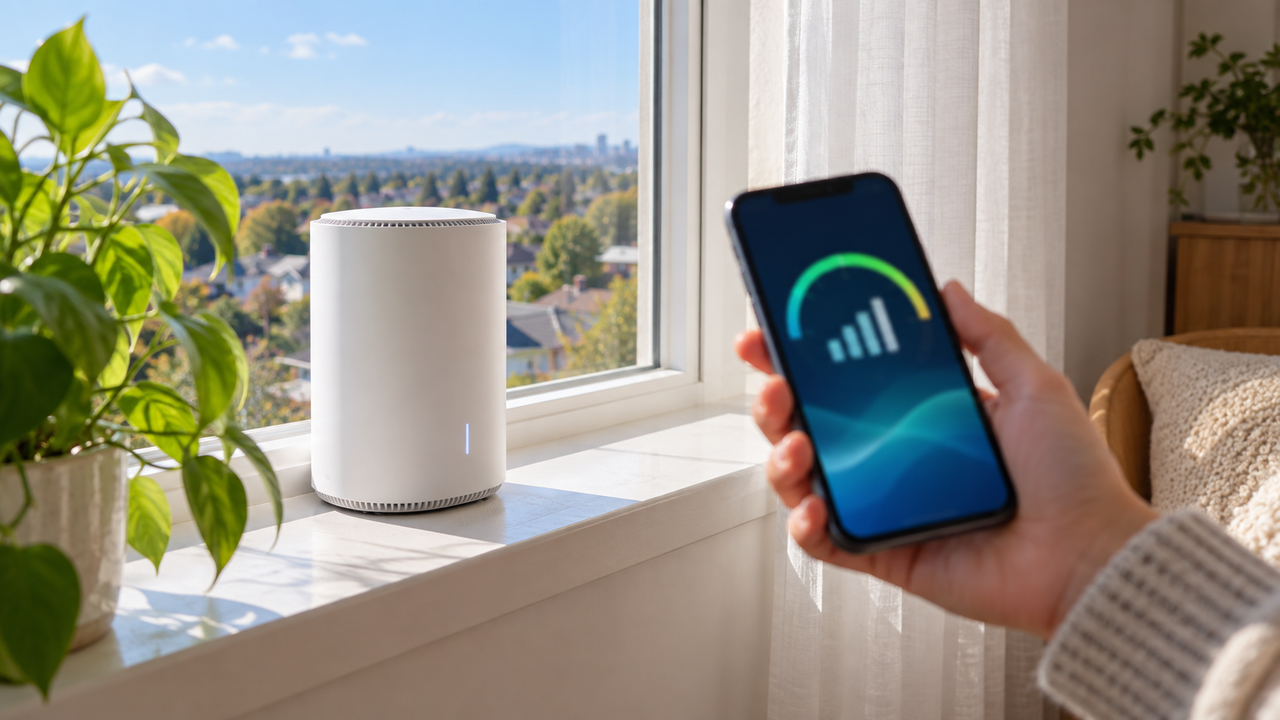
The biggest boost for 5G home internet usually comes from moving the gateway, not from buying a new plan. 5G home internet from T-Mobile, Verizon and AT&T works like a phone: speed depends on how well your gateway hears the nearest cell tower. This guide covers the fixes that make the biggest difference any time of day. If your speed is fine during the day and only drops in the evening, that's network congestion, and we cover it separately in why 5G home internet is slow at night.
Step 1: Measure before you change anything
Run a speed test on a device connected to the gateway by Ethernet, or standing right next to it. Then run one from the room where you actually use the internet. If the speed next to the gateway is good but drops across the house, your problem is Wi-Fi coverage (jump to Step 5). If the speed is poor even next to the gateway, focus on cellular signal (Steps 2 to 4). For reference, T-Mobile lists typical download speeds of 170 to 498 Mbps on its Amplified and All-In plans and 170 to 354 Mbps on Rely, as listed on t-mobile.com as of October 7, 2026.
Symptom, likely cause and fix
| What you notice | Likely cause | What to do |
|---|---|---|
| Slow even right next to the gateway, all day | Weak cellular signal | Steps 2 to 4 and 7: move the gateway, restart it, ask your carrier |
| Fast next to the gateway, slow in other rooms | Wi-Fi coverage | Step 5: Ethernet, mesh, better band choice |
| Fine during the day, slow in the evening | Network congestion | See why 5G home internet is slow at night |
| Slows when others stream or download | Bandwidth demand at home | Step 6: schedule big downloads, lower stream quality |
| Sudden drop after months of good speeds | Network change or a gateway problem | Restart, check your carrier app for outages, then call support |
Step 2: Use your carrier's app to find the strongest spot
T-Mobile, Verizon and AT&T all have apps that show signal strength from your gateway. Many gateways also have signal bars or a light on the front. Walk the gateway around your home, wait a minute or two in each spot so the reading settles, and note where the signal is strongest.
Step 3: Go high and near a window
- Higher is better. An upstairs room or the top of a bookshelf usually beats a desk or floor.
- Keep the gateway ventilated and out of prolonged direct sunlight.
- Near a window, ideally on the side of the house facing the nearest tower.
- Away from obstructions: metal, mirrors, fish tanks, appliances, brick and concrete walls all weaken signal. Low-E window glass can block it too, so try more than one window.
- Not inside a cabinet or behind a TV.
Still slow after moving your gateway?
Compare home internet options at your ZIP.
Step 4: Restart and update
Restart the gateway after you move it, and every so often. That makes it look for the best available connection. Most 5G gateways install firmware updates automatically, so make sure yours stays plugged in and online overnight. Avoid unofficial apps or hacks that promise to lock your gateway onto specific bands. Carriers don't support them, and they can make your connection worse or cause problems with your service.
Step 5: Fix Wi-Fi inside your home
The best cellular spot often isn't the center of the house, so the Wi-Fi may need help reaching every room:
- Use Ethernet for TVs, game consoles and desktops near the gateway.
- Add a mesh system or extender. Some plans include one; T-Mobile's All-In plan offers a mesh access point on request. Placement matters: see where to place a mesh router.
- Reduce interference: keep the gateway away from microwaves, cordless phone bases and baby monitors. Learn more in router placement tips.
- Pick the right band: devices close to the gateway do best on 5 GHz (or 6 GHz on Wi-Fi 7 gateways). Distant devices may hold a steadier connection on 2.4 GHz.
Step 6: Cut background bandwidth
Cloud backups, game downloads and 4K streams on several TVs can eat up your connection. Schedule big downloads and backups for overnight, and lower streaming quality on secondary TVs. Gamers should read whether 5G home internet is good for gaming.
Step 7: Ask your carrier about bigger fixes
If the signal is weak everywhere in your home, contact your provider. Ask whether a different gateway model is available, whether an outdoor or window-mounted option is offered at your address, and whether there's work planned on nearby towers. Some customers on lower plans also get lower priority on busy networks, which is explained in 5G home internet deprioritization.
When to switch instead
If you've tried all of this and still get slow or unreliable speeds, 5G home internet may not be a good fit at your address. Cable or fiber is usually more consistent. If you're moving, check coverage first: how to move 5G home internet to a new address.
Thinking about cable or fiber instead?
We can check what's available at your address.
Frequently asked questions
Where is the best place to put a 5G home internet gateway?
High up, near a window facing the nearest tower, and away from metal and thick walls. Use your carrier's app to compare signal strength in different spots.
Will a Wi-Fi extender boost my 5G home internet speed?
It can improve speeds in rooms far from the gateway, but it can't improve a weak cellular signal reaching the gateway itself.
Why is my 5G home internet only slow at night?
That's usually network congestion, not your setup. See our guide to why 5G home internet slows down at night.