How Many Devices Can Your Wi-Fi Router Handle? Limits, Warning Signs and When to Upgrade
By RSinc Staff | Updated
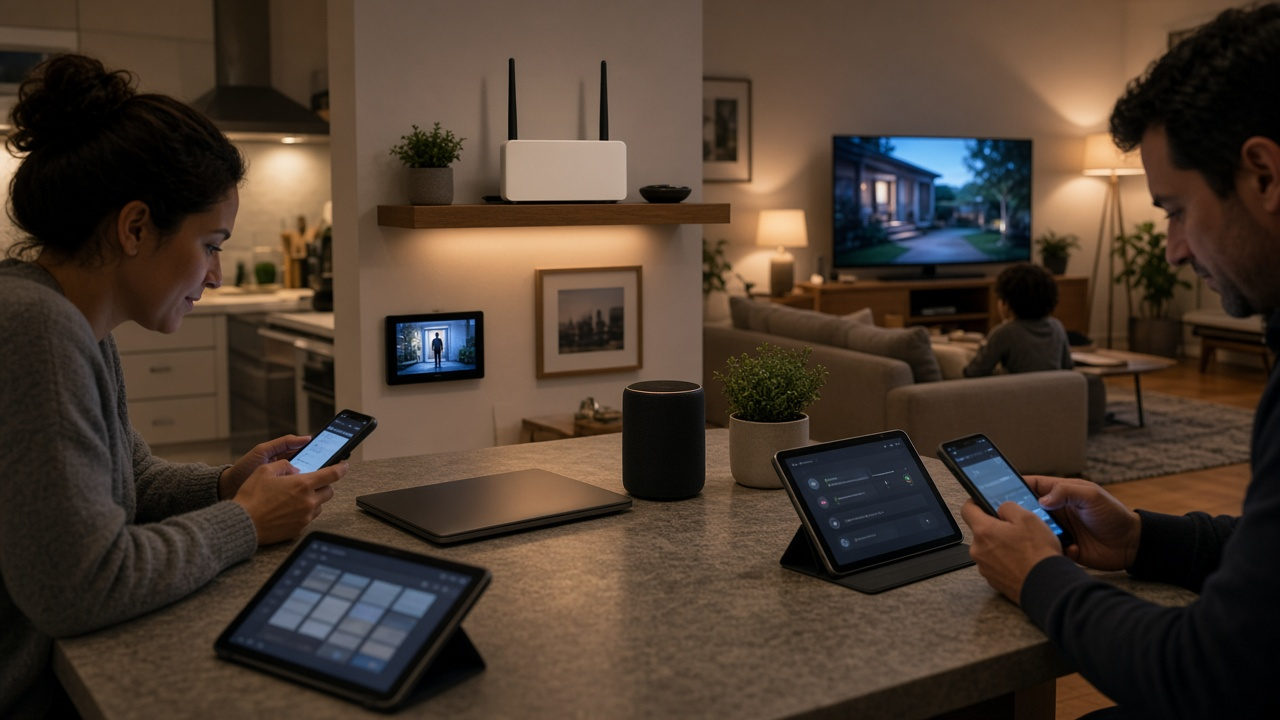
Most homes now have dozens of connected devices, from phones and TVs to doorbells, plugs and speakers. When the Wi-Fi slows down, it is easy to blame the internet plan, but the router is often the real limit. This guide covers router capacity. If you want to know how many devices a given plan speed supports, see our pages on 1 Gig, 150 Mbps and 50 Mbps.
Router capacity vs plan speed
Your plan speed is how much data comes into the house. Your router decides how well that data is shared among devices. A fast plan on an old router can still feel slow when many devices are busy, and a newer router can make a modest plan feel smoother. Our guide on why your router matters more than your plan explains the difference.
How Wi-Fi 5, Wi-Fi 6 and Wi-Fi 7 handle many devices
- Wi-Fi 5 routers handle a typical home, but they serve devices more one at a time and can bog down when many are active.
- Wi-Fi 6 added OFDMA and improved MU-MIMO, which let the router talk to several devices at once and handle crowded homes much better.
- Wi-Fi 6E added the 6 GHz band, which gives newer devices extra room away from older ones.
- Wi-Fi 7 adds wider channels and Multi-Link Operation, which lets devices use more than one band at a time.
Manufacturers often advertise device counts, but those numbers assume ideal conditions. Treat them as a relative guide rather than a promise. See Wi-Fi 7 vs Wi-Fi 6 for more.
Active vs idle devices
A smart plug or sensor that checks in now and then uses very little capacity. A 4K TV, a video call or a game download uses a lot. A home with 40 mostly idle smart devices can run fine, while a home with five people streaming and gaming at once may struggle on an older router. Count what is busy at the same time, not just what is connected.
Signs your router is overloaded
- Speeds drop sharply in the evening when everyone is home.
- Smart-home devices go offline or respond slowly.
- Video calls freeze when someone else starts streaming.
- Restarting the router fixes things for a while.
Fixes, from cheapest to most expensive
- Restart the router and update its firmware.
- Move the router to a central, raised spot and plug stationary devices into Ethernet.
- Put smart-home gadgets on the 2.4 GHz band and fast devices on 5 GHz or 6 GHz.
- Add mesh nodes if the problem is weak signal in some rooms. See where to place a mesh router.
- Replace a router that is several years old or still on Wi-Fi 5. Our guide on how often to replace a router helps you decide.
- Upgrade your plan only if a wired speed test shows you are using most of your speed.
Is it the router or the plan?
If your router is not the problem, compare faster plans available at your address.
Frequently asked questions
How many devices can a Wi-Fi router handle?
It depends on the router's Wi-Fi standard and how many devices are busy at once. Newer Wi-Fi 6 and Wi-Fi 7 routers handle crowded homes much better than older Wi-Fi 5 models.
Do idle smart-home devices slow down Wi-Fi?
Idle devices use little capacity. Devices that stream, upload or download at the same time have a much bigger effect.
Will a faster internet plan fix slow Wi-Fi with many devices?
Not always. If the router is the bottleneck, a faster plan may not help. Run a wired speed test to see whether you are reaching your plan speed.
When should I replace my router?
Consider it if your router is several years old, only supports Wi-Fi 5 or older, or slows down whenever several people are online.
Does mesh Wi-Fi help with more devices?
Mesh mainly fixes coverage in far rooms. A newer mesh system can also handle more busy devices than an older single router.