Does Weather Affect Your Internet? Fiber, Cable, 5G and Satellite Compared
Updated
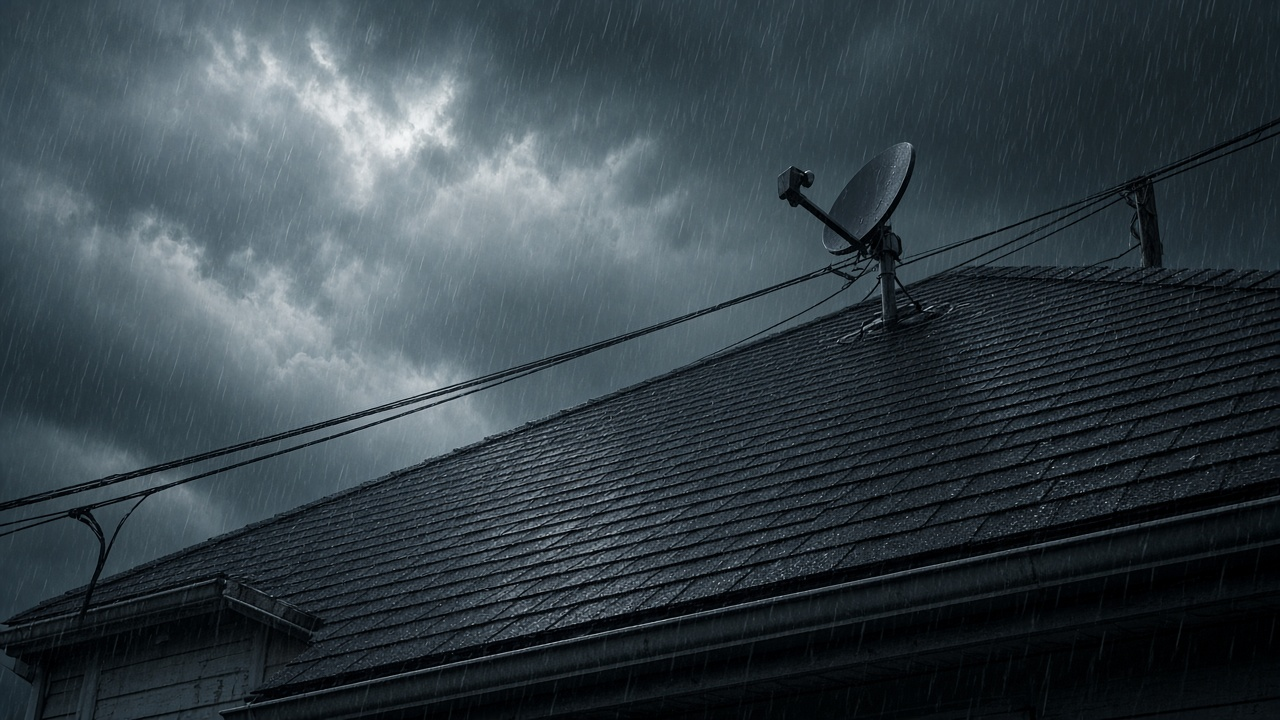
Weather affects every kind of home internet, but in different ways. Satellite service is the most likely to slow or drop during a storm itself, because heavy rain and wet snow weaken the radio signal between the dish and space. Fiber and cable rarely notice rain at all; they fail when storms knock down lines, flood equipment or cut power. 5G home internet sits in the middle, mostly fine in rain but dependent on a tower and its power. The biggest weather risk for nearly every connection type is a power outage, at your house or somewhere along the network.
That difference matters when you choose a main plan and a backup. Pairing two connections that fail for the same reason, such as two services that share the same utility poles, protects you less than pairing a wired plan with a wireless one.
Weather impact by connection type
| Connection | Heavy rain | Snow and ice | Heat | Wind and storms | Power outage at home |
|---|---|---|---|---|---|
| Fiber | Signal unaffected; flooding can damage street equipment | Ice can bring down overhead lines | Little effect on the glass itself | Falling trees and poles cut aerial lines | Down unless the fiber terminal and router are on battery |
| Cable | Water in connectors or flooded cabinets causes noise and drops | Ice on overhead lines | Powered street equipment can be strained | Aerial lines vulnerable | Down unless the modem and router are on battery; street equipment also needs power |
| DSL | Wet, aging copper causes slowdowns and drops | Ice on overhead lines | Minor | Aerial lines vulnerable | Down unless the modem is on battery |
| 5G home internet | Usually minor on mid-band 5G; high-band signals weaken more | Little effect on an indoor gateway | Tower equipment can be strained during grid stress | Tower damage or tower power loss | Down unless the gateway is on battery |
| Starlink (low-orbit satellite) | Heavy rain can slow or briefly interrupt service | Dish melts snow landing on it; deep drifts or trees can block it | Rated to 122°F | Rated operational in winds of 60 mph and up | Down unless the dish and router are on battery |
| Viasat and Hughesnet (geostationary satellite) | Very heavy, prolonged rain can cause brief outages | Heavy, wet snow or ice on the dish can reduce signal | Minor | Severe storms can move a dish out of alignment | Down unless the modem is on battery |
Fiber: the signal ignores rain, but the lines don't
Fiber carries light through glass, so rain, humidity and electrical storms don't degrade the signal the way they can with copper. Where fiber fails in bad weather is physical: trees and ice bringing down overhead lines, poles snapping in high winds, and flooding or freeze-thaw ground shifts damaging buried cable and cabinets. Buried fiber holds up better than aerial fiber in wind and ice. Our explainer on weather-related fiber outages goes deeper on how providers restore service.
Inside the house, the fiber terminal and your router need power. A small battery backup keeps fiber online through short outages as long as the provider's own network still has power.
Cable and DSL: water is the enemy
Cable and DSL both run on metal wiring, so moisture matters more. Water in a loose outdoor connector, a cracked line or a flooded street cabinet adds noise that shows up as slow speeds and dropped connections, especially after days of rain. Cable networks also rely on powered amplifiers and nodes in the neighborhood, so a wider power outage can take cable down even if your house still has electricity. If your connection gets worse every time it rains, that's usually a fixable wiring problem, and it's worth a repair call rather than waiting it out.
Want a connection that holds up in your weather?
Fiber, cable, 5G and satellite availability varies street by street. Check what reaches your home before storm season.
5G home internet: mostly fine in rain, dependent on the tower
5G home internet from providers such as T-Mobile Home Internet and Verizon 5G Home Internet uses an indoor gateway that talks to a nearby cell tower. Mid-band 5G signals pass through ordinary rain with little trouble, while high-band (millimeter wave) signals lose more strength in heavy rain and foliage. The bigger storm risk is the tower: wind damage, or a tower losing power after its backup runs down. Your gateway also needs power at home, and T-Mobile notes that its gateway stays connected during an outage only on a battery backup or generator. See our comparison of fiber vs 5G home internet for the everyday tradeoffs.
Satellite: the most weather-sensitive, but tougher than its reputation
Every rural shopper choosing satellite should know how each option handles storms. Starlink, Viasat and Hughesnet all need a clear view of the sky, and all can slow down when heavy rain or wet snow sits between the dish and the satellite. This effect is called rain fade.
Viasat and Hughesnet
Viasat and Hughesnet use geostationary satellites about 22,000 miles up and higher-frequency signals that are more sensitive to moisture. Both say clouds, light rain and light snow shouldn't interrupt service, while severe thunderstorms or heavy snow and ice storms can cause a temporary loss of connection that comes back on its own when the weather clears. Viasat says these outages typically last no more than 20 minutes. Both also note that bad weather at the distant ground station can cause a brief outage even when your own sky is clear.
Outside those brief weather interruptions, actual speeds vary by plan, address and network conditions, so confirm the current performance range before ordering. If snow or ice builds up on a dish you can reach safely, brush it off gently, but don't chip at ice, which can knock the dish out of alignment. Our guide on protecting a satellite dish from rain covers what helps and what doesn't.
Starlink
Starlink's low-orbit satellites are much closer to Earth, but heavy rain can still slow or briefly interrupt service. Starlink's spec sheet for its Standard kit lists an operating range of -22°F to 122°F, an IP67 weather rating, operation in winds of 60 mph and up, and snow melt of up to 1.5 inches an hour. The dish can melt snow that lands on it, but it can't clear snow piled around it or branches blocking its view, and heating uses extra power. Our page on whether Starlink works in heavy rain covers real-world storm performance, and LEO vs GEO satellite internet explains the orbit difference.
How to keep your connection up through storm season
- Put the modem, router and any fiber terminal or 5G gateway on a battery backup (UPS). A Starlink dish averages 75 to 100 watts by its spec sheet, so it needs a larger battery than a modem does.
- Pair connections that fail differently. A wired plan plus a 5G or satellite backup beats two services on the same poles. Our hurricane backup internet guide lays out practical combinations.
- Keep phone hotspot data in reserve for short outages.
- Trim branches near overhead lines and satellite dishes before winter and hurricane season.
- If speeds drop every time it rains on a wired connection, request a line check instead of living with it.
Rural homes often have fewer wired choices, which makes the satellite choice more important. Our Hughesnet vs Viasat vs Starlink comparison covers price, speed and data alongside weather.
Compare main and backup internet options by ZIP
Tell us your ZIP and we will show which wired, 5G and satellite providers serve your address and what they cost.
Frequently asked questions
Which type of internet is least affected by weather?
Buried fiber. Rain and electrical storms don't degrade a fiber signal, and buried lines avoid wind and ice damage. Like every connection type, it still needs power at your home.
Does rain affect satellite internet?
Heavy rain and wet snow can weaken satellite signals, an effect called rain fade. Viasat and Hughesnet say light rain and clouds shouldn't interrupt service, while severe storms can cause brief outages that clear on their own.
Does rain slow down cable internet?
Rain itself doesn't, but water in damaged connectors, lines or flooded street cabinets can cause slow speeds and dropouts. If speeds drop every time it rains, ask your provider for a line check.
Does 5G home internet work in storms?
Usually, yes. Mid-band 5G handles rain well. The bigger risks are tower damage, the tower losing power, and your gateway losing power at home.
Does Starlink work in snow?
Starlink's Standard dish can melt up to 1.5 inches of snow an hour that lands on it, according to its spec sheet, but it can't clear drifts around it, and heating uses more power.