What Is Wi-Fi HaLow? Long-Range Networking for Connected Devices
By RSINC editorial team | Updated
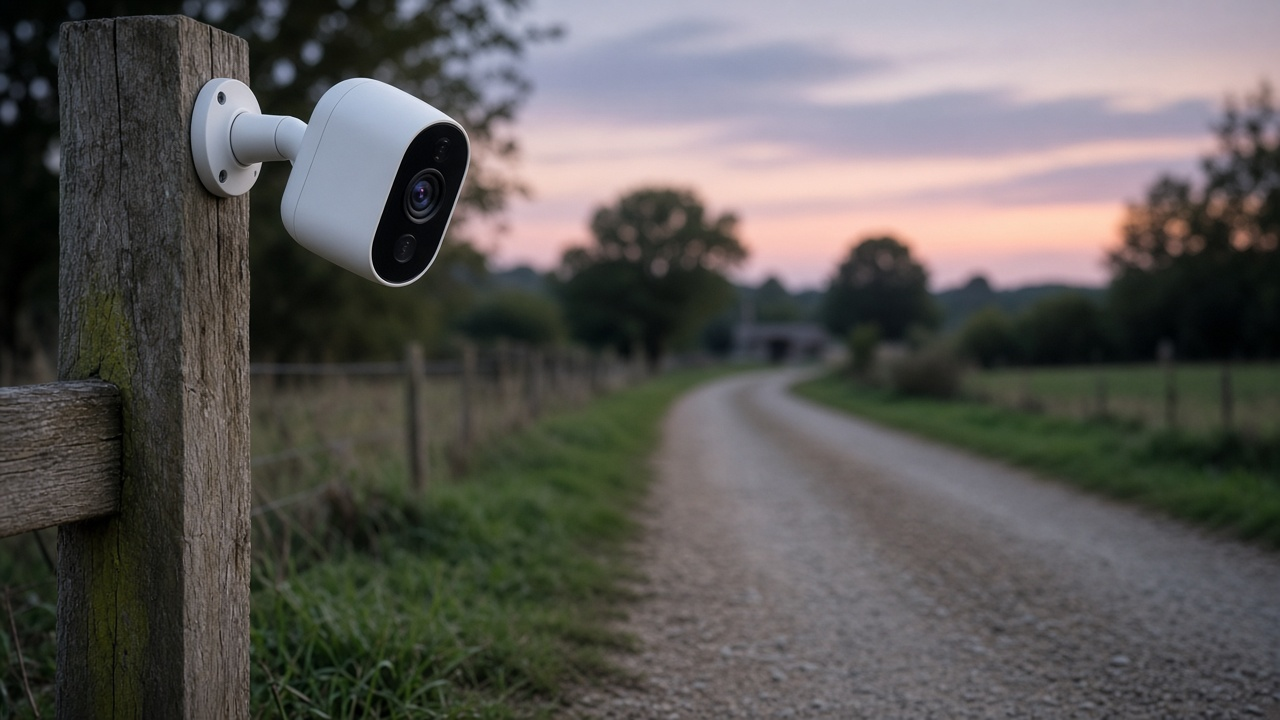
Wi-Fi HaLow is based on IEEE 802.11ah and operates in spectrum below 1 GHz. It is intended for uses such as connected devices and longer-range local networking. The standard name does not mean an existing phone, camera or television automatically supports it.
A different radio link
IEEE’s description identifies below-1-GHz operation. Morse Micro’s HaLowLink 2 product brief describes equipment designed for HaLow networks and internet-of-things applications. That product can function as a router, access point or extender, depending on how it is configured.
These are local-network capabilities. A HaLow radio does not create an internet subscription or change the access technology supplied by your internet provider. Start by identifying whether the problem is the internet connection, the local wireless link or the device itself.
Compatibility comes first
Check the radio support on both ends of the intended link. A device with ordinary Wi-Fi does not become a HaLow client simply because a new access point is installed. Read the manufacturer’s instructions for the exact model and regional version.
Morse Micro describes pairing two HaLowLink 2 units to extend a connection and provide a 2.4 GHz hotspot for non-HaLow devices. That is a particular supported equipment arrangement, not a promise that every router and camera can use the same setup.
Range claims need conditions
A laboratory or open-area range result is not a property-wide coverage guarantee. Terrain, obstacles, antenna placement, permitted radio settings and the data rate required by an application can affect the result. Plan a practical test at the installation site before relying on a connection for a gate or camera.
This guide does not provide a universal distance, throughput figure, battery-life promise or equipment price. Compare the current specification and installation requirements for the actual hardware you are considering.
Decide which problem to solve
If an ordinary television or phone has weak Wi-Fi indoors, first review router placement, the device’s supported bands and the connection between access points. Our router setup guide and streaming-router guide cover related questions.
For an outbuilding or connected-device project, list the devices, power sources, weather exposure and required network connections. Check whether an installer or the equipment manufacturer supports that use. Choose the local networking equipment separately from the internet plan, and keep software and security settings current using the manufacturer’s guidance.
For help comparing internet at your address, call RSINC at 1-877-697-2926 or compare local providers.
Reviewed November 6, 2026. Availability, prices and terms can change.