What Is UPnP on a Router? Should You Turn It Off?
Updated
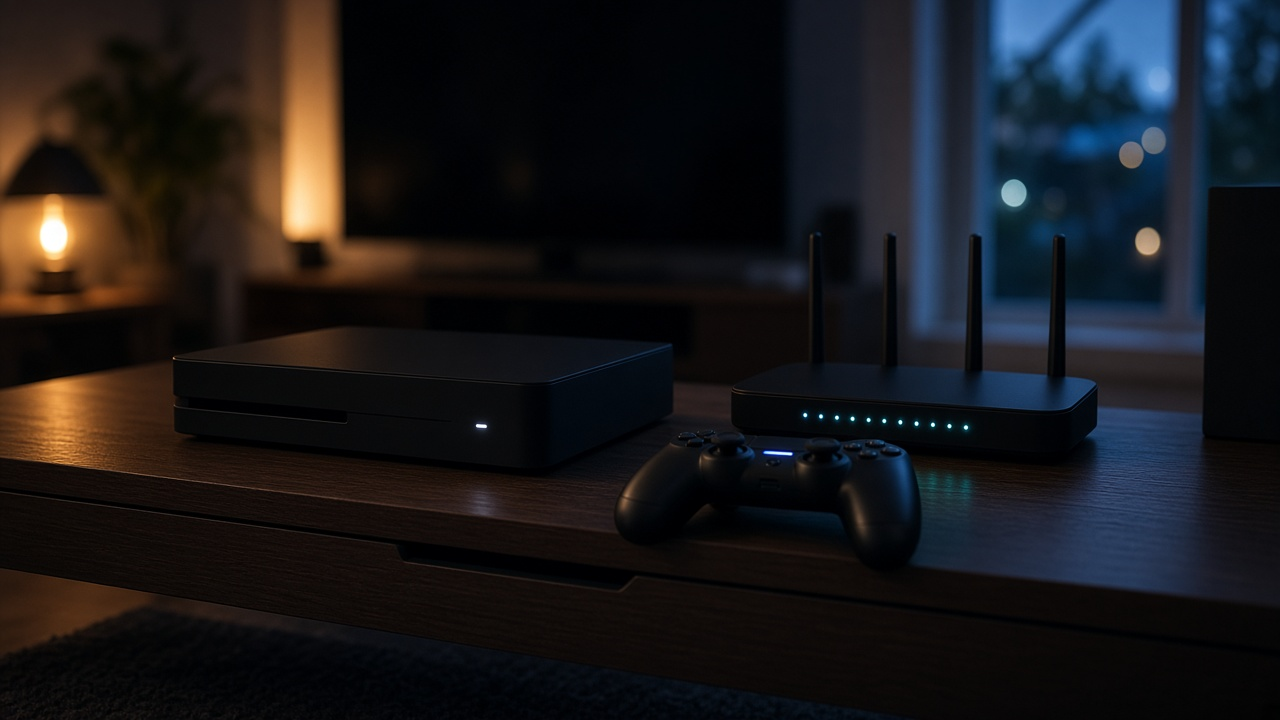
UPnP, short for Universal Plug and Play, is a router setting that lets devices on your home network open ports on their own. Game consoles, voice chat apps and some cameras use it so outside connections can reach them without you setting up port forwarding by hand. It is convenient, but any program on your network can use it, including malware. If you do not play online games or host anything, turn UPnP off. If you game and your console reports a strict NAT type without it, leave it on or replace it with manual port forwarding for just the ports you need.
UPnP on or off?
| Your situation | Recommendation |
|---|---|
| You mostly browse, stream and video call | Turn it off |
| You play online games or use voice chat | Leave it on, or forward the game’s ports manually and turn it off |
| Lots of smart-home gadgets and cameras | Turn it off and use the maker’s cloud app |
| Router no longer gets firmware updates | Turn it off, and plan to replace the router |
| You run a home server, such as Plex | Forward its port manually instead |
What UPnP actually does
Your router normally blocks unsolicited connections from the internet. That is good for security, but some apps need to accept incoming traffic: multiplayer games hosting a match, voice chat, or a media server. With UPnP on, the app tells the router which port to open and the router does it automatically. When the app closes, the opening may be removed, or it may linger until the router restarts.
The security risk
UPnP assumes every device on your network can be trusted. If a laptop picks up malware or a cheap camera is compromised, it can quietly open a port to the internet without asking you. Older routers have also shipped with UPnP bugs. That is why many security guides suggest turning UPnP off and forwarding only the specific ports you need. Our guide to securing your home Wi-Fi network covers the rest of the basics.
How to turn UPnP off
- ISP gateways: on Xfinity, Spectrum, AT&T and Verizon equipment, look in the gateway’s web admin page or the provider app under advanced, network or firewall settings for a UPnP switch. Menu names vary by model.
- Your own router or mesh system: open the maker’s app or admin page and look under advanced, NAT forwarding or WAN settings.
- Afterward: restart your console or app and check its NAT type. If games now report strict NAT, forward the game’s listed ports instead.
Router missing settings you need?
Some ISP gateways hide advanced options. See providers and equipment options at your address.
UPnP vs manual port forwarding
Port forwarding does the same job as UPnP, but you choose exactly which port goes to which device, and nothing else can open new holes. It takes a few minutes per device. See our guides to setting up port forwarding, Xfinity port forwarding and Spectrum port forwarding.
When neither one helps
If you have two routers in a row, ports opened on one never reach the other; our guide to double NAT explains the fix. And if your provider uses carrier-grade NAT, as many satellite and 5G home services do, outside connections cannot reach your home router at all. Check whether your ISP uses CGNAT before spending time on router settings.
Compare internet plans by ZIP
Enter your ZIP to compare providers, speeds and included routers at your home.