What is the SIM PIN code?
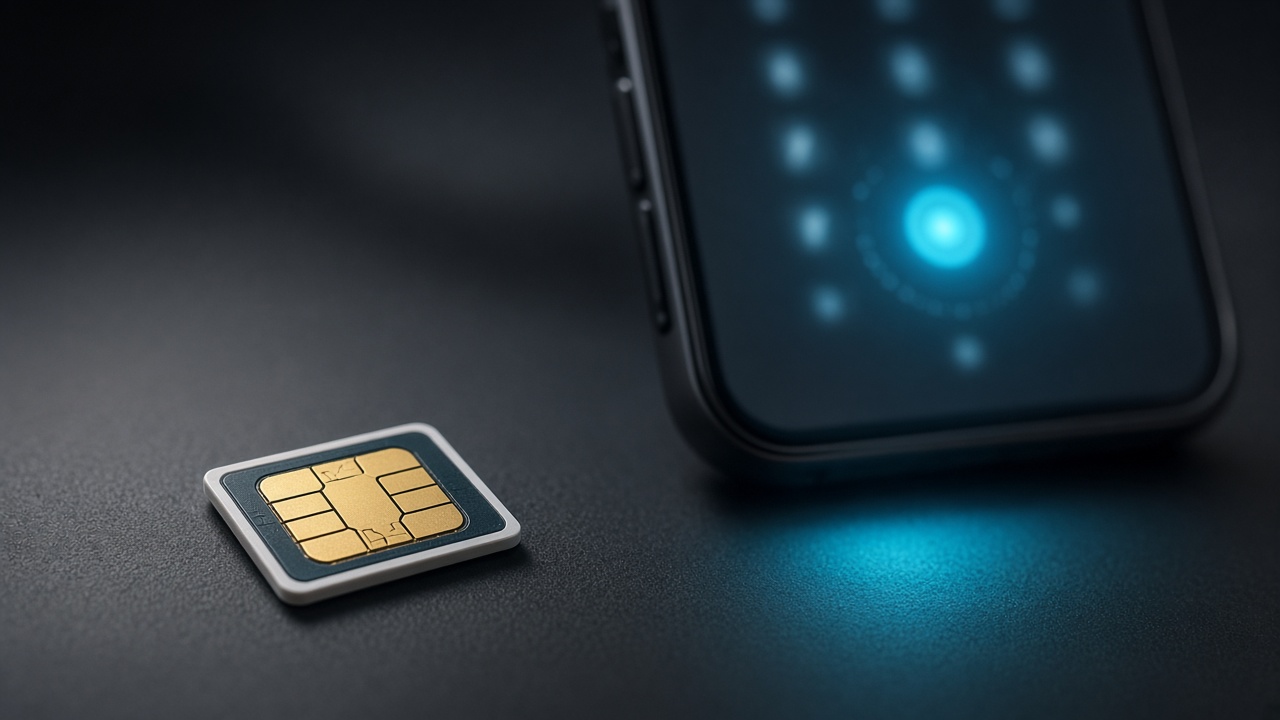
Securing the Gateway: Why Mobile Security is Paramount in the Digital Age
In an era where mobile devices are at the center of personal and professional communication, ensuring their security is no longer a mere consideration but a necessity. Data breaches and unauthorized access to personal information can have significant consequences. As gatekeepers to cellular networks and the wealth of information they carry, SIM cards serve as critical aspects of mobile security.
SIM Card Fundamentals: The Threshold of Connectivity
Embedded within every mobile device, SIM cards are the linchpin of cellular service, storing subscriber information and facilitating network identification. Their role transcends basic connectivity; they are repositories of personal data—making the safeguarding of SIM cards a focal point in the defense against mobile security breaches.
Deciphering the PIN Code: A Personal Vault
The Personal Identification Number (PIN) for SIM cards functions as a first line of defense, a personalized key to access the network and the information it contains. By requiring a PIN code before the SIM card becomes operational, unauthorized use of the mobile device is significantly thwarted, rendering it inert in the hands of an unauthorized user. With the understanding that a SIM PIN code is integral to the preservation of mobile security, users can take active steps to protect their personal communication channels.
Diving into SIM PIN Codes
A SIM PIN is a personal identification number that acts as a passcode to protect your SIM card. This series of digits effectively safeguards your mobile data and cellular services from unauthorized access. Upon enabling, the SIM PIN must be entered whenever the device is powered on to gain connectivity.
PIN Code Definition: A deeper look into what a SIM PIN is
Unpacking the concept of a SIM PIN code reveals its function as a security boundary. Like a password, the SIM PIN code grants access exclusively to individuals who correctly enter the set number sequence, thereby preventing potential misuse or exploitation of cellular services.
SIM Locking Mechanisms: Explaining how SIM PIN codes help secure your mobile device
The SIM locking mechanism works by requesting the predefined SIM PIN code every time the mobile device is restarted or when the SIM card is transferred to another device. Failing to provide the correct PIN code typically results in the SIM card locking, subsequently requiring a Personal Unblocking Key (PUK) to regain access and reestablish cell network functionality.
The Difference Between SIM PIN and PUK Code: Clarify misconceptions between the two types of codes
Contrary to some beliefs, the SIM PIN and the PUK code serve distinct purposes. The SIM PIN is a voluntary security measure activated by the user to protect the SIM card. In contrast, the PUK code comes into play after multiple consecutive misentries of the SIM PIN, leading to a 'PUK code request' state. Users must input the PUK code to unlock the SIM and reset the SIM PIN, thus restoring normal operation.
Setting Up and Managing Your SIM PIN
Establishing a SIM PIN serves as a primary defense for mobile devices, safeguarding your SIM card data against unauthorized use. A SIM PIN, when configured, necessitates entry upon restarting your device or attempting to access the SIM's data. Here, you will learn to set up a SIM PIN on an iPhone, comprehend the implications of default PINs, and discover how to change your SIM PIN to a unique number.
How to Set Up a SIM PIN on Your Device
Setting up a SIM PIN on an iPhone requires the following steps:
- Navigate to the 'Settings' app.
- Select 'Cellular' or 'Mobile Data' depending on your region.
- Tap 'SIM PIN'.
- Toggle the 'SIM PIN' switch to enable it.
- Enter the current SIM PIN if you have one; otherwise, use the default PIN provided by your carrier.
- If the default PIN does not work, contact your carrier for assistance.
- After enabling the SIM PIN, choose 'Change PIN' to set your new PIN.
- Enter a new 4-8 digit PIN.
- Re-enter the new PIN to confirm your choice.
- Remember to keep your new PIN confidential to maintain security.
Default SIM PINs
Many carriers have common default PINs such as '0000' or '1234'. Users should change this PIN immediately to prevent unauthorized access. Each mobile carrier has its unique default PIN, and failing to update this easy-to-guess code places your data at heightened risk of exposure.
Changing Your SIM PIN
After initial setup, altering your SIM PIN enhances security and customizes protection:
- Access 'Settings' and select 'Cellular' or 'Mobile Data' again.
- Tap 'SIM PIN' and then 'Change PIN'.
- First, enter your current PIN to verify identity.
- Next, enter your desired new PIN.
- Finally, re-enter the new PIN to ensure correctness.
- Your SIM PIN will now reflect the new number you have chosen.
Always choose a PIN that's not easily deducible, avoiding simple sequences or repeated digits. A strong PIN contains a random sequence of numbers.
Troubleshooting Common SIM PIN Issues
Forgetting the SIM PIN can lock you out of your phone, thus you’ll need to know the steps to regain access. Contacting your mobile operator should be your immediate response, as they hold the keys to reset or provide a Personal Unblocking Key (PUK). They offer assistance tailored to your specific situation.
What to Do If You Forget Your SIM PIN
When you enter an incorrect SIM PIN multiple times, the SIM card will be locked. Instead of multiple guess attempts, reaching out to your mobile service provider will save time. They'll ask for identification to ensure security and may provide a default PIN or a PUK code to reset your SIM PIN.
How to Unlock a SIM With a PUK Code
To unlock a SIM card with a PUK code, enter the code provided by your carrier when prompted. This usually occurs after entering the wrong SIM PIN more than three times. The PUK code unlocks your SIM card, allowing you to reset the SIM PIN and regain access to your mobile device. Failure to enter the PUK code correctly ten times will result in a permanently blocked SIM card, necessitating a replacement.
Tip: Store your PUK code in a secure place to avoid delays and stress in future situations.
Operator-Specific SIM PIN Information
Your mobile operator's support page often includes specific guidance for SIM PIN issues. Whether you're in need of a PUK code, looking to reset your SIM PIN, or simply require further assistance with your SIM card, your carrier's website presents the most relevant instructions and contact details for support. Engage with the online help resources or reach out via the customer service hotline thoroughly found on your operator's contact page.
- Each operator has its authentication process before giving you access to SIM-related support.
- Direct links to operator websites or hotlines can facilitate faster support for urgent SIM issues.
Strategic Use of SIM PIN Feature
The Risks of Disabling the SIM PIN Feature
Removing the SIM PIN may expose the user to risks, notably if the phone is lost or stolen. Unauthorized parties could gain access to the SIM card, enabling them to make calls, send messages, or use data services that could lead to unexpected charges. Without the SIM PIN, the risk of identity fraud also increases since the SIM can be used to receive two-factor authentication codes or to impersonate the owner.
SIM PIN for International Travelers
Global roamers benefit from the SIM PIN feature significantly. By activating the SIM PIN, travelers can reduce the likelihood of incurring exorbitant roaming charges that result from unauthorized use of their mobile device. This protective measure is particularly important when devices are more susceptible to theft or loss in unfamiliar environments. By securing their SIM cards with a PIN, users effectively protect themselves from potential financial losses.
SIM PIN vs Device Locking Methods
While a device lock secures the phone at an operating system level, a SIM PIN safeguards the information on the SIM card itself. A device locking method such as a password, pattern, or biometric authentication prevents access to the phone's content but does not necessarily prevent the SIM from being used in another device. Conversely, a SIM PIN locks the SIM regardless of the device in which it is inserted. Therefore, utilizing both a SIM PIN along with device locking provides a dual layer of security.
Protecting Against the Unthinkable
When a smartphone is stolen, a SIM PIN serves as a formidable line of defense. This numeric password prevents unauthorized access to the cellular network, thwarting potential misuse of the victim’s identity and services. Thieves find themselves unable to use the device for making calls, sending texts, or using cellular data, significantly reducing the incentive for theft and the potential for subsequent harm.
In the unfortunate event that a phone goes missing, acting swiftly ensures the highest level of security for personal information. The initial step involves contacting the service provider to report the loss. This enables the carrier to disable service, preventing further usage and protecting the account holder’s privacy. Moreover, depending on the phone’s setup, users may be able to remotely lock or erase sensitive data through built-in services or third-party applications.
- Contacting the service provider disables service and safeguards against unauthorized use.
- Remote actions such as locking or wiping the phone shield private information from prying eyes.
By promptly securing the SIM via a PIN and taking immediate action when theft occurs, users can guard against personal and financial repercussions. Timely measures maintain the integrity of one's digital identity in the face of such adversities.
Strengthen Your Mobile Security with SIM PIN Protection
The inclusion of the SIM PIN is a strategic layer of protection for mobile devices, safeguarding against unauthorized use and potential security breaches. In a digital age where personal information is increasingly stored on mobile phones, securing your SIM with a PIN is a proactive step towards robust security.
By activating your SIM PIN, you create a strong barrier that will require verification each time the device is powered on or when the SIM card is inserted into a different device. This measure ensures that even if your phone is lost or stolen, your SIM card usage is restricted, thus protecting you from fraudulent use and potential identity theft.
Mobile operators and smartphone manufacturers often offer a wealth of resources to support users in activating and managing their SIM PIN. Users who may experience uncertainty or technical challenges are encouraged to reach out for assistance. For instance, Apple Support provides comprehensive guidance for iPhone users on various security features, including the SIM PIN.
Adopting SIM PIN use takes minimal time yet grants significant security benefits. Take a strategic step in fortifying your cellular security: Secure your SIM with a PIN today.
Call to Action
Don't wait—enhance your mobile protection now. For personalized support, contact your mobile operator or visit Apple Support for detailed instructions. Additionally, explore related products and services that may offer supplementary security features for your mobile device.
FAQs About SIM PIN Codes
- How do I set up my SIM PIN? Steps for setting up a SIM PIN can be found in your phone’s security settings or referenced from specific instructions provided by your mobile operator or device manufacturer.
- What should I do if I forget my SIM PIN? Contact your mobile operator for assistance. They can provide a Personal Unblocking Key (PUK) to regain access to your SIM card.
- Can I change my SIM PIN? Yes, you can change your SIM PIN by accessing your phone's security settings and entering the current SIM PIN followed by the new PIN choice.
- Is using a SIM PIN different from my device's lock screen password? Yes, the SIM PIN is specifically for your SIM card, while the lock screen password is for accessing your device.
- Will the SIM PIN work if I use my SIM card in a different phone? Yes, the SIM PIN is tied to the SIM card, not the device. You'll need to enter the PIN when using the SIM card in any phone.