What Upload Speed Do You Need to Stream on Twitch? Bitrate, Settings and Plans
By RSinc Staff | Updated
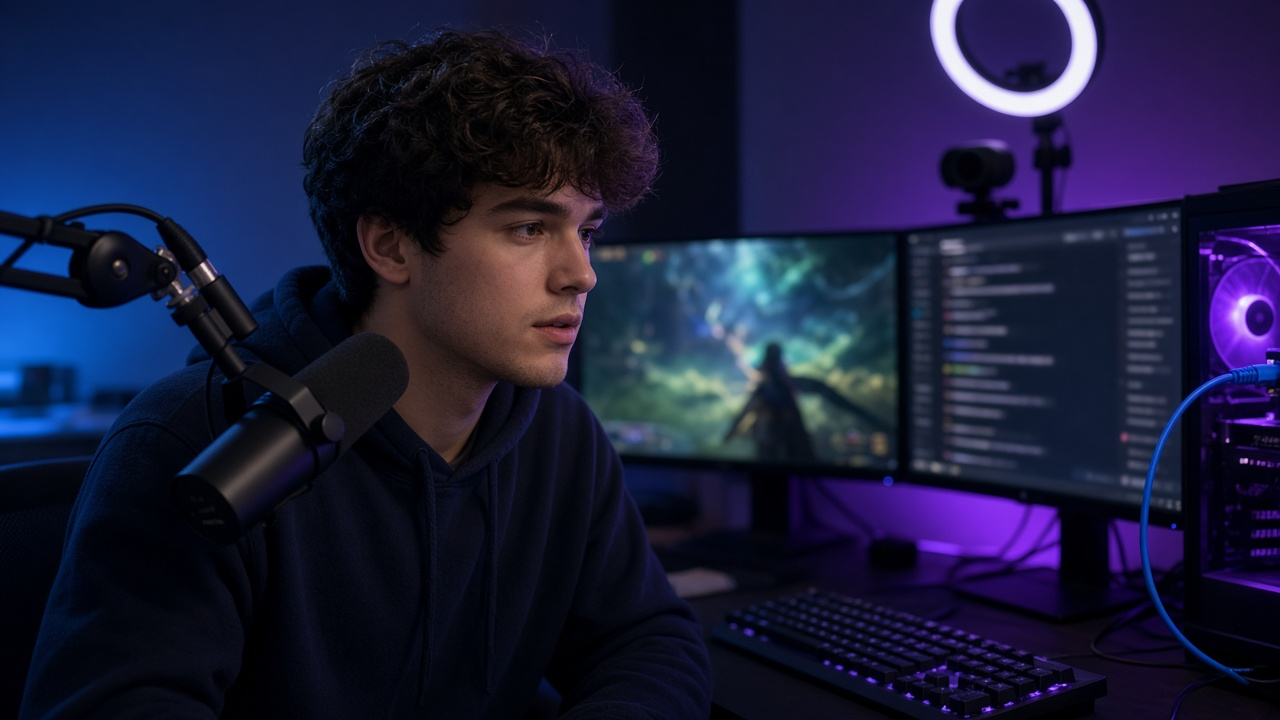
Watching Twitch takes download speed, but streaming to Twitch depends on your upload speed. Many home plans have far less upload than download, which is why a fast plan on paper can still produce a choppy stream. Here is what Twitch recommends as of November 21, 2026, and how to pick a plan that keeps your stream stable.
Twitch's recommended bitrates
- 1080p at 60 frames per second calls for a video bitrate of 6,000 kbps, or 6 Mbps.
- 1080p at 30 fps and 720p at 60 fps call for 4,500 kbps.
- 720p at 30 fps calls for 3,000 kbps.
Twitch's broadcasting guidelines also recommend constant bitrate, a two-second keyframe interval and AAC audio, and its broadcast health guidance tells standard streams to stay at a maximum of 6,000 kbps.
How much upload speed you need
Twitch's general rule is to have upload speed equal to your stream's bitrate plus 30%. A 6 Mbps stream may need at least about 8 Mbps of steady upload. That is the bare minimum for the stream itself. Your game, voice chat and anyone else at home who is uploading photos or on a video call also use upload, so most streamers are happier with 15 to 20 Mbps or more of measured upload. Test at the time you usually go live, on the streaming PC, over Ethernet.
If your stream drops frames, lowering the bitrate a few hundred kbps usually helps more than it hurts picture quality. Our guide to why upload speed is slow covers common causes.
Which internet plans suit streamers
- Fiber plans usually have symmetrical or near-symmetrical upload, so even entry tiers have plenty of upload for 1080p.
- Cable plans often have much lower upload than download, so check the upload number on the plan's broadband label.
- 5G home internet can work, but upload speeds and latency vary with signal and congestion.
- Satellite and DSL are the hardest connections to stream from reliably.
Compare connection types in fiber vs 5G home internet and whether 5G home internet is good for gaming.
Setup tips for a stable stream
- Plug the streaming PC into the router with an Ethernet cable.
- Pause cloud backups and large uploads while you are live.
- Use a bitrate that fits your upload with room to spare instead of the maximum.
- Run a speed test at your usual streaming time, not just once in the morning.
See our guides to increasing upload speed and setting up your network for gaming.
Find a plan with enough upload to go live
Compare fiber and other plans with strong upload speeds at your address.
Frequently asked questions
What upload speed do I need for Twitch?
Twitch recommends upload speed equal to your bitrate plus 30%. For a 6 Mbps 1080p60 stream, that is at least about 8 Mbps, and more if others at home are online.
What bitrate should I use on Twitch?
Twitch recommends 6,000 kbps for 1080p60, 4,500 kbps for 1080p30 or 720p60, and 3,000 kbps for 720p30.
Is 10 Mbps upload enough for Twitch?
It can carry a 1080p60 stream at 6 Mbps if little else is uploading. More upload gives a safer margin.
Is fiber better for Twitch streaming?
Fiber usually offers symmetrical upload, so it has far more upload than most cable plans at the same price tier.
Should I stream on Wi-Fi or Ethernet?
Ethernet is more stable. Wi-Fi can cause dropped frames when the signal dips or other devices are busy.