How to Get Internet in a New Construction Home
By RSINC editorial team | Updated
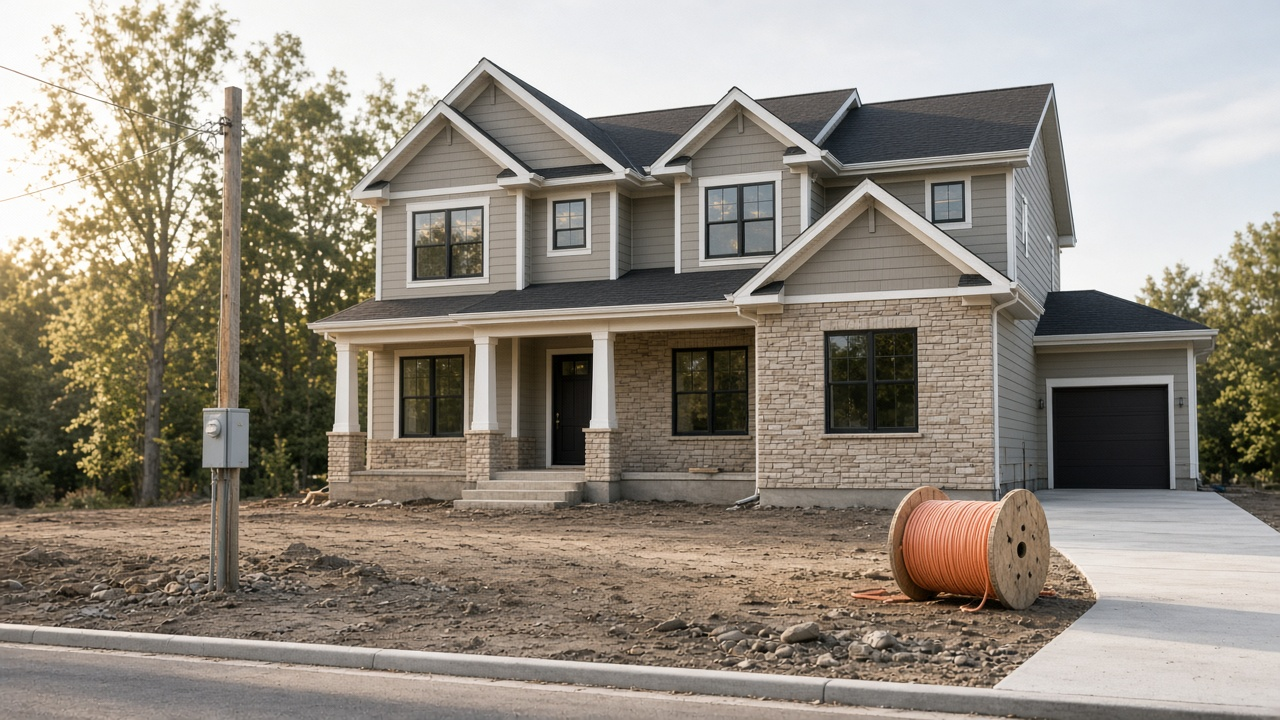
Getting internet into a brand-new house is a different project from transferring an existing account. The street address may not be in every ISP ordering system yet, the builder’s preferred provider may not be the only option available, and the drop from the street to the house may not exist until after closing. This guide covers timelines, what “fiber ready” usually means, builder marketing deals, typical install paths and a day-one backup plan. Options and wait times vary by subdivision and address; nothing here is an address-specific quote.
Why ordering sites say the address is not found
If an ordering tool does not recognize a new address, ask the provider to review its serviceability records using the official street address and any unit number. An address error and a lack of network service are different problems. A neighboring home’s service is a lead to investigate, not proof that your lot is eligible. There is no universal time limit for an address review or new construction order.
Use the legal address from the deed or builder paperwork, including unit or lot identifiers the county uses. Ask the builder’s superintendent which providers have already pulled permits or set pedestals on the street. For fiber specifically, RSINC’s guide on finding fiber at your address walks through the checks that matter once the address is searchable. RSINC’s page on checking coverage before you sign up is useful when you are comparing more than one company.
What “fiber ready” and pre-wired really mean
“Fiber ready,” “smart-home ready” and “pre-wired” are marketing phrases, not identical products. Conduit from the street to the house, empty raceway inside the walls, Cat6 drops to rooms and a structured-wiring panel are different things. Confirm in writing whether fiber is already lit at the curb, whether only conduit is in place for a future provider, or whether the builder installed coax and Ethernet without a live ISP account.
Ask where the Optical Network Terminal or modem will sit, whether the attic or garage has a dedicated data panel and whether outdoor weatherproofing is finished. Indoor Ethernet that stops short of the utility demarc does not by itself create service. If the builder’s paperwork is unclear, walk the lot with the superintendent before closing.
Questions about the builder’s preferred provider
Ask what the builder’s preferred-provider arrangement covers: marketing, conduit, wiring, installation or a service contract. A preferred offer does not itself prove that another provider can or cannot install at your lot. Ask each provider about serviceability and any access or permission requirements. Compare the written installation, equipment, cancellation and recurring charges before accepting an offer.
Multiunit buildings raise separate access and wiring questions. See the apartment internet guide when that is your setting.
Typical install paths and wait times
Install timing depends on what is already in the ground:
- For cable, ask whether an existing tap serves the lot, whether a new drop is required and whether self-installation is actually eligible.
- Fiber to the home needs an Optical Network Terminal, a drop from the street or rear easement and indoor wiring to the panel. Subdivision fiber that stops at the curb still needs that last connection scheduled.
- No wired plant on the street means waiting for construction or choosing a wireless or satellite bridge for move-in day.
Exact wait times in days for every ISP were not verified as a national average. Order as soon as the address is accepted in the provider’s system, keep the confirmation number and ask whether the appointment is for drop construction, indoor install or both. RSINC’s overview of internet installation costs in 2026 explains common fee patterns without replacing your order summary.
A move-in bridge when wired service is late
If the permanent drop will not be ready on closing day, plan a temporary connection you can cancel without a long contract. Fixed wireless 5G home internet from carriers such as T-Mobile Home Internet or Verizon can work when the gateway gets a usable signal at the new address; check that address in the carrier’s tool and read RSINC’s guide on moving 5G home internet to a new address. Compare the trade-offs with fiber in fiber vs 5G home internet.
Where neither cable nor fiber nor strong 5G home coverage reaches the lot yet, satellite options include Starlink, Viasat and Hughesnet. Check availability at the exact service address and confirm a clear sky view, equipment, plan terms and mounting or property permissions. ZIP results are preliminary screening, not proof of eligibility. Viasat’s availability and speeds are address-specific and are not described here as guaranteed. If no provider shows at all, start with RSINC’s page on what to do when no internet provider serves your area.
Pre-closing internet checklist
- Write down the county-recognized street address and lot or unit ID.
- Ask the builder which ISPs have conduit, pedestals or preferred-marketing rights on the street.
- Confirm in writing what “fiber ready” or “pre-wired” includes inside the house.
- Run every candidate ISP’s address check and save screenshots plus Broadband Facts labels.
- Schedule the permanent install as soon as the address is accepted; ask about drop construction lead time.
- If eligible, arrange a bridge connection and confirm delivery, activation, equipment charges and cancellation terms before move-in.
- Photograph the demarc, data panel and any outdoor conduit before drywall or landscaping hides them.
- Keep order numbers, tech appointment windows and return instructions for temporary gear.
Closing day goes more smoothly when the permanent order and the temporary bridge are both already in motion. Recheck prices, promotions and install fees on the provider’s own site the week you order, because offers change by market and date.
For help comparing internet at your address, call RSINC at 1-877-697-2926 or compare local providers.
Reviewed November 9, 2026. Availability, prices and terms can change.