Internet Installation Costs in 2026: What Each Provider Charges (and How to Avoid It)
Updated
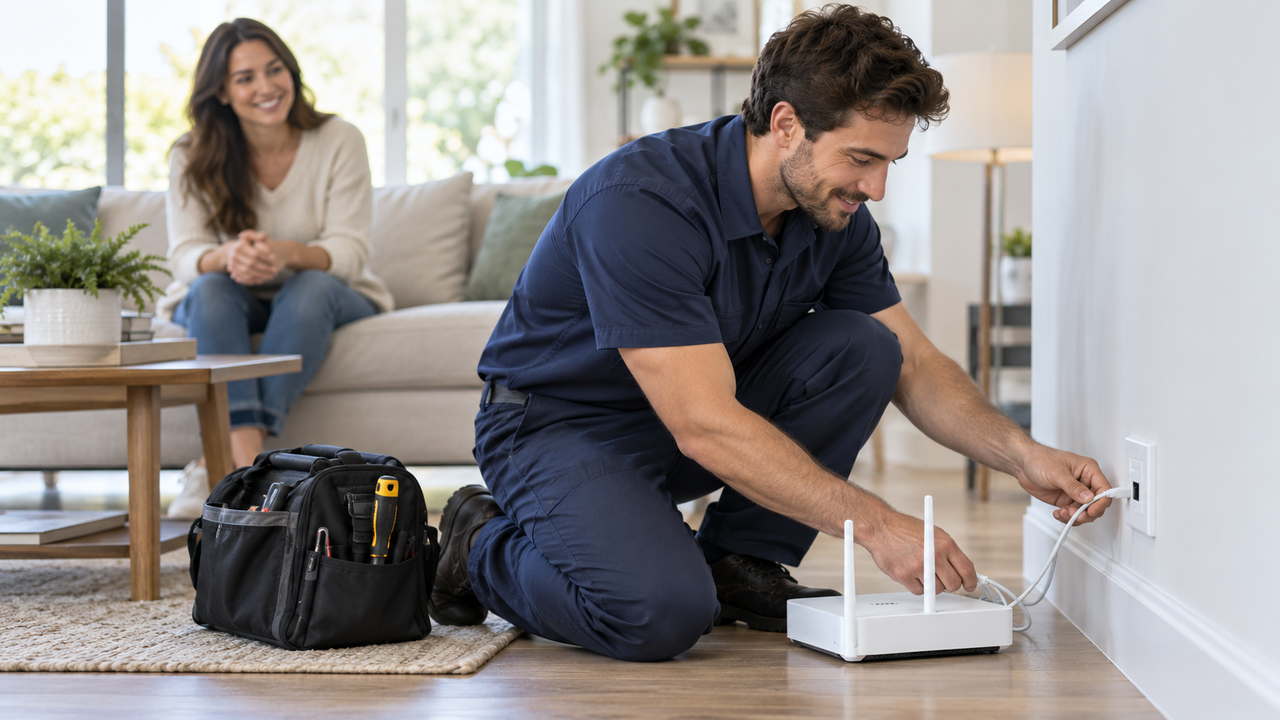
Internet installation can cost nothing at all, or it can add $100 to $150 to your first bill, depending on the provider and how you set up. Many plans now ship a self-install kit, and some fiber providers include professional installation at no charge. Others add a technician fee, an activation fee, or a setup charge that's easy to miss until checkout.
Here's what major providers charge for installation as of October 1, 2026, and the easiest ways to avoid paying it.
Installation costs by provider
| Provider | Installation cost |
|---|---|
| GFiber | Free professional install, or set it up yourself with the app |
| T-Mobile Fiber | No installation or equipment fees |
| Quantum Fiber | Technician installation included; rare construction charges beyond $1,500 must be approved by you |
| Verizon Fios | $99 professional setup charge may apply; waived for some plans, locations, and online orders |
| AT&T | Technician installation fee of $99 to $150 depending on the service, plus a possible activation fee |
| Xfinity | Self-install kit, or a $100 charge if a technician is needed to complete installation |
| Spectrum | Express Connect self-install kit (store pickup or shipped) for eligible customers; professional installation available; fees vary by area |
| T-Mobile 5G Home Internet | Self-setup; $35 device connection charge due at sale |
Fees can vary by address and change with promotions, so check your order summary before you confirm.
The three kinds of setup charges
- Technician or professional installation fee: Charged when a tech comes to your home to run wiring, mount equipment, or activate service.
- Activation or connection fee: A one-time charge to turn on service, sometimes charged even if you install it yourself. AT&T's fee schedule lists an internet activation fee that may be waived when you pay for a technician install, and T-Mobile charges a $35 device connection fee on home internet.
- Self-install assistance fee: Some providers charge if you choose self-install but then need a technician to finish. AT&T lists $99 for this, and Xfinity charges $100 when a technician is needed.
Provider details
Fiber providers
Fiber usually needs a technician the first time, because a line has to reach your home and an optical terminal goes inside. Even so, several fiber providers include it. GFiber offers free professional installation with performance checks, or app-guided self setup. T-Mobile Fiber advertises no installation or equipment fees. Quantum Fiber includes technician installation, and if a home needs unusual construction it covers the first $1,500 and asks you to approve anything more before work starts.
Verizon Fios lists a $99 professional setup charge that may be waived depending on the plan, location, and how you order. AT&T requires a technician for new fiber service, and the visit typically takes four to six hours. Its fee schedule lists technician installation fees of $99 to $150 depending on the service. Promotions sometimes reduce or waive the charge, so check your order summary.
Cable providers
Cable homes often already have a working coax outlet, so self-install is common. Xfinity offers Getting Started Kits that cost less than professional installation, for homes installing fewer than four devices. If a technician is required to complete an install, Xfinity charges $100. Spectrum lets eligible new customers pick up an Express Connect Kit at a store or have one shipped, then set up in about 10 minutes. Professional installation is available when self-install isn't an option.
Want to know install costs before you order?
We can help you compare plans at your address, including which ones come with free installation or self-setup.
5G home internet
Fixed wireless is the easiest to set up: plug in the gateway, place it near a window, and follow the app. T-Mobile 5G Home Internet is self-setup, with a $35 device connection charge at sale. There's no technician visit to schedule.
How to pay less, or nothing, for installation
- Choose self-install when your home qualifies. Homes that already had service from the same provider are usually the best candidates.
- Order online. Some providers waive setup charges for online orders. Verizon notes its fee may be waived depending on ordering method.
- Pick a provider that includes installation, such as GFiber, T-Mobile Fiber, or Quantum Fiber.
- Ask before the tech leaves. Extra work like new wall outlets or Ethernet runs can add cost. Get a price before saying yes.
- Prepare the space. Clear access to outlets and the spot where equipment will go. It helps self-installs go smoothly and keeps a tech visit short.
If you want wired connections in several rooms, that's a separate project. See our Ethernet installation cost guide. To know what to expect on fiber day, read our fiber installation walkthrough.
Ready to get connected?
Compare internet plans, setup options and current offers available where you live.
Frequently asked questions
How much does internet installation cost?
Professional installation typically costs about $0 to $150 depending on the provider and plan. Some providers include it free. Others charge a technician fee, an activation fee, or a setup charge.
Is self-installation free?
Often, or close to it. Many providers send a self-install kit free or for a small fee. But if a technician has to finish the job, you may be charged a technician fee.
Can I get the installation fee waived?
Sometimes. Ask about online-order promotions, choose self-install where it's offered, or pick a provider that includes installation, such as GFiber or T-Mobile Fiber.