How to Clean a Satellite Dish Safely (Snow, Ice, Debris and Nests)
Updated
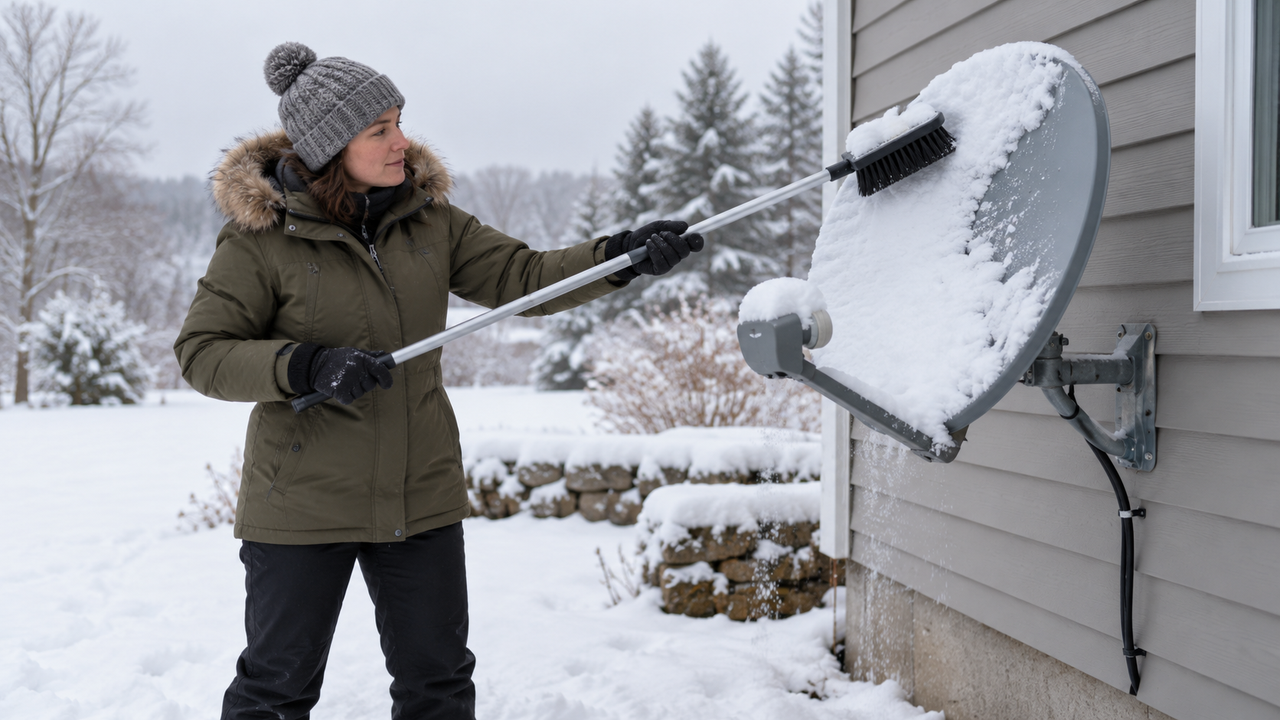
A satellite dish doesn't need much care, but a little attention at the right time keeps your TV or internet signal strong. Heavy snow, ice, leaves, and even bird nests can weaken reception. Cleaning the wrong way, by bumping the dish, scraping it, or climbing an icy roof, can cause bigger problems than the ones you're trying to fix. Here's how to clean a dish safely, whether it's for DISH, DIRECTV, Viasat, Hughesnet, or Starlink.
Safety first
- Stay off icy roofs and ladders. If you can't reach the dish safely from the ground or a stable spot, leave it alone or call your provider.
- Stay clear of power lines when using long poles.
- Don't move the dish. Satellite dishes are aimed precisely. A small bump can knock the signal out.
What you need
- A soft-bristle brush or foam broom, with an extension pole if needed
- A soft cloth or sponge
- Mild soap and water (for dirt only, never in freezing weather)
- Gloves
How to clear snow and ice
Light snow and rain usually don't interrupt service. Viasat, for example, says severe storms may cause a temporary outage that typically lasts no more than about 20 minutes, and service comes back on its own. Buildup during a heavy storm is different. If the dish is easy to reach and your signal is suffering:
- Gently sweep loose snow off the dish face with a soft brush, using light strokes.
- Clear snow from the arm and the small receiver at the end of it, called the LNB.
- Leave ice alone if it won't brush off. Don't chip, scrape, or pound it.
- Don't pour hot water on the dish. Sudden temperature changes can damage parts, and the water may refreeze.
- Clear snow piled around the dish that could block its view of the sky.
Starlink dishes
Starlink dishes have a built-in snow melt feature. In the Starlink app, you can set Snow Melt to Automatic or Pre-Heat. Pre-Heat uses more power but helps prevent buildup. Let snow melt do its work first. If snow piles up around a ground-mounted dish, clear the area so the dish has an open view of the sky. Learn more about Starlink's snow melt feature.
Satellite still letting you down?
If weather outages are a constant headache, see whether faster or more reliable options now reach your address.
How to clean dirt, leaves, and debris
- Brush off leaves, pine needles, and loose dirt.
- For caked-on dirt or bird droppings, wipe gently with a soft cloth and mild soapy water, then rinse lightly. Never use a pressure washer.
- Don't use solvents, abrasive cleaners, or scrubbing pads. They can damage the coating.
- Check that the cable connectors look tight and dry, without touching or loosening them.
Nests, wasps, and critters
Birds and wasps like the sheltered spot under the arm and behind the dish. If you find a nest, avoid tugging at it or forcing it off. Pulling on wires or the LNB can shift the dish or damage the cable. Wasp nests are best handled by a pest professional. If a nest is wrapped around the receiver or cables, contact your provider for help.
Rust and wear
Look over the mount and bolts once or twice a year. A little surface rust on the mount is common, but loose bolts, a wobbly mount, or cracked cable jackets should be fixed by a technician. Don't paint the dish face. Some paints can interfere with the signal.
What not to do
- Don't spray the dish with cooking spray, silicone, or other water repellents.
- Don't cover it with a tarp or bag. Covers can block or weaken the signal.
- Don't try to re-aim the dish yourself.
- Don't trim nearby trees from a ladder in icy weather. Plan tree trimming for safer days, since branches can block the signal year-round.
When to call your provider
If your signal doesn't return after the weather clears and the dish is clean, it may be out of alignment or have a damaged part. Check our satellite troubleshooting guide, and see provider tips for Viasat and Hughesnet. To prepare for storms, read how to protect a dish from rain.
Find the best connection for your home
Compare satellite, 5G, cable and fiber options available at your address.
Frequently asked questions
Can I use hot water to melt ice on my satellite dish?
Avoid hot water. A sudden temperature change can damage parts, and the water can refreeze. Let ice melt on its own, or gently clear loose snow with a soft brush.
Should I spray my dish with cooking spray or a water repellent to keep snow off?
No. Sprays can damage the dish's coating and attract dirt. A clean, dry dish sheds snow best.
How do I know if my dish moved while cleaning?
If your TV or internet signal drops and doesn't come back after the weather clears, the dish may be out of alignment. Contact your provider rather than trying to re-aim it yourself.