Does Starlink Work Through Trees? How to Check and Fix Obstructions
By RSINC editorial team | Updated
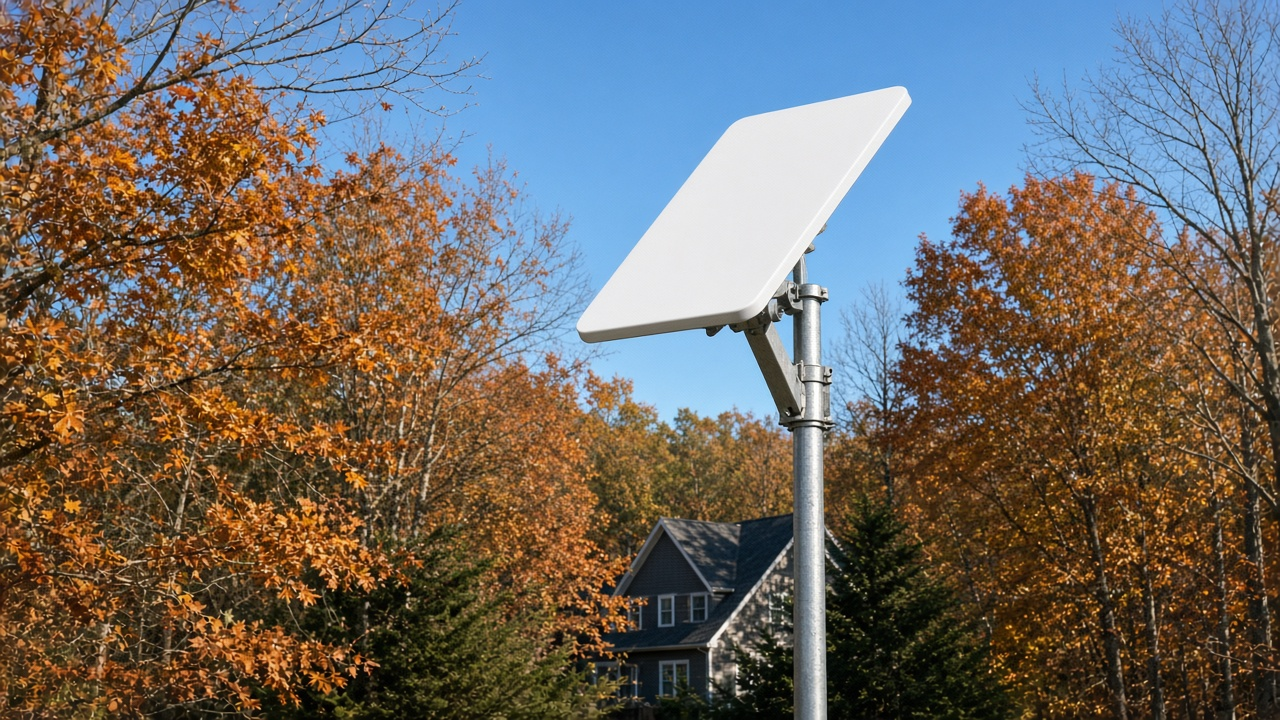
Starlink doesn't work well through trees. Leaves, branches and trunks block the signal between your dish and the satellites, which causes short dropouts that freeze video calls and games. A dish needs a clear view of a wide patch of sky. A different mounting location can help, but check the proposed view in the app before buying equipment.
Compare Starlink Standard vs. Mini, prepare for satellite internet in snow and winter, and use our Starlink speed test guide to separate service issues from home Wi-Fi problems.
Compare the Starlink provider guide with our satellite internet comparison when weighing alternatives.
Why trees cause Starlink dropouts
Starlink satellites move across the sky all the time, and your dish communicates with different satellites as they pass overhead. If part of the sky is blocked, the dish loses the signal whenever a satellite passes behind that tree. That's why trees cause brief, repeated interruptions rather than a total outage.
How to check for obstructions
- Before you install, open the Starlink app and use Check for Obstructions. It uses your phone's camera to scan the sky from the spot you plan to use.
- After setup, look at the obstruction map in the app. Starlink says a complete obstruction map can take up to 12 hours to develop.
- Check the app's outage history to see how often the connection drops.
Ways to get above or around trees
- A pole mount in an open part of the yard is often the easiest fix.
- Roof and ridgeline mounts get the dish above lower trees.
- Chimney and wall mounts can work where the roof is hard to reach.
- A longer cable lets you place the dish farther from the house, in a clearing.
- Trimming one or two branches in the blocked zone can make a big difference.
Mounting kits and longer cables cost extra, and a professional installer adds labor. Get a quote before you buy hardware. Use a qualified installer for elevated work and a qualified arborist for tree work; keep dishes, ladders and tools clear of power lines.
Watch for seasonal changes
A spot that tests clear in late fall or winter can be blocked once leaves come back in spring. If you install when trees are bare, leave extra room around the dish or plan a higher mount.
When another service is a better fit
If your property is heavily wooded and you can't clear the view, check other options. 5G home internet doesn't need a view of the sky, and our Starlink vs. 5G home internet guide compares them. Viasat and Hughesnet dishes also need a clear line to the southern sky. Our Hughesnet vs. Viasat vs. Starlink comparison covers the trade-offs.
For help comparing internet at your address, call RSINC at 1-877-697-2926 or compare local providers.
Reviewed October 29, 2026. Availability, prices and terms can change.