Will Your Home Phone Work in a Power Outage? Landline, VoIP, Fiber and Cell Backup Explained
By RSINC editorial team | Updated
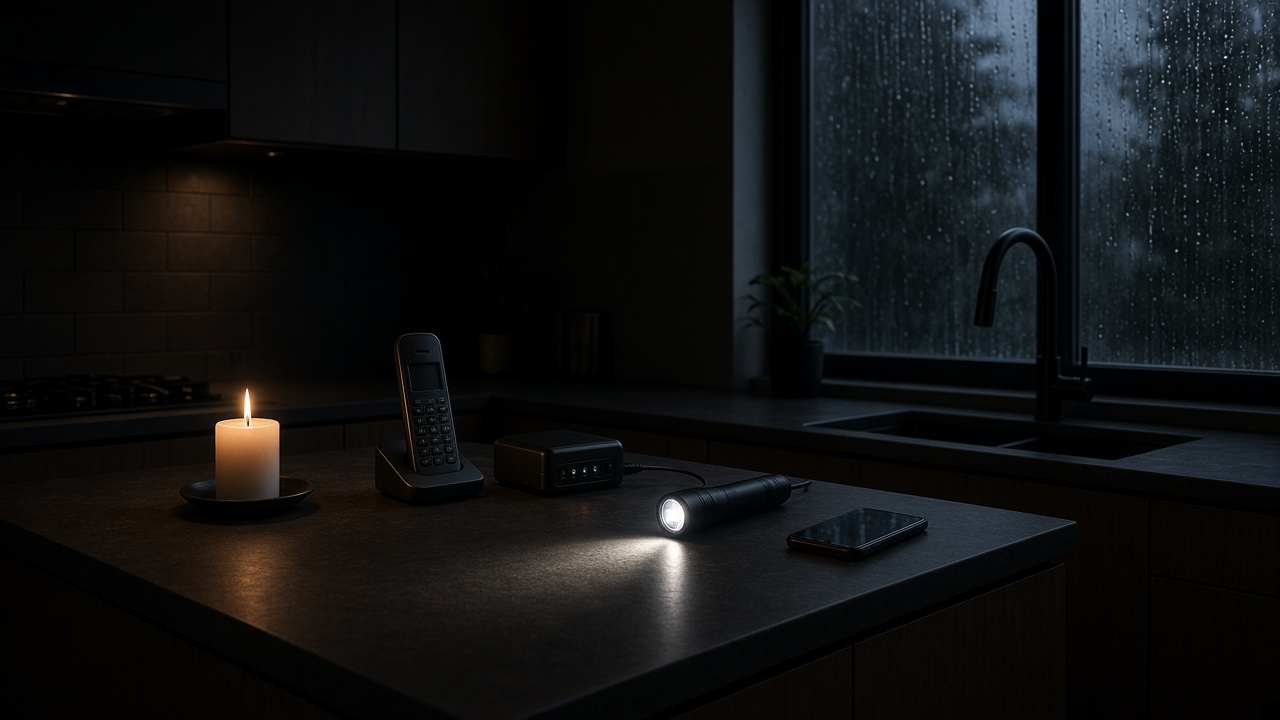
A home phone may stop working when the power goes out—even if the handset plugs into a wall socket. First identify whether your service uses traditional copper, a cable or fiber gateway, or a cellular home-phone device.
For related guidance, see AT&T copper-retirement guide, Verizon copper-retirement pause and connecting a landline phone to a Wi-Fi router.
For related planning, read backup internet for storms and compare providers in the RSINC directory. Ask your phone provider about the exact equipment installed at your home.
Traditional copper and corded phones
A traditional copper POTS line can receive power from the telephone network and may keep working when household electricity fails. That depends on the network remaining operational. A cordless base station normally needs its own power, so a charged handset alone may not keep it working.
Fiber, cable and internet-based phone service
Digital phone service can depend on a modem, gateway, optical network terminal or telephone adapter. If a required device loses power, calls can fail. A compatible battery or UPS may keep selected equipment running, but it cannot repair a damaged line or an outage farther upstream.
Some provider backup units are designed for basic voice service rather than internet or television. Check which functions the unit supports, its stated runtime and the condition of its battery. Do not assume a backup that supports the ONT also powers a cordless base station.
Cellular home phones and mobile phones
A cellular home-phone device may have a built-in battery. Its runtime is model-specific, and a powered handset or base may still need a separate backup. Mobile service also depends on signal, congestion and the nearby network remaining available.
Prepare before an outage
- Ask the provider to identify every powered component needed for voice calls.
- Check battery age, charging instructions and replacement procedures.
- Keep a compatible corded phone if your service supports one.
- Maintain a charged mobile phone and power bank as another option.
- Keep important contact details accessible without an internet connection.
Ask alarm and medical-alert providers whether their equipment works with your phone service and backup arrangement. Changing from copper to fiber or cellular service can change how those devices communicate.
Calling for help
Loss of power can also interrupt 911 calling on a digital home phone. Discuss a backup communication plan with your provider before an emergency; do not place a test call to 911 unless you have arranged it with the local emergency communications office.
For help comparing internet at your address, call RSINC at 1-877-697-2926 or compare local providers.
Reviewed October 27, 2026. Availability, prices and terms can change.