Can You Work From Home on 5G Home Internet?
Updated
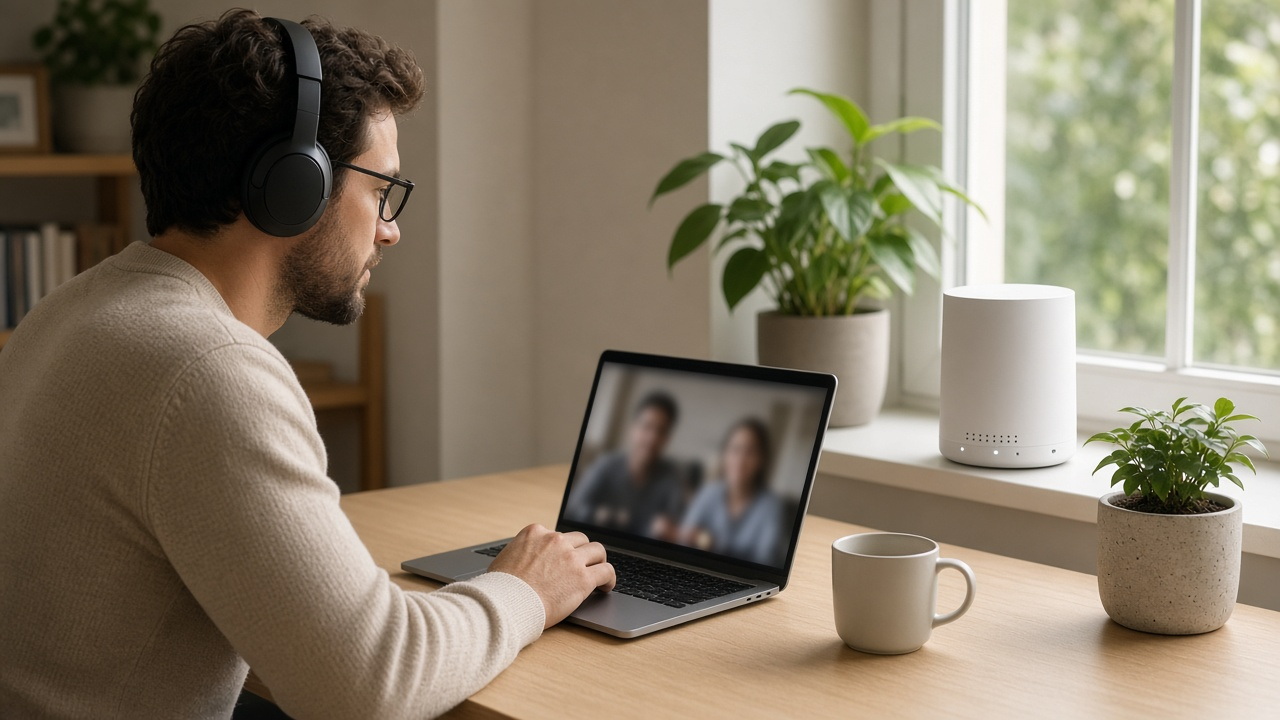
Yes, many people work from home on 5G home internet every day without trouble. Video calls, email, cloud apps, and most company VPNs run fine when your signal is solid. But 5G has a few quirks that cable and fiber don't: lower upload speeds, slowdowns when the local tower is busy, and a type of network sharing called CGNAT that can trip up certain work tools. Here's what to expect and how to set yourself up for success.
What remote work actually needs
Most remote jobs need less bandwidth than people expect. Zoom, for example, recommends about 3.8 Mbps up and 3.0 Mbps down for 1080p HD video. The harder requirements are consistency and upload speed. A connection that's fast at noon but stutters at 4 p.m. can be worse for work than a slower, steady one. For a deeper look, see what speed you need to work from home.
How 5G home internet measures up
T-Mobile reports typical download speeds of 170 to 498 Mbps on its Amplified and All-In plans, and 12 to 55 Mbps upload. That's plenty for video calls, screen sharing, and cloud apps. Verizon's 5G Home plans list download speeds up to 100 Mbps on the base plan and up to 150 Mbps on 5G Home Plus, with the Ultimate plan offering its fastest speeds.
Where 5G can fall short is with very large uploads, such as video files, big design projects, or full-system backups. These take noticeably longer than on fiber, which has matching upload and download speeds.
The three things that trip up remote workers on 5G
1. Busy-hour slowdowns
5G home internet shares capacity with phones on the same towers. When the network is congested, providers may slow home internet traffic first. T-Mobile says home internet customers may see lower speeds than other customers during congestion, and further reductions after 1.2 TB of use in a month. Verizon's 5G Home Plus and Ultimate plans include unlimited premium data, which Verizon describes as high-speed data even when the network is busy. Learn more in our deprioritization explainer and why 5G slows at night.
2. CGNAT and VPNs
Wireless providers commonly use carrier-grade NAT (CGNAT), where many customers share a public IP address. Everyday work traffic, including most company VPNs, works normally because your computer starts the connection. What can break are tools that need incoming connections: hosting a server, some remote-desktop setups that connect into your home, port forwarding, or certain security systems. If your job depends on these, ask IT before you switch. See NAT vs CGNAT for the details.
3. Signal and placement
Your speed depends on how well the gateway hears the tower. Walls, low floors, and distance all matter. Moving the gateway to an upstairs window facing the tower can make a big difference.
Is 5G home internet available at your address?
Compare 5G, cable and fiber plans at your address before you commit your workday to one.
How to make 5G work for your workday
- Choose a plan with priority or premium data. On Verizon that's 5G Home Plus or Ultimate. On T-Mobile, the Amplified or All-In plans have the fastest speeds.
- Place the gateway carefully. Use the provider's app to find the strongest signal, ideally near a window.
- Plug in your work computer. An Ethernet cable from the gateway gives you the steadiest connection for calls.
- Test during your real work hours. T-Mobile offers a 15-day test drive and Verizon a 30-day money-back guarantee. Run speed tests during your busiest meeting times.
- Have a backup. A phone hotspot can carry an important call if the connection hiccups.
- Check with IT if you use remote desktop, host anything, or need a static IP address.
When to choose fiber or cable instead
5G home internet is a strong fit for most remote workers who are mainly on calls, email, and web apps, especially with a good signal. Choose fiber or cable if you:
- Upload large files regularly, such as video, design, engineering, or data work
- Need incoming connections, a static IP, or a public IP address
- Can't afford a slow afternoon on deadline days
- Have several people working or learning online at the same time
If fiber is available, its matching upload and download speeds make it the gold standard for remote work.
Need a work-ready connection?
Find the internet plans at your address with the upload speed and reliability remote work demands.
Frequently asked questions
Is 5G home internet good enough for Zoom and Teams?
Usually, yes. Zoom recommends about 3.8 Mbps up and 3.0 Mbps down for 1080p HD video, well within typical 5G home internet speeds when your signal is solid.
Will my company VPN work on 5G home internet?
Most standard corporate VPNs work fine. Problems are more likely with anything that needs incoming connections, such as hosting a server or certain remote-desktop setups, because 5G providers commonly use carrier-grade NAT.
Which 5G home internet plans are best for remote work?
Choose plans with priority or premium data, such as Verizon 5G Home Plus or Ultimate, or T-Mobile's Amplified or All-In plans. Then place the gateway where it gets the strongest signal.