Can You Use Your Own Router With Spectrum?
Updated
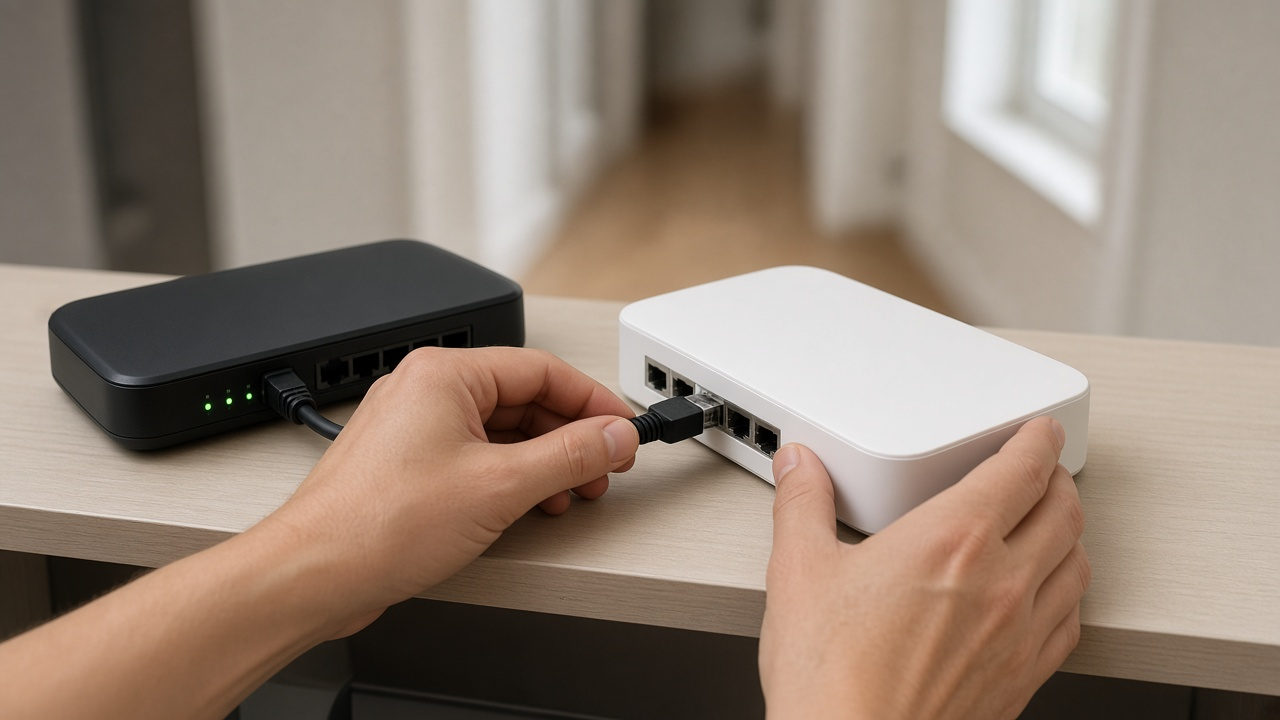
Yes — Spectrum lets you use your own Wi-Fi router. Every Spectrum internet plan includes a modem at no extra modem rental charge. The optional piece is Spectrum's Wi-Fi service. If you supply a capable router, you can keep the Spectrum modem and run your own wireless network — similar to our guide on using your own router with Optimum.
Spectrum modem vs Spectrum Wi-Fi
| Equipment | What Spectrum does | Your choice |
|---|---|---|
| Modem | Included with internet plans | Usually keep Spectrum's modem |
| Advanced WiFi router | $10/mo, or included with 1 Gig+ | Keep it or replace with your own router |
| Invincible WiFi | $30/mo, or included with 2 Gig in select markets | Adds 5G/battery backup — only if you want that feature |
On Spectrum's site as of October 5, 2026, Advanced WiFi is $10 a month on 500 Mbps plans and included with Internet 1 Gig and higher. If Advanced WiFi is already free on your tier, buying your own router is about coverage and features, not escaping a fee.
Shopping Spectrum internet first?
Confirm the plan and Wi-Fi fee at your address before you buy a router. Check Spectrum availability by ZIP.
How to connect your own router
- Place the Spectrum modem on a ventilated shelf and confirm online status lights are normal.
- Run Ethernet from the modem's LAN/Ethernet port to your router's WAN/Internet port.
- Power the router, complete its setup app, and create a new Wi-Fi name and password.
- If Spectrum previously provided a Wi-Fi router or gateway you no longer need, return it so related Wi-Fi charges can drop.
- Optional but recommended: disable Wi-Fi on any Spectrum all-in-one unit if you must keep it in modem mode only — ask Spectrum chat which bridge/modem-only steps apply to your model.
Pros of using your own router
- Potential savings when Advanced WiFi is a paid add-on on your tier
- Better mesh options for multi-story homes
- Newer Wi-Fi 6E / Wi-Fi 7 features Spectrum's older units may lack
- More control over parental controls and guest networks
Cons and gotchas
- Spectrum tech support stops at their modem — your router settings are on you
- You lose Spectrum app Wi-Fi tools tied to Advanced WiFi
- A cheap outdated router can make a fast Spectrum plan feel slow (see will a faster plan improve Wi-Fi?)
- Gig-tier customers already get Advanced WiFi included, so the fee math changes
What kind of router should you buy?
Match the router to your Spectrum speed and home size:
- Up to 500 Mbps, small home: quality Wi-Fi 6 router
- 1 Gig or busy multi-device home: Wi-Fi 6E or Wi-Fi 7 router
- Dead zones: mesh system with wired backhaul when possible
For model ideas, see best Wi-Fi routers for streaming. Placement still matters more than brand stickers — keep the router central, upright and out of cabinets.
Want help picking plan vs equipment?
We can help you decide whether Spectrum Advanced WiFi or your own router is the better deal.
Frequently asked questions
Can I use my own router with Spectrum?
Yes. Spectrum includes a modem with internet plans. You can connect your own Wi-Fi router to that modem and skip Spectrum's Advanced WiFi service if you do not want it.
How much is Spectrum Advanced WiFi?
Advanced WiFi is $10 a month, or included with Spectrum Internet 1 Gig and higher. Invincible WiFi with 5G backup is a higher-tier option.
Will Spectrum support my third-party router?
Spectrum supports the connection to its modem. Settings, mesh nodes and firmware on your router are your responsibility.