Wi-Fi Works on Your Phone but Not Your Laptop: Fixes
By RSINC editorial team | Updated
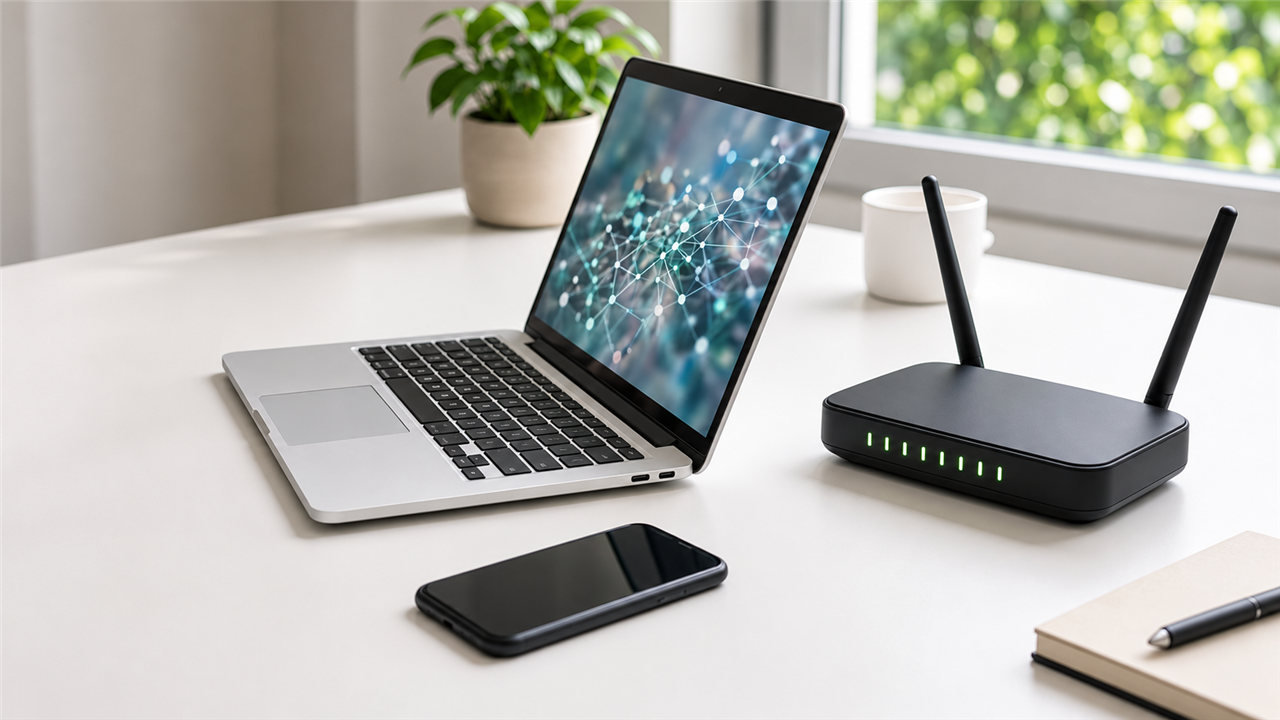
If Wi-Fi works on your phone but not your laptop, first turn off cellular data on the phone and confirm both devices are using the same Wi-Fi network. Otherwise, the phone may be reaching the internet through mobile service while the home connection is down.
If the phone still loads websites over that same Wi-Fi, focus on the laptop before resetting the router or buying a new internet plan. An adapter setting, saved password, unsupported wireless band or VPN can affect one device while the rest of the household stays connected.
Start with a test that narrows the problem
| What you see | What to check first |
|---|---|
| No Wi-Fi networks appear | Airplane mode, Wi-Fi switch and wireless adapter. |
| Other networks appear but not yours | Distance, band compatibility and the router’s network name. |
| Your network appears but rejects the connection | Saved password, security compatibility and access controls. |
| Connected, but websites do not load | Captive portal, VPN, proxy, DNS and IP configuration. |
| Only one website or app fails | That service, browser or application rather than the entire connection. |
Check the simple settings before changing anything
Move near the router, turn Wi-Fi off and on, disable airplane mode and restart the laptop. Some laptops also have a physical wireless switch or keyboard shortcut. Make sure you selected your home network rather than a similarly named guest network or nearby hotspot.
If the password recently changed, forget the saved network and reconnect using the correct current password. Have that password available before forgetting it. On a work or school laptop, ask the administrator before removing profiles or changing managed settings.
If the laptop cannot see the network
An older wireless adapter may not support the band your phone is using. A 6 GHz network requires compatible hardware and software; not every laptop that supports ordinary Wi-Fi can join it. If the router provides a 2.4 GHz network, try that as a compatibility test. Do not disable Wi-Fi security to make an old device connect.
If networks remain absent even near the router, check whether Windows has disabled the adapter in Device Manager. On a Mac, check System Settings and the Wi-Fi service. Get driver and firmware updates only from the computer, adapter or router manufacturer, not an unsolicited driver-download utility.
Windows checks for a connected laptop without internet
- Run the Network and Internet troubleshooter available in Windows settings or Get Help; menu names can differ by version.
- Check Settings, Network & internet for VPN or proxy settings. Disconnect a personal VPN briefly to test, then restore it. Ask IT about managed connections.
- Install Windows and manufacturer-approved wireless driver updates when you have a working connection.
- Try another browser and a few unrelated websites. If only one browser fails, investigate its extensions, proxy settings or cache.
- Use Network reset only after simpler steps fail. In Windows 11 it is under Network & internet, Advanced network settings. It removes and reinstalls network adapters and may require VPN or virtual-network software to be set up again.
Before a network reset, save work, keep the Wi-Fi password handy and record any custom settings. Do not reset a managed computer without administrator guidance. Avoid uninstalling the wireless driver unless you already have a safe way to reinstall it.
Mac checks
Restart the Mac, confirm date and time are correct and install applicable software updates. Apple recommends checking VPN and third-party security software when Wi-Fi connects but internet access fails. Test a personal VPN or filter one at a time and restore protections afterward; do not leave the firewall off as a permanent fix.
Hold Option while clicking the Wi-Fi menu to look for Open Wireless Diagnostics, where available. Its diagnostic findings can help support staff distinguish a local wireless problem from an internet issue. At a hotel or café, use the expected network sign-in page, but do not install unexpected certificates or software just to get online.
Use a second connection to identify the cause
Try the laptop on a trusted hotspot or another known-working network, keeping mobile data charges in mind. If it works elsewhere, inspect the home router’s device block list, parental controls, device limits and compatible security settings. If it fails everywhere, the laptop’s configuration or hardware is more likely involved.
If Ethernet works on the laptop but Wi-Fi does not, concentrate on its wireless adapter and settings. If several devices fail on the home network, restart the router using the manufacturer’s normal restart procedure. A factory reset is different and can erase your configuration, so do not use it as a casual troubleshooting step.
For help comparing internet at your address, call RSINC at 1-877-697-2926 or compare local providers.
Reviewed November 7, 2026. Availability, prices and terms can change.