What Internet Provider Do I Have? How to Find Out Who Serves Your Home
Updated
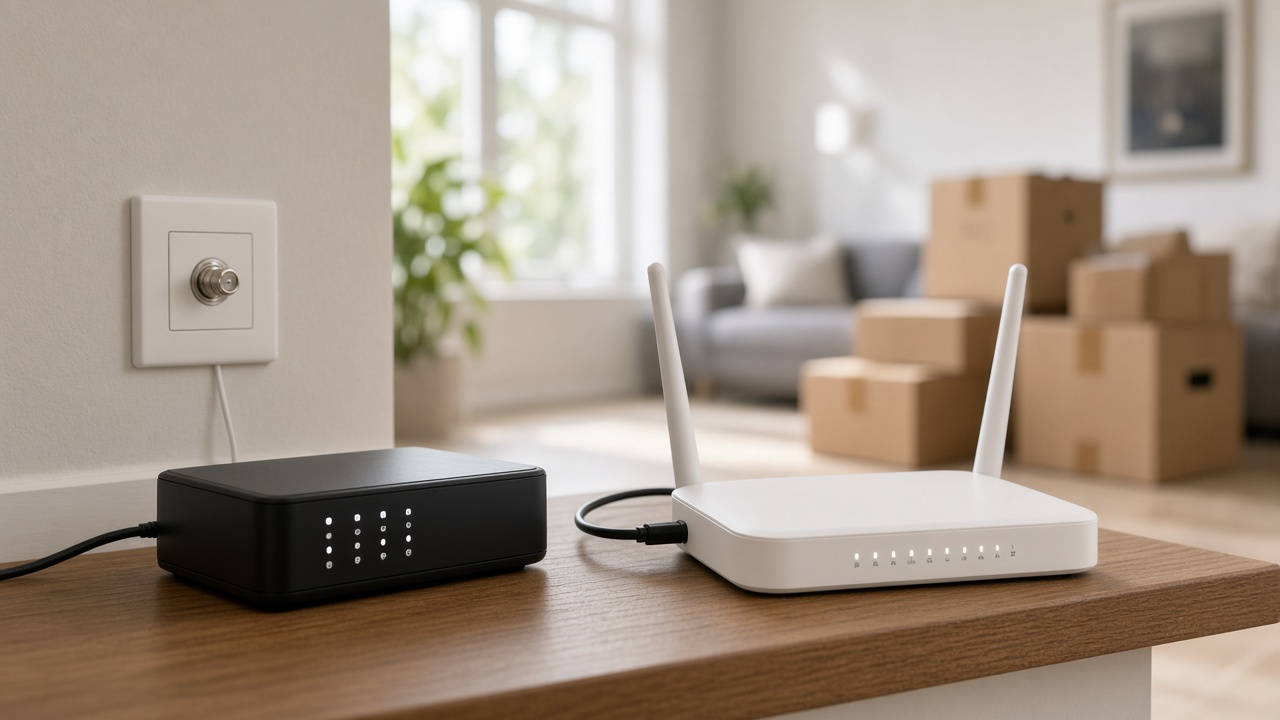
The fastest way to find out who your internet provider is: check your bill or bank statement for the company name. If someone else pays, or you just moved in, look at the label on the modem or gateway, open a speed test that shows the network name, or check the boxes and jacks where the line enters the house. To see every provider that can serve your address, not only the one already wired in, use an address lookup and confirm with the provider by phone.
Six ways to identify your provider
| Method | What to look for | Works if |
|---|---|---|
| Bill or bank statement | Company name on the monthly charge | You pay for the service |
| Modem or gateway label | Brand sticker, a support phone number, or the default network name | The equipment came from the provider |
| Wi-Fi network name | Default names often include the provider name | The name was never changed |
| Speed test | The network or provider name shown with your results | You are online |
| Wall jack and cable type | Coax (cable), phone jack (DSL), small fiber box, or a dish or antenna | Always; narrows the type of provider |
| Outside box or pole label | Sticker or tag naming the company | The line is labeled |
1. Check the bill, email or app
Search your email for words like internet, Wi-Fi, account number and autopay, and look at card statements for a monthly charge. Common names include Xfinity, Spectrum, AT&T and Verizon. If a provider app is on your phone, that is usually your answer.
2. Read the label on the modem or gateway
Provider-supplied gateways usually carry the company brand, a support number, or a default Wi-Fi name and password on a sticker. If you own your modem, the brand will be the hardware maker instead, but the sticker still helps support identify the service.
3. Run a speed test
Most speed test sites show the name of the network your connection comes from, along with your speed. That name is normally your internet provider. If you are on a 5G home internet gateway from T-Mobile or Verizon, it will show the wireless carrier.
4. Follow the cable to the wall
- Round coaxial cable that screws on: cable internet, such as Xfinity, Spectrum, Cox or Optimum.
- Phone-style jack: DSL from the local phone company.
- Thin cable into a small white or gray box near the wall: fiber, with that box being the optical network terminal (ONT).
- A dish on the roof: satellite, such as Starlink, Viasat or Hughesnet.
- A gateway with no wire to the wall: 5G or LTE home internet.
5. Check outside the house
Where the line enters the house you will often find a gray network interface box or a smaller cable box. Many carry a company sticker. Neighborhood pedestals and pole tags can also name the company, but they show who has lines on the street, not who serves your home today.
Just moved in?
See every internet provider that serves your new address, including ones the previous owner did not use.
6. Look up your address
Address lookups show which providers say they serve your home. The RSINC ZIP search lists providers and plans, and the FCC National Broadband Map shows provider-reported coverage at each address. Our guide to checking coverage before you sign up explains how to confirm availability with the provider so you do not pay for a technician visit that cannot connect you.
If the previous owner’s provider is still wired in
Lines stay in the house when owners move out, but the account does not. Call the provider whose cable or fiber is already there with your address and ask to start new service. Because the wiring is in place, it is often a self-install or a quick technician visit. Return any equipment left behind if it belongs to the previous account, and compare at least one other option first. You can also have two providers in one house if you want a backup.
If nothing seems to serve your address, see what to do when there is no provider in your area, or browse providers in our provider directory and city pages.
Find providers at your address
Enter your ZIP to see which providers serve your home and what their plans cost.