Starlink Residential Max Explained: Speeds, Priority and Who Needs It (2026)
Updated
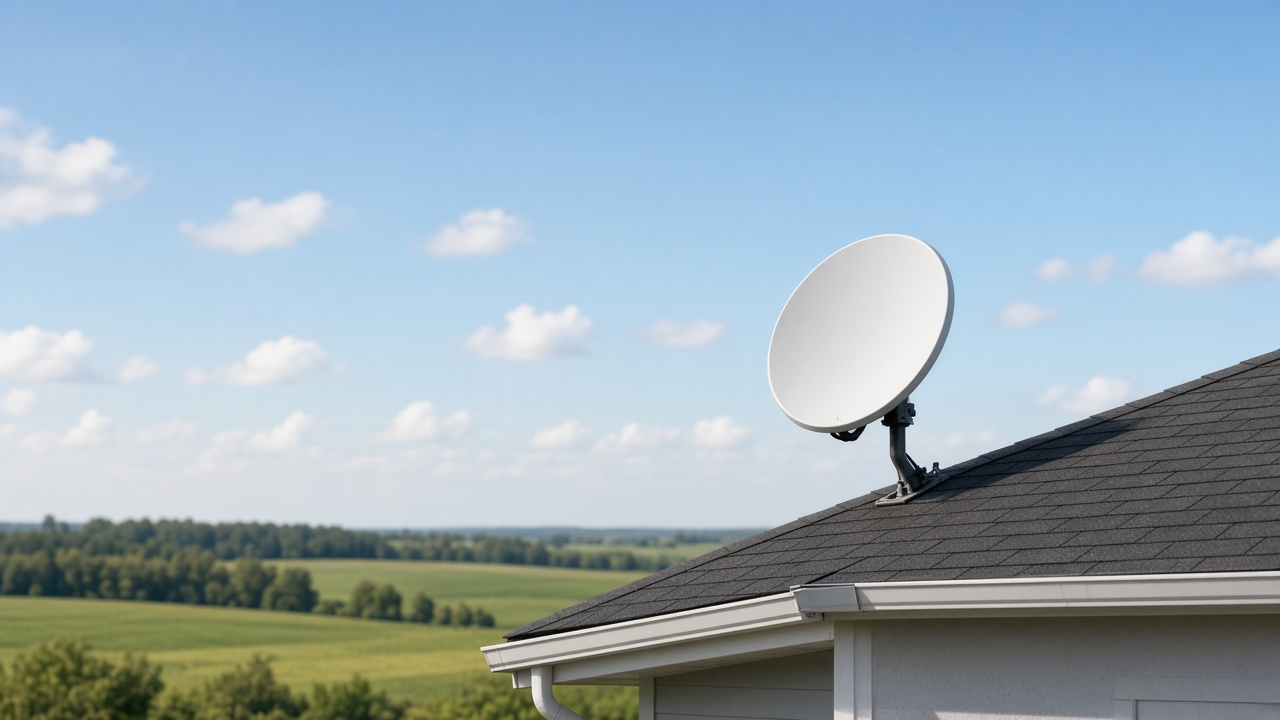
Starlink Residential Max is the top residential tier at $130 a month as of October 14, 2026. It has the highest network priority among Starlink's Residential plans and is advertised for typical downloads of up to 400+ Mbps, with uploads of up to 20 to 40 Mbps and unlimited data.
The cheaper Residential 100 Mbps ($55) and Residential 200 Mbps ($85) plans, available only in select areas, cap downloads at those speeds and can slow more during busy hours. Max is the plan to pick when your cell is congested at peak times, you want the fastest residential speeds Starlink offers at your address, or you want the equipment extras Starlink ties to that tier.
Residential plans side by side (October 14, 2026)
| Plan | Monthly price | Download | Upload | Network priority |
|---|---|---|---|---|
| Residential 100 Mbps | $55/mo | Capped at 100 Mbps | Up to 15–35 Mbps | Lower than Max; can slow more at peak |
| Residential 200 Mbps | $85/mo | Capped at 200 Mbps | Up to 15–35 Mbps | Lower than Max; can slow more at peak |
| Residential Max | $130/mo | Up to 400+ Mbps typical | Up to 20–40 Mbps | Highest among Residential plans |
Prices are Starlink's posted Residential service rates from its service-plans listing and Help Center residential-plans article as of October 14, 2026. The 100 and 200 Mbps plans are only offered in select areas with spare capacity. All three include unlimited data. Hardware is separate and varies by address. Speeds vary by region and local load, so treat the Max "400+" figure as a typical ceiling, not a guarantee every hour.
What "top priority" actually changes
Starlink shares capacity in each cell among nearby customers. When evening traffic rises, lower-priority plans are more likely to see download speeds drop first. Max sits at the front of that residential queue, which is why Starlink markets it for large households, heavy downloads, frequent video calls and gaming that cannot afford a busy-hour slowdown.
If your evening speed tests on a 100 or 200 Mbps plan already stay near the cap, Max will mainly unlock headroom above that cap. If tests fall well below the cap during dinner hour, Max's priority is the reason to upgrade, not just the higher sticker speed. Our overview of Starlink plans, pricing and speeds covers how the lineup fits together.
Not sure if Max is worth it at your address?
Congestion and plan options vary by cell. We can check which Starlink tiers and other providers reach your ZIP.
Equipment and extras on Max
Starlink says that for most markets, Residential Max comes with a Standard kit and Router 3, which uses Wi-Fi 6 and three bands. That in-home Wi-Fi setup is part of how Starlink sells Max as the best residential experience, separate from the satellite link itself.
Lower tiers have also carried promotions such as Mini rentals on 100 and 200 Mbps plans; those offers change, so check what your checkout screen shows before you order. See Starlink Mini free rental on the 100 and 200 Mbps plans for how those perks have worked. You can usually move between Residential tiers in your account; changing plans mid-billing cycle explains timing.
When Max beats 100 or 200 Mbps
- Your cell is busy after work and capped plans lose a large share of their download speed.
- Several people stream, game and video-call at once and you want the highest residential speeds available at the address.
- You already pay for hardware and the $45 jump from 200 Mbps to Max is cheaper than switching providers.
- You want the Max kit and router package Starlink lists for that tier.
Stay on 100 or 200 Mbps if those plans appear at checkout, your peak-hour tests stay close to the cap, and you mainly browse and stream on a few devices. For travel and RV use, compare Roam vs Residential instead of forcing Max into a mobile setup.
What Max costs over a year
At $130 a month, Max is $1,560 a year before taxes and hardware. Residential 200 Mbps is $1,020 a year and 100 Mbps is $660 a year where those plans are offered. Hardware can be a one-time purchase or a rental, and the amount depends on your address, so use how much Starlink really costs in your area when you price the full kit. Demand surcharges in busy cells can raise the first bill on any residential tier.
How to decide in five minutes
- Open your Starlink account and see which Residential tiers are offered at the service address.
- Run a few evening speed tests on your current plan and note how far downloads fall below the cap.
- If 100 or 200 Mbps is offered and peak tests stay near the cap, keep the cheaper tier.
- If peak tests sag hard, or only Max appears at checkout, Max is the residential answer for priority and headroom.
If Starlink is not the only option
Rural homes often choose among Starlink, Viasat and Hughesnet. Through RSINC, Viasat is guaranteed at least 80 Mbps download and 3 to 5 Mbps upload, and it runs faster both ways during the first year on its new satellite. Unleashed usually lands around 180 Mbps download in our experience. Our Hughesnet vs Viasat vs Starlink guide helps weigh latency, data rules and price when Max is more speed than you need.
Compare Starlink and other options by ZIP
Tell us your ZIP and we will show which plans reach your home and how their speeds and prices stack up.
By RSINC. Residential plan prices and priority details were checked against Starlink's service-plans listing and Help Center on October 14, 2026. starlink.com pages require JavaScript and were not readable as static HTML this run, so confirm the prices shown in your Starlink account before you order.