Should You Turn Off Your Wi-Fi at Night? Pros, Cons and Better Options
By RSINC editorial team | Updated
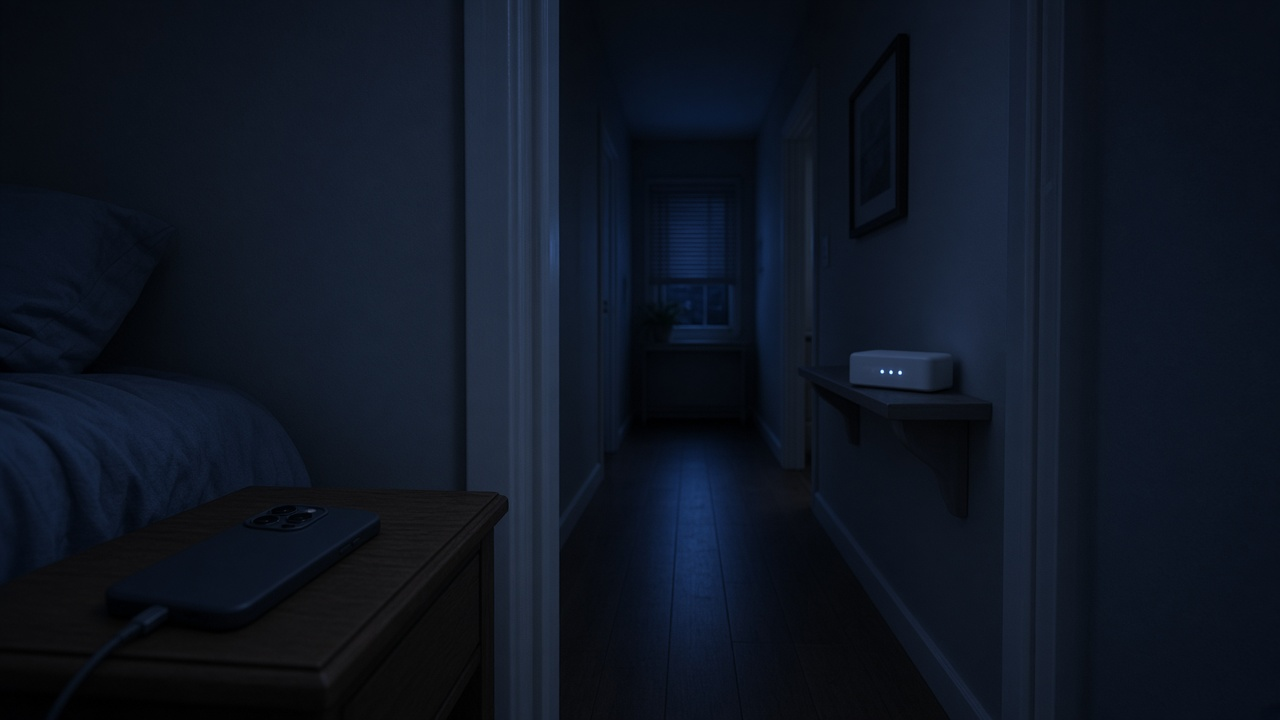
For most homes, turning off Wi-Fi at night isn't worth it. Power savings depend on the equipment and electricity rate, while devices such as security cameras and overnight backups may lose their connection. If your goal is less late-night screen time, a Wi-Fi schedule or parental controls do the job without shutting off the whole house.
Before changing a nightly schedule, review router placement and how to interpret Wi-Fi speed test results.
Our router parental-controls guide and router reboot guide cover the alternatives.
Calculate the power saving
Use your equipment's measured power draw and the electricity rate on your bill. As an illustration, a 10-watt router switched off for eight hours every night would use about 29.2 kWh less over a year. At an example rate of 20 cents per kWh, that is $5.84. Your router, modem and mesh nodes may use different amounts; turning off only the Wi-Fi radio saves less than removing power from all equipment.
Security
Turning equipment off removes its network connection while it is off, but does not replace good security settings. Keep router firmware current, use a strong unique administrator password and enable WPA3 Personal or WPA2 Personal encryption. A router may need to remain connected to receive an automatic update; follow its manufacturer's update instructions.
Managing late-night screen time
If your aim is to pause a child's tablet or a specific device, use supported parental controls or a device schedule. That can limit access without taking security equipment and the rest of the home offline. Check whether a pause affects the device only or disables the entire Wi-Fi network.
What turning off Wi-Fi breaks
- Security cameras, video doorbells and smart locks
- Alarm systems and smoke detectors that send alerts over Wi-Fi
- Wi-Fi calling, which some phones need indoors where cell signal is weak
- Medical devices that report overnight
- Scheduled backups and phone, computer and router updates
Better options than turning it off
- Most router apps let you turn Wi-Fi off for chosen devices on a schedule, such as kids' tablets after 9 PM.
- Parental controls can filter content and pause internet for a profile. Our parental controls guide walks through setup.
- Some routers can turn the Wi-Fi radio off on a schedule while wired devices stay connected.
- Restart the router when its troubleshooting instructions call for it, rather than treating a nightly power cycle as routine maintenance. See how often to reboot your router.
For help comparing internet at your address, call RSINC at 1-877-697-2926 or compare local providers.
Reviewed October 29, 2026. Availability, prices and terms can change.