Is WOW! Internet Good for Gaming? Speeds, Ping and Latency
By RSINC editorial team | Updated
WOW! can be suitable for online gaming, but the right answer depends on the service at your address and how that connection performs to the servers your games use. A large download-speed number alone does not establish low delay or freedom from interruptions.
Check whether your address gets fiber or cable
WOW! offers different connection types across its service areas. Its current fiber information describes equal download and upload rates and included equipment. Those fiber features should not be assumed for every cable plan or every address. Start with the address check on our WOW! provider guide, then confirm the actual offer and terms with the provider.
Symmetrical uploads can help when someone uploads files while you play or broadcast a stream. They do not guarantee a particular ping. The game server, route, home equipment and other traffic still matter.
Test the experience you actually need
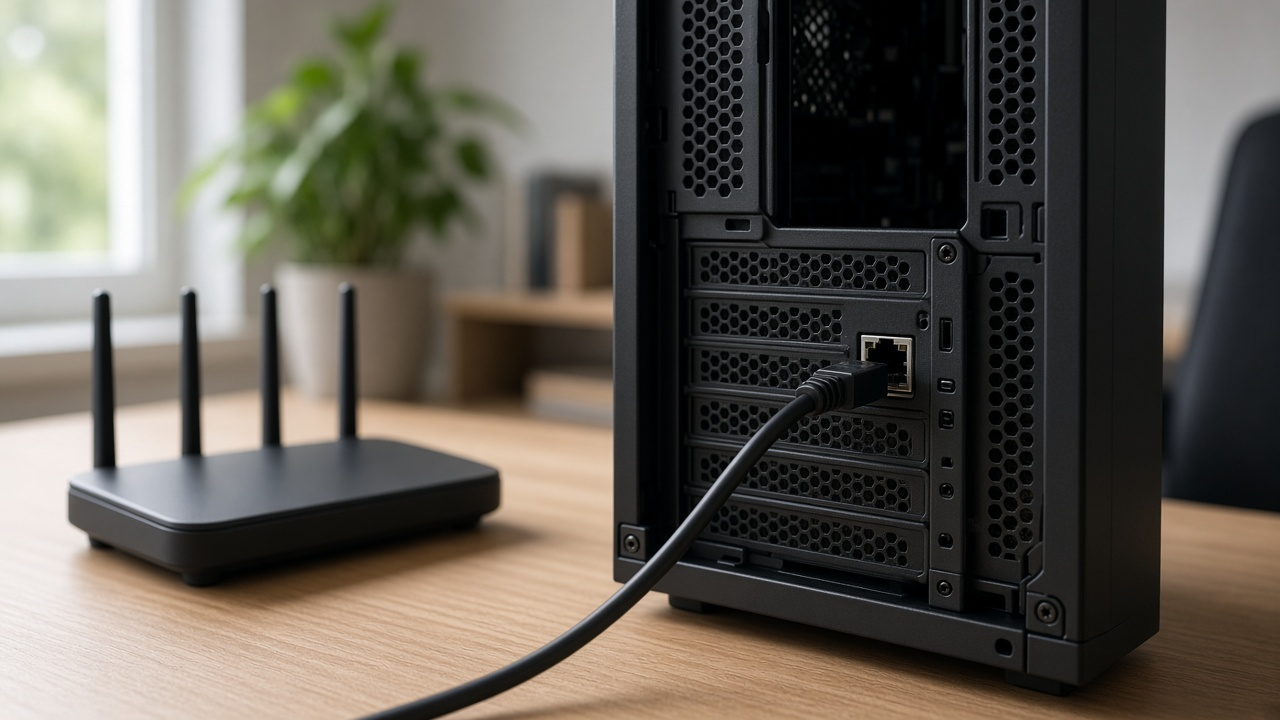
Connect your gaming device to the router by Ethernet and pause large downloads for an initial test. Check the latency, variation in delay and packet loss shown inside your game, then repeat at the hours you normally play. Compare that result with Wi-Fi to see whether the home wireless link contributes to the problem.
If the issue occurs with only one game, investigate that title's server region and current service status. If several wired devices struggle at the same time, check equipment and contact your provider. See our WOW! high-latency troubleshooting guide and ping and latency explanation.
Compare cost without buying unnecessary speed
Check the games' published connection requirements and the other activity in your household. Large game downloads and updates benefit from more capacity, while interactive play also depends on a stable connection. Compare the full address-specific monthly bill, equipment charges, promotion duration and any data terms before choosing a tier.
No universal WOW! price or latency result is quoted here. Fiber and cable availability, current offers and performance must be checked for your location.
For help comparing internet at your address, call RSINC at 1-877-697-2926 or compare local providers.
Reviewed November 6, 2026. Availability, prices and terms can change.