How Far Does a 5G Tower Reach? Bands, Obstacles and Home Internet
By RSINC editorial team | Updated
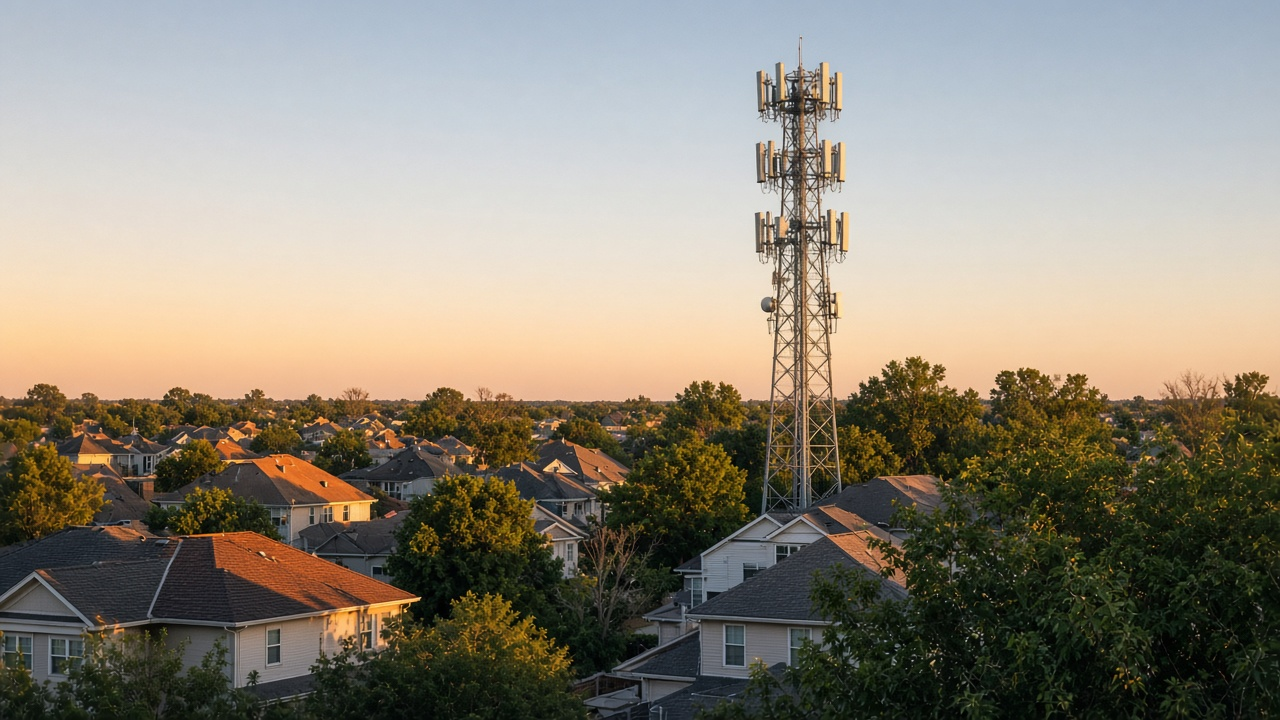
A 5G tower has no single dependable coverage radius. Its usable reach depends on the frequency band, antenna design and direction, terrain, buildings, the receiving device and network conditions. Distance alone cannot tell you whether a home qualifies for 5G internet or what speed it will receive.
How frequency changes the coverage trade-off
Lower-frequency signals generally travel farther and penetrate obstacles more readily than higher-frequency signals. Higher bands can provide substantial data capacity over shorter distances, which is one reason networks can use a mix of larger coverage sites and smaller cells.
| Band category | General coverage consideration | What this cannot prove |
|---|---|---|
| Low-band | Suited to broader coverage relative to higher frequencies. | A particular home's speed or service eligibility. |
| Mid-band | Balances propagation and data capacity. | A universal one-mile or two-mile radius. |
| High-band / mmWave | Shorter reach and greater sensitivity to obstructions; useful for concentrated capacity. | That every nearby building has a usable indoor signal. |
Band labels and frequency groupings vary by context. A map's 5G label is not a statement that every site broadcasts the same frequencies or that a home internet offer uses every available band.
Why a nearby tower may not solve the problem
A tower's position on a map is only one piece of information. The relevant provider must have suitable equipment and service available for your address. Buildings, terrain and trees can affect the path, while the antenna's direction and local network conditions can change performance. A visible tower is not an address-specific service offer.
A phone showing 5G reception also does not establish eligibility for a fixed home internet plan. Check the service you intend to buy using the complete street and unit address, and review the actual equipment and plan requirements.
Find a better gateway location
Follow your gateway model's placement instructions and the provider's signal tool. T-Mobile's current setup guidance points customers to its T-Life placement assistant and suggests locations near a window or higher in the home. Verizon provides a gateway signal optimizer for supported equipment. These tools can help compare locations; they do not guarantee a particular speed.
After moving the gateway, test the connection where and when your household uses it. Keep notes about the location and results so you can compare changes. Internet reception at the gateway and Wi-Fi distribution around the home are separate problems. Adding a Wi-Fi extender does not establish a stronger cellular signal reaching the gateway.
Compare options using your own address
Ask about the written plan terms, equipment, cancellation requirements and any trial conditions before switching. If an eligible connection does not meet your needs after placement checks, compare other options available to the property. Our fiber versus 5G home internet guide explains the technology differences.
A ZIP search helps begin that comparison. Confirm the exact address, local signal and network capacity, compatible equipment and the offered plan before ordering. No coverage map or tower-distance estimate guarantees installation or performance.
For help comparing internet at your address, call RSINC at 1-877-697-2926 or compare local providers.
Reviewed November 4, 2026. Availability, prices and terms can change.