What Is the Biggest Downside of Fiber Internet?
By RSINC editorial team | Updated
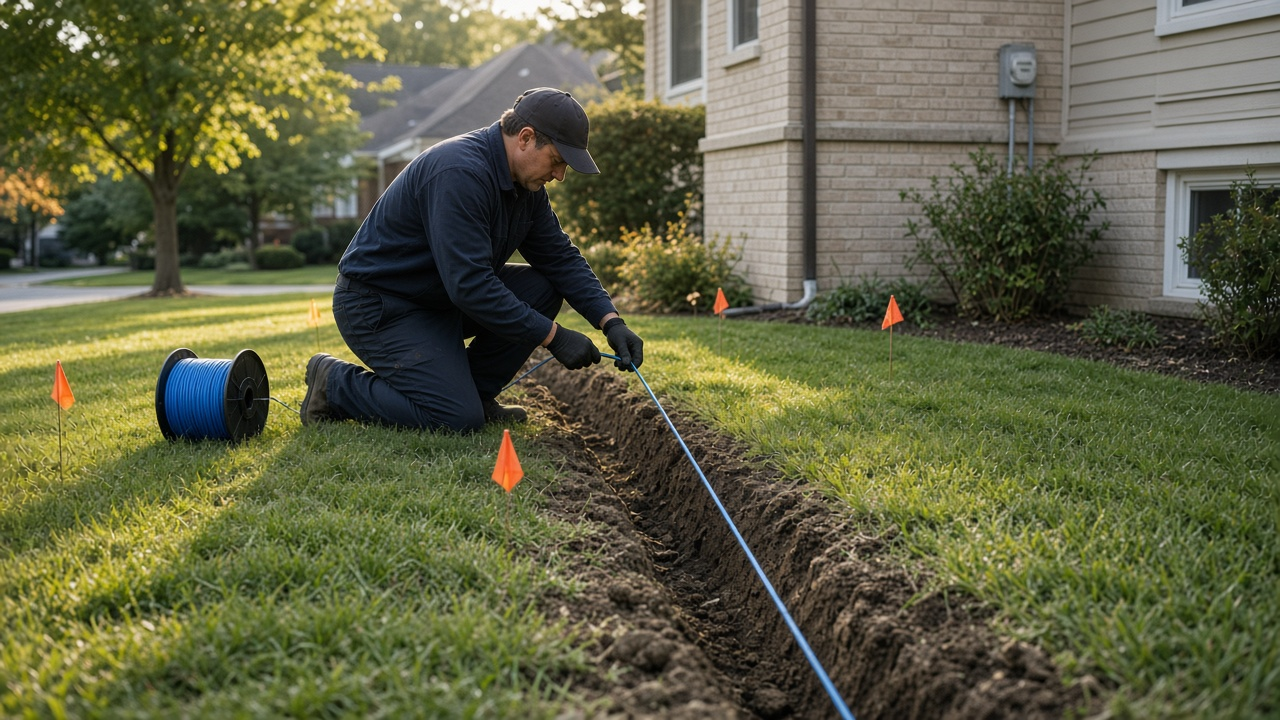
The biggest practical downside of fiber internet is often getting a connection to your home. If the street or building is not ready, ordering service can involve construction, permissions or a wait. Once installed, the right choice still depends on the actual plan, price and equipment rather than the word fiber alone.
Our fiber installation day guide explains the appointment. Before switching, confirm that the provider can serve your exact address and ask whether an outside line must be completed before the indoor setup.
Installation may be more involved than plugging in a router
A new drop can run underground or from a pole. A provider may need access to a yard, utility area or shared building space. Ask whether construction and installation happen on separate visits, who restores disturbed ground and whether special work carries a charge.
Renters and condo owners should check permission requirements before the appointment. Agree on the entry point and equipment location with the installer; a convenient cable entry is not automatically the best place for whole-home Wi-Fi. Keep the old connection until the new service has been installed and tested if you need uninterrupted work access.
Availability can be the deciding limitation
A provider covering your ZIP code does not necessarily cover every home. Check the exact service address. Also distinguish a fiber connection into the premises from a network marketed as fiber-powered with a coaxial last connection. Ask what technology will reach your home and what upload speed the actual plan includes.
It needs power
The optical network equipment and router need electricity. During an outage, a suitable battery backup may keep your own equipment running for a time, but it cannot guarantee that the provider’s outside network remains available. A phone-service battery may support a different set of functions from a full internet backup.
Read the provider’s instructions before buying backup equipment. Check which boxes need power and the required electrical ratings. Keep another way to request help during an outage; do not assume an unpowered fiber phone line will behave like an old powered copper line.
The indoor fiber needs careful handling
Do not pinch, pull or sharply bend the fiber patch cable, and leave sealed connectors and optical ports alone. If equipment needs moving, ask the provider about a proper relocation. Damaged indoor cabling can turn a simple furniture change into a service visit.
More speed is not always more value
Compare the least expensive tier that meets your household’s needs. A multi-gig plan may add little if devices connect through slower ports or Wi-Fi. Ask about equipment, installation, autopay conditions and the price after any introductory period. Do not assume every fiber plan offers equal upload and download rates.
When fiber is unavailable
Compare cable and fixed wireless as well as satellite options. Rural households can check Starlink, Viasat and Hughesnet. Satellite speeds and availability depend on plan, location and conditions; upload or download figures should not be described as guaranteed.
Our satellite provider comparison covers those trade-offs. For any technology, compare the full address-specific quote and the installation timeline before cancelling your current connection.
For help comparing internet at your address, call RSINC at 1-877-697-2926 or compare local providers.
Reviewed October 28, 2026. Availability, prices and terms can change.