84% of Americans Worry About Online Privacy in 2026: What Your Provider Can See and How to Protect Your Home Network
By RSinc Staff | Updated
A November 2026 report on an online survey of 1,000 U.S. adults found that about 84% are concerned about their safety and privacy online, and 74% said they are more concerned than they were a year ago. About 86% said they feel they lack control over their personal data, and 27% were not confident they could spot a scam message or call.
Those worries are easier to act on at home than they first appear. You cannot stop every company from collecting data, but you can change a router password, turn on stronger Wi-Fi security, limit what your internet provider can see, and tighten the guest network that visitors use. The survey was conducted on September 18, 2026, and weighted to match U.S. Census age, gender and regional patterns.
What the survey found
The top worries people named were identity theft, hacked accounts, scams, companies collecting and selling data, AI systems using personal information, and being tracked for ads. Those fears are not only abstract. About 60% said someone tried to scam them by email, text, phone or online in the past year, and about 50% said they had been told their information was in a data breach. About 20% said an online account had been hacked or used without permission.
After a scare, 77% said they changed passwords, while about a third signed up for identity or credit monitoring or froze their credit. Everyday habits were mixed. Roughly three-fourths said they use two-factor authentication and unique passwords on important accounts, and 70% said they know how to create a secure Wi-Fi password. Only about 31% said they had changed their home Wi-Fi password in the past year.
About 31% said they use a virtual private network. Cost was the most common reason people gave for not using more privacy tools, followed by the tools feeling too complicated. Just 46% knew that an internet provider can still see activity even when a browser is in incognito or private mode. About 73% said they do not trust, or are not sure they trust, either big technology companies or their own internet provider to handle personal data responsibly.
What your internet provider can and cannot see
A private or incognito window keeps your browser from saving a local history after you close it. It does not hide the sites you visit from the company that provides your home connection. Your provider can typically see the domain names of the services you reach, and it can see how much data you use, even if it cannot read the contents of an encrypted page.
A VPN can hide that browsing from the provider by sending your traffic through an encrypted tunnel, which is also useful on public Wi-Fi. It does not make you invisible to the VPN company itself, and it is not a substitute for unique passwords or two-factor authentication. Our guide to whether your internet provider can see that you are using a VPN explains that trade-off in more detail.
Many providers also offer data-sharing or marketing opt-outs in the account privacy settings. Those settings are easy to miss and worth checking once a year, along with any "ad preferences" or "approved vendor" lists attached to your account.
A practical home-network checklist
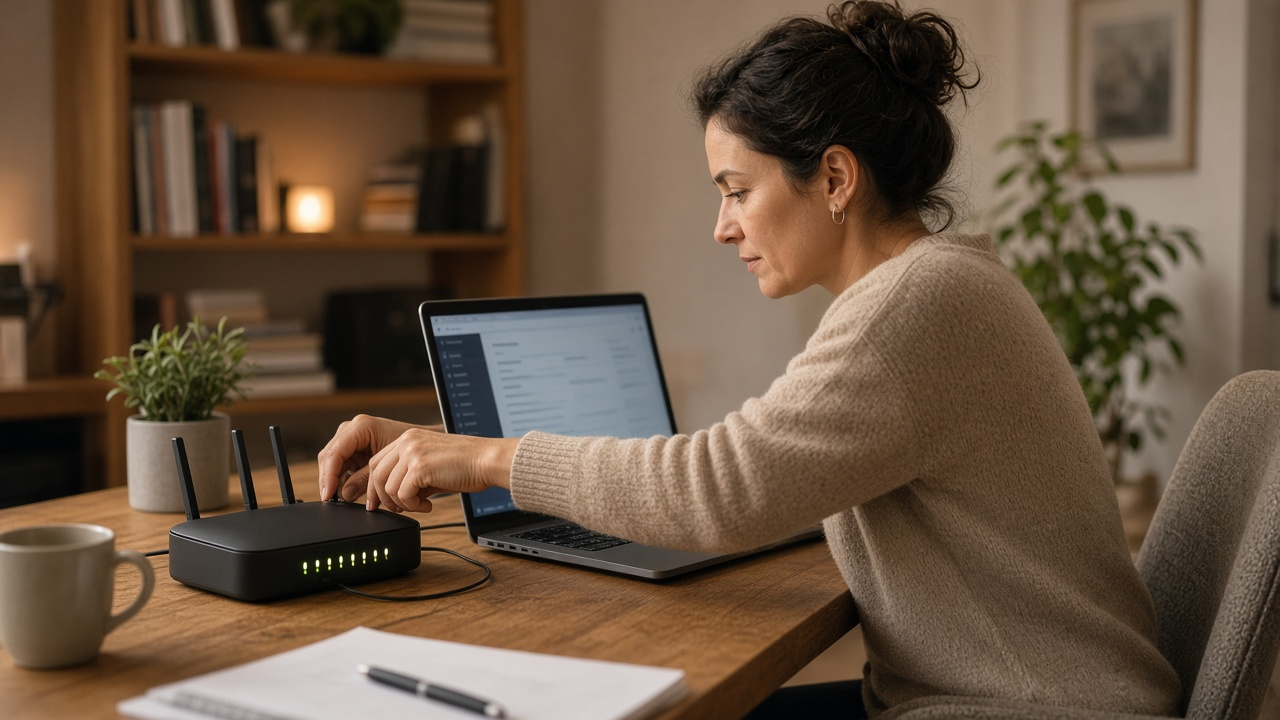
Start with the router, because it is the front door to every phone, TV and laptop in the house. Change the default admin password, install the latest firmware from the manufacturer's site or the router's update screen, and use WPA3 if every device in the home supports it. If an older gadget cannot use WPA3, a separate guest network is often safer than lowering security for the whole house. See our guides to WPA2 vs. WPA3 and checking whether your guest network is set up safely.
Turn on two-factor authentication for email, banking and shopping accounts, and use a different password for each important login. A password manager makes that realistic. Change the Wi-Fi password if it has been a year or more, or if a former roommate, contractor or guest may still have it.
Be careful with unexpected texts, emails or calls that ask you to confirm an account, pay a past-due internet bill or install remote-access software. Our guide to blocking robocalls on a home phone covers one piece of that. If a message claims to be from your internet provider, hang up and use the phone number or app you already know rather than a number in the message.
None of these steps will solve every privacy worry in the survey. They will close the most common gaps at home, which is the part you actually control.
Compare home internet options
A safer home network still starts with a connection you can trust. Check plans by ZIP, or call for help comparing providers.
Frequently asked questions
How many people said they worry about online privacy?
In the September 18, 2026, survey of 1,000 U.S. adults, about 84% said they are concerned about their safety and privacy online, and 74% said they are more concerned than a year earlier.
Can my internet provider see what I do in a private browser window?
A private or incognito window does not hide your activity from the company that provides your home internet. The provider can typically still see the domains you visit. A VPN can hide that traffic from the provider.
What is the first thing I should change on my home network?
Change the router's default admin password, install firmware updates, and use WPA3 if your devices support it. If an older device cannot use WPA3, put it on a separate guest network rather than lowering security for the whole house.
Did the survey find that people already use basic protections?
Yes, in part. Roughly three-fourths said they use two-factor authentication and unique passwords on important accounts, but only about 31% had changed their home Wi-Fi password in the past year, and about 31% said they use a VPN.
Will these steps hide me from every company?
No. They close the most common gaps at home: a weak router, reused passwords and traffic your internet provider can otherwise see. They do not stop every website or app from collecting data on its own service.